- USB 3.0 is approximately ten times faster than 2.0, reaching 5 Gbps compared to 480 Mbps.
- Compatibility is backwards, although performance will always be limited to the slowest version of the connected components.
- There are key differences in the power supply, where the 3.0 standard offers more power for faster charging.

Have you ever been standing in front of a port on your computer or a USB drive and had no idea whether it was fast or slow? Don't worry, because the difference between USB 2.0 and 3.0 can be summarized in three basic points: 3.0 transfers data about ten times faster , handles more electrical current, and is generally recognized immediately because the connector is blue.
In this article we'll break down in detail how each version works, the tricks to recognize them at a glance, and, above all, which one is right for you depending on how you're going to use your devices, whether it's for gaming, working in the office, or simply storing photos.
USB 2.0 vs. USB 3.0
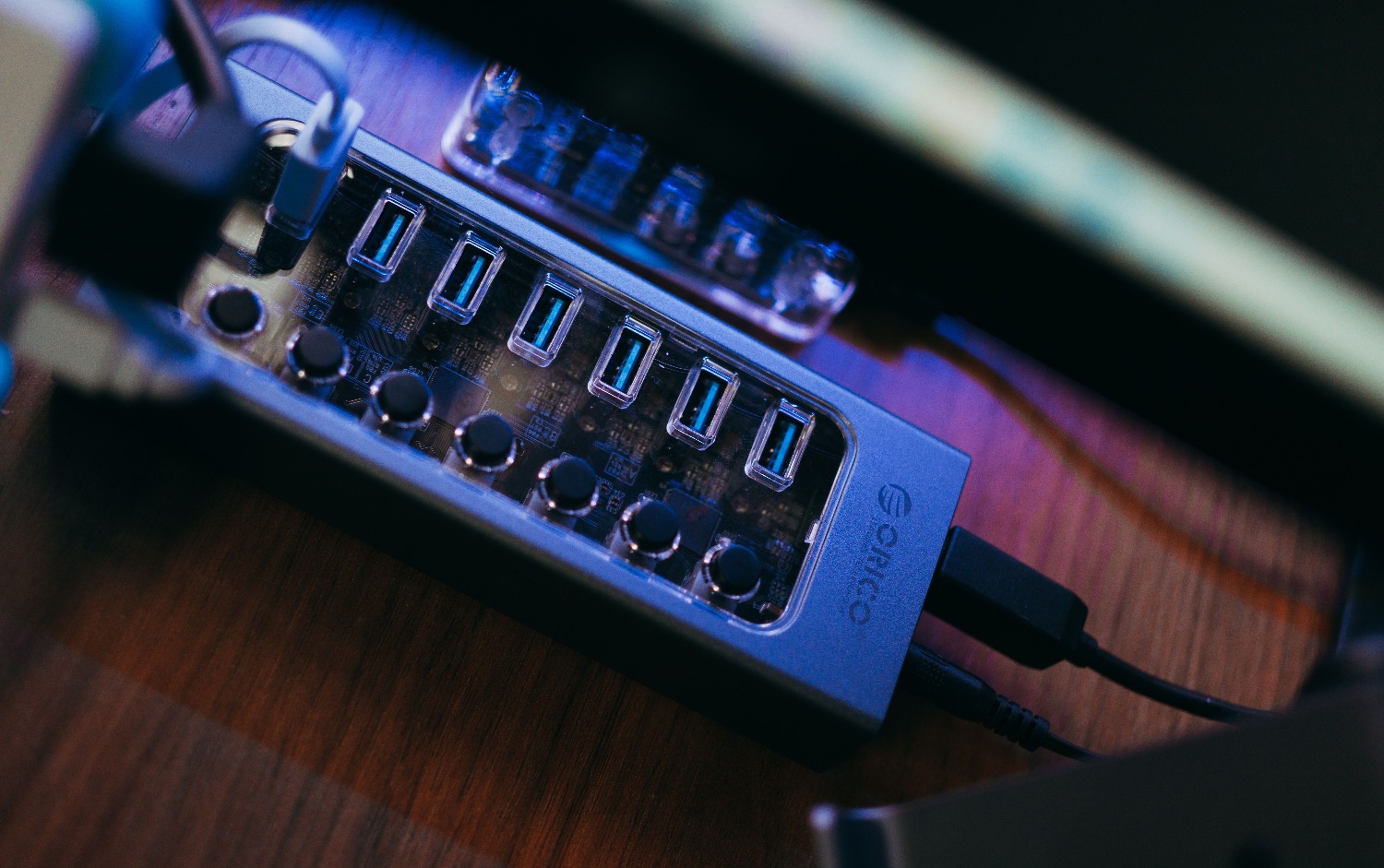
USB 2.0, which arrived in 2000, is the second major version of the Universal Serial Bus. It's the system that allows you to connect peripherals to your PC and transfer files easily. It's the classic plug-and-play system , meaning you simply plug it in and that's it; there's no need to install drivers or anything complicated. It's very common to see it in mice, keyboards, and basic flash drives.
On the other hand, USB 3.0 arrived in 2008, bringing a significant leap forward in speed and power. If you use an external hard drive with this technology, you'll notice that copying large folders takes a fraction of the time it would with version 2.0. These days, it's commonly found under more modern names like USB 3.2 Gen 1, which is essentially the same standard with an updated name.
But be aware, the difference isn't just a matter of numbers. The internal architecture changes: while version 2.0 uses four internal lines in the cable, version 3.0 raises the bar to nine lines , allowing for much more efficient data management.
Technical comparison of performance
To get straight to the point, there are several areas where these two versions clash. USB 2.0 has a theoretical maximum speed of 480 Mbit/s, while 3.0 reaches up to 5 Gbit/s . Furthermore, the way information is transferred is different: 2.0 is alternating (it either sends or receives), but 3.0 is simultaneous, allowing data to be sent and received at the same time.
Regarding power, USB 2.0 supplies up to 500 mA, while USB 3.0 reaches 900 mA. This means that a mobile phone or external device will charge somewhat faster using a USB 3.0 port. It's important to remember that these figures are theoretical maximums and that in everyday use, the actual speed depends on the quality of the cable and the device's own memory.
Detailed analysis of transfer speed
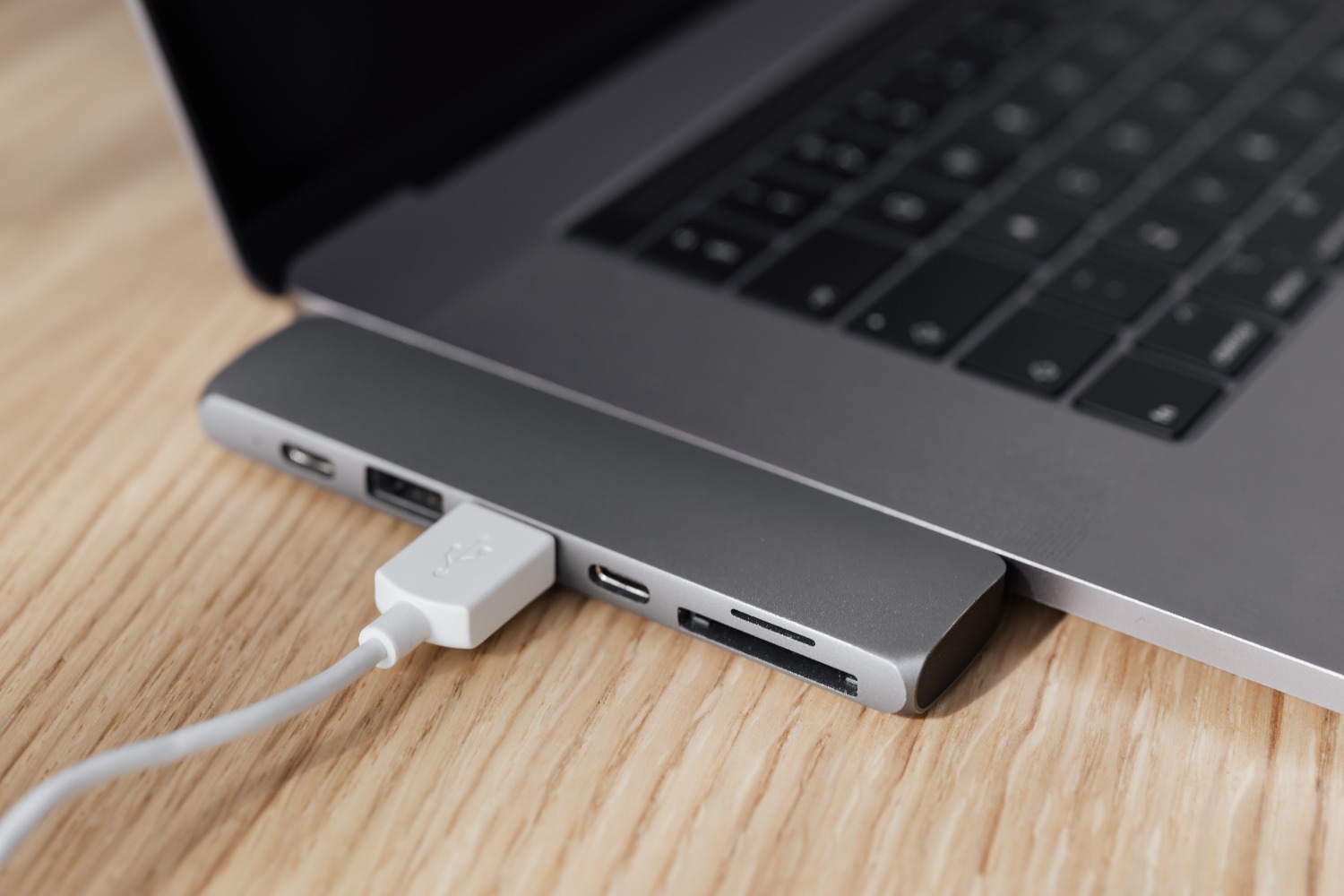
When we talk about speed, we're referring to how much data is transferred per second. To give you an idea, USB 2.0 reaches speeds of around 60 MB/s, while USB 3.0 is ten times faster . If you need to transfer a 4 GB video, under ideal conditions it would take you more than a minute with USB 2.0, but with USB 3.0 you could finish in just 8 seconds.
There's a common misconception about units: don't mix up bits (Mbit) with bytes (MB). A byte has eight bits, so a number in megabits will always seem much larger than one in megabytes. Also, remember that even a cheap USB flash drive, even a USB 3.0 version, might not reach its maximum speed if its internal chips are subpar.
Visual guide to identifying ports
The easiest way to tell what you have is to look at the color. USB 2.0 ports are usually black , white, or gray . However, if you see that the inside of the slot is blue, it's most likely a USB 3.0 port. That said, don't rely on this completely, because some manufacturers do as they please and use different colors.
If you want to be sure, you can look at the symbol next to the port. The letters SS (SuperSpeed) are the definitive mark that you have a USB 3.0 port. If you see SS+, it means you have an even faster version. There are also colors like turquoise for higher versions, or yellow and red, which usually indicate that the port is always charging , even when the computer is turned off.
Another foolproof trick is to look inside the USB drive connector: USB 3.0 devices have a second row of contacts further back, which USB 2.0 devices lack. If you still have doubts, the manufacturer's specifications are the only completely reliable source.
Evolution towards USB 3.1, 3.2 and Thunderbolt
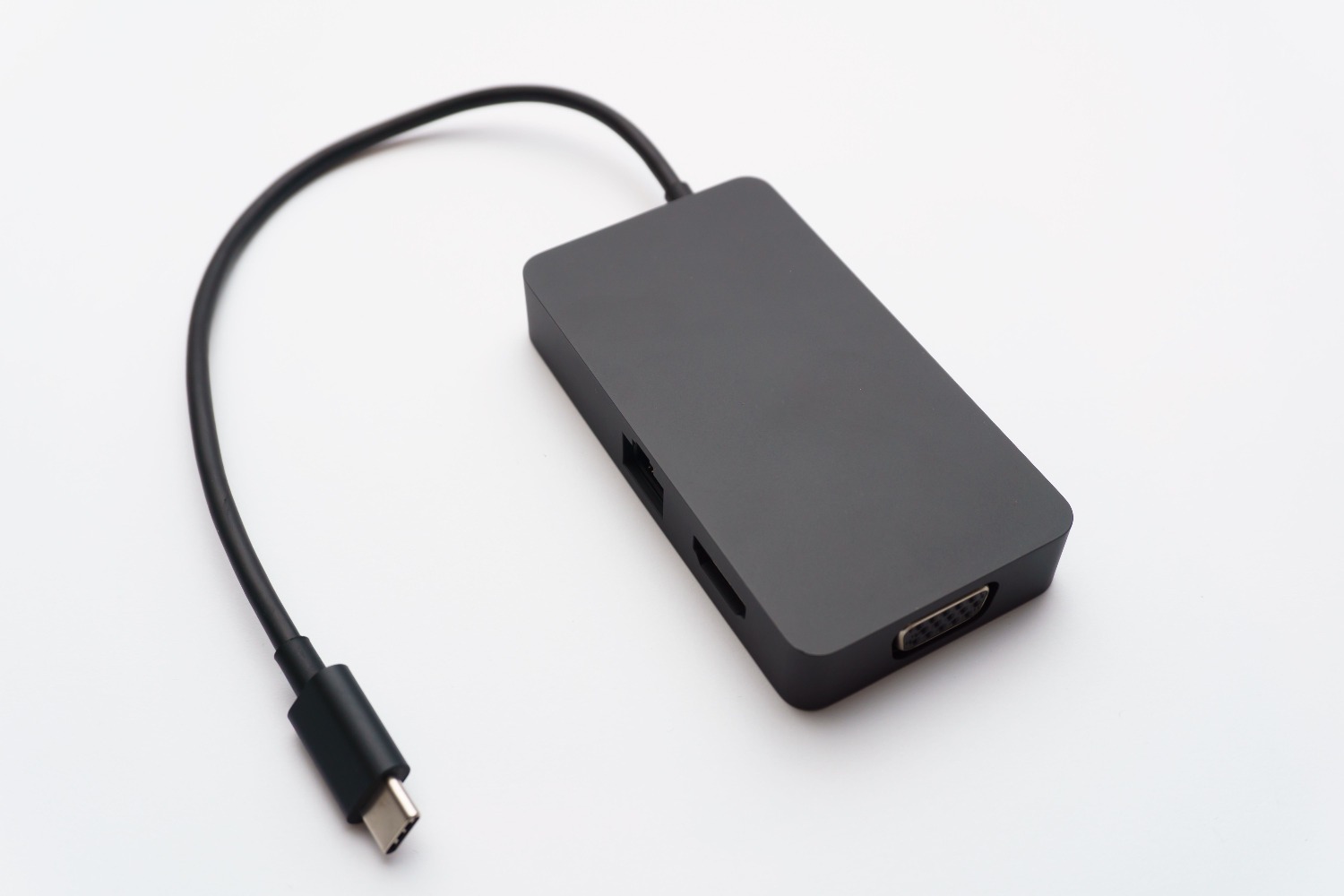
The USB world has gone a bit crazy with naming conventions. USB 3.1 Gen 1 is exactly the same as 3.0 (5 Gbps). However, USB 3.1 Gen 2 (or USB 3.2 Gen 2) raises the bar to 10 Gbps , requiring compatible cables and devices to take advantage of it. There's even USB 3.2 Gen 2x2, which reaches 20 Gbps using the USB-C connector.
Above all this is Thunderbolt 3, which uses the same USB-C connector but is a speed monster, reaching up to 40 Gbit/s . This technology is used in professional video editing and massive video games due to its ability to move gigantic files in the blink of an eye.
Hub Compatibility and Usage
The best part is that these versions are backward compatible . You can plug a 2.0 flash drive into a 3.0 port and vice versa; it will work perfectly. The only catch is that the connection will always be at the speed of the slowest device . If you put a 3.0 drive in a 2.0 port, you'll have to wait longer because the port will limit the transfer speed.
If you run out of ports, you can use a hub. But be careful: if you buy a USB 3.0 hub and connect it to a 2.0 port, the entire hub will operate at 2.0 speed . Also, if you connect multiple drives at once, the bandwidth will be shared among them, which can further slow down copying if the base port is older.
To decide what to buy, consider the volume of data you'll be transferring. For a keyboard, mouse, or printer, USB 2.0 is more than sufficient. But if you transfer videos, create backups, or work with large files, USB 3.0 is essential to avoid wasting time . In the case of high-speed Wi-Fi adapters, connecting them to a 2.0 port will limit the data transfer rate, although the impact on latency (ping) in games is usually less than the loss of raw speed.
The choice between one standard or another depends entirely on the flow of information and the electrical power required, with USB 3.0 being the logical choice for any intensive task while 2.0 remains perfectly valid for simple peripherals, always bearing in mind that the final speed will be conditioned by the weakest link in the connection chain.
FAQ
What happens if I connect a USB 3.0 device to a USB 2.0 port?
The device will function correctly thanks to backward compatibility, but data transfer will be limited to the maximum speed of the USB 2.0 port.
How can I physically tell if a port is USB 3.0?
The most common sign is the blue color inside the connector or the presence of the letters SS (SuperSpeed) next to the port.
Does USB 3.0 charge mobile phones faster than 2.0?
Yes, because USB 3.0 ports can supply up to 900 mA, while USB 2.0 ports are limited to 500 mA.
Is USB 3.0 the same as USB 3.2 Gen 1?
Indeed, it is the same standard with a speed of 5 Gbps that has changed its name on several occasions.
Does a USB 3.0 hub work in a USB 2.0 port?
It works without problems, but all devices connected to the hub will operate at the reduced speed of the USB 2.0 standard.
What is the actual speed difference between USB 2.0 and 3.0?
USB 2.0 reaches about 480 Mbps (approx. 60 MB/s), while USB 3.0 reaches 5 Gbps, being approximately ten times faster.
What do the yellow or red colors on USB ports mean?
They usually indicate that the port is always charging, allowing devices to be charged even when the computer is turned off.
