- There is no official PC version, but there are safe options: emulators and mirroring.
- BlueStacks, LDPlayer, Nox, and MEmu offer key mapping and high performance.
- ApowerMirror, MirrorTo and AirDroid Cast allow you to duplicate and control your mobile phone.
- Avoid unsafe browser methods and always download from official sources.
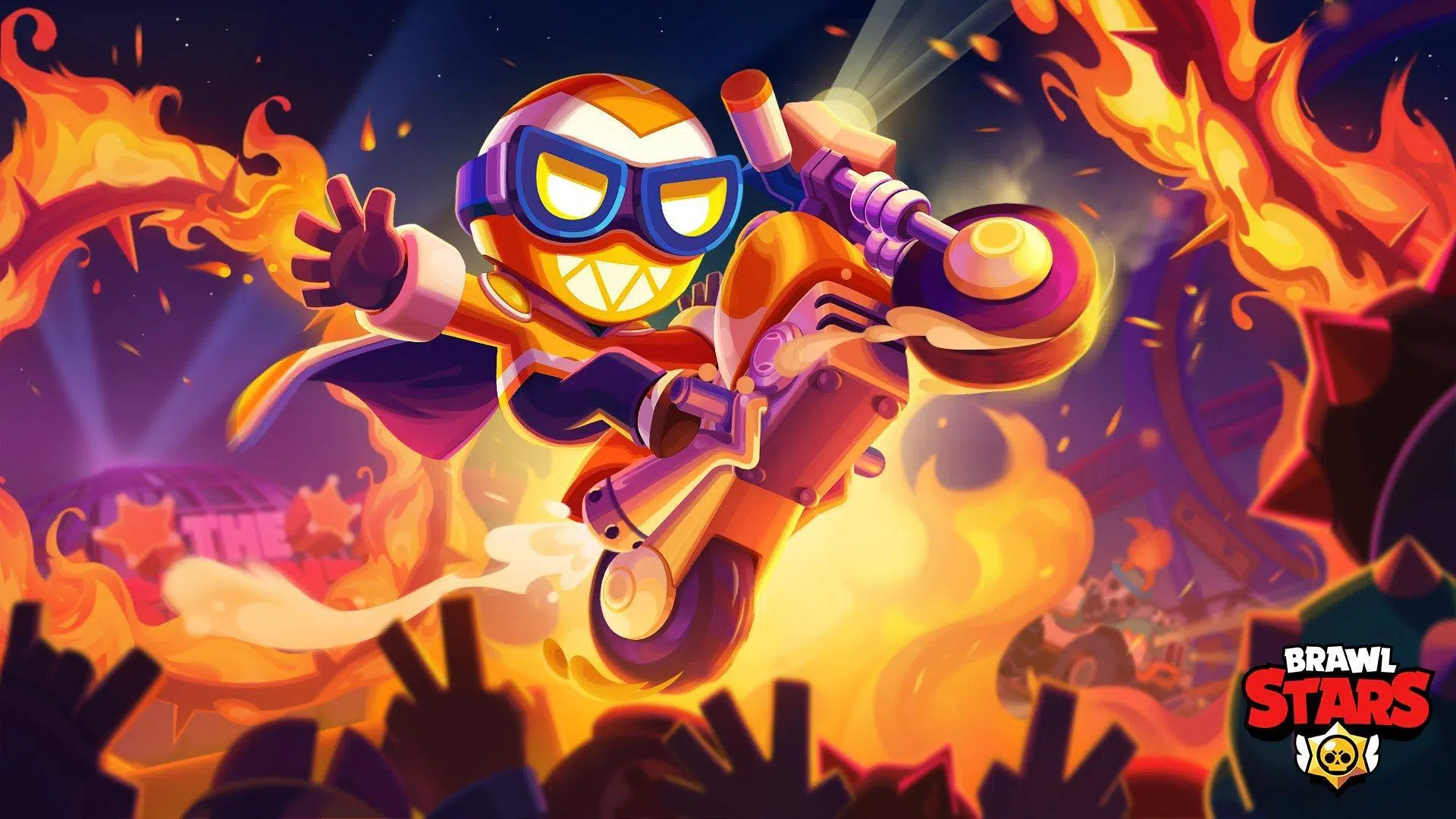
Brawl Stars is addictive thanks to its fast pace, short matches, and action , but officially it's only available for iOS and Android. Many players want to bring it to their computers to enjoy it on a larger screen with better controls and greater stability. If you were wondering, there's no native version for PC or Mac, but there are simple and reliable workarounds to get it running.
In this guide, you'll find all the real and proven ways to play Brawl Stars on PC and Mac : from Android emulators (like BlueStacks, LDPlayer, NoxPlayer, or MEmu) to emulator-free alternatives using screen mirroring (ApowerMirror, iMyFone MirrorTo, and AirDroid Cast). We also include safety notes, warnings about unsafe methods, and various gameplay tips to help you get the most out of the game from the very first minute.
What is Brawl Stars and why should you bring it to PC?
Brawl Stars is a fast-paced online multiplayer game developed by Supercell, featuring matches that last only a few minutes, 3v3 modes, survival, and limited-time events. You control different brawlers with unique abilities, gadgets, and power-ups; you can play solo, with friends, or in random matches.
The computer experience offers clear advantages : better map visibility, improved keyboard and mouse precision, options for recording or streaming comfortably, and zero worries about battery life, calls, or mobile phone overheating.
Featured game modes available in Brawl Stars (according to the sources analyzed):
- Gem GrabTwo teams of 3 collect gems; the one that keeps 10 for the necessary time wins.
- Survival (Showdown)Battle royale style with 10 players; last one standing wins, solo or in duo.
- HeistOne team defends the safe, and the other tries to destroy it before the time limit.
- Brawl Ball: 3v3 arcade football; the one who scores the most goals wins.
- Star Hunt (Bounty)The team with the most stars wins after eliminating rivals.
- SiegeBoth teams collect screws to summon a robot that attacks the rival base.
In addition to PvP, there are challenges and limited-time events , with rewards, brawlers that can be unlocked and upgraded, and a progression system that encourages playing short but intense matches.
Can it be played on PC? Available options
Brawl Stars doesn't have an official version for PC or Mac , but you can enjoy it in two ways: with Android emulators or with screen mirroring apps that allow you to view and control your mobile device from your computer.
Important note regarding dubious methods : Some videos are circulating that promise to play directly in the browser; however, after evaluating this approach, it is not consistently accessible and carries security risks. We recommend avoiding it as it is unsafe and impractical.
Legality and best practices advice : Emulators are legal, but respect copyright and use only software and files from official sources; we do not encourage piracy or unauthorized downloads.
Method 1: Android emulators for playing on PC and Mac
Emulators turn your computer into an Android environment so you can download Brawl Stars from Google Play and play with a keyboard and mouse. They offer performance profiles, adjustable resolution, and recording tools, among other features.
BlueStacks: popular, stable, and highly configurable
BlueStacks stands out for its ease of use and customization . After installing it, go to Google Play, download Brawl Stars, and log in. You can adjust the resolution, aspect ratio, and frame rate to balance quality and performance.
Key and control mapping : Create a custom scheme for movement, abilities, and shooting. This configuration improves accuracy compared to touch controls and can be saved per game.
Other useful features : game profiles, game recording, multi-window support, and resource management to prevent lag even on modest computers.
NoxPlayer: lightweight, with integrated screenshot and recording
NoxPlayer offers a streamlined environment with good compatibility . Basic process: 1) Download and install NoxPlayer; 2) Log in to Google Play and download Brawl Stars; 3) Adjust key mapping, resolution, and performance options to your liking.
Practical features : built-in screenshot and recording, configurable shortcuts, and a panel to profile CPU/RAM to keep the game running smoothly.
Fine customization : the interface is simple, and the keyboard mapping allows you to group actions into convenient combinations for faster reactions during confrontations.
LDPlayer: Ultra-wide screen, crisp graphics, and high FPS
LDPlayer emphasizes performance and graphics : with support for widescreen displays and high-definition settings, it allows you to view the map without blind spots and take full advantage of the game's visual details.
Advanced key mapping : Customize every action for smooth movements and precise shots, forgetting the limitations of touch controls. Ideal if you're looking for consistency in duels and positioning.
Extra advantages : more FPS for smooth animations, no worries about battery, heat or typical mobile freezes in long sessions.
MEmu: preset keymapping and multiple instances
MEmu 9 comes with pre-tuned control templates for Brawl Stars, making it a good option if you don't want to configure it from scratch. Even so, you can tweak each key and sensitivity to suit your style.
Multi-instance manager : allows you to run more than one account on the same PC (useful for testing or profile management), always within the limits of the game and its rules.
Optimized emulation engine : MEmu automatically adjusts system resources to minimize lag and provide a smooth experience even on mid-range computers.
General tips for emulators
Adjust resolution and FPS to what your computer can handle; if you notice stuttering, lower the resolution or frame rate until you achieve stability.
Activate the emulator's performance mode (if available) to prioritize resources for the game over background processes.
Save keyboard profiles and create variations for different game modes (Gem Grab, Brawl Ball, etc.), so you can change schemes instantly.
Method 2: Playing without an emulator using screen mirroring
If you prefer to avoid emulators, mirroring is the alternative : you project the mobile screen onto the computer and, in many cases, you can control it with a keyboard and mouse, as well as record or take screenshots from the PC.
ApowerMirror: iOS and Android mirroring with PC control
ApowerMirror is compatible with Windows and Mac , works via Wi-Fi and USB, and allows you to control your phone with a keyboard and mouse by mirroring the screen. It's convenient for gaming, recording videos, and taking screenshots without touching your phone.
Key advantages : low latency with wired connection, built-in capture tools, and support for both Android and iPhone, giving you device flexibility.
iMyFone MirrorTo: USB or Wi-Fi connection with full control
MirrorTo makes it easy to project and control your mobile device on a PC or Mac, with two connection options. USB generally offers the most stable interaction with the least latency.
Steps via USB (Android) : 1) Install MirrorTo on your PC; 2) Connect your mobile device via cable and, if prompted, choose MTP; 3) Activate developer options by tapping "Build number" 7 times, and enable "USB debugging"; 4) When the "Allow USB debugging?" prompt appears, select "Always allow" and accept; 5) From the first setup, subsequent connections will be automatic.
Steps via Wi-Fi : 1) Install MirrorTo on your PC and the mobile app, and connect both to the same network; 2) Select the name of your mobile device on your PC (or scan the QR code if it doesn't appear); 3) Once linked, you can mirror your screen and control the game with your keyboard and mouse.
Result : You'll play Brawl Stars with a very close-to-native feel, with PC controls and a large screen so you don't miss any details of the map or your rivals.
AirDroid Cast: cast to PC, Mac or even TV
AirDroid Cast prioritizes easy cross-platform streaming : it lets you send your Android or iPhone screen to your computer (Windows or Mac) and even to compatible TVs. It's ideal if you want versatility in your viewing options.
Typical use : Install the receiver application on your computer and the app on your mobile phone, pair via local network or with a code, and project the screen; this way you can enjoy the game on a big screen with good audio and video.
Tips and tricks for playing better on the computer
Play as a team whenever possible : coordination makes all the difference. An active club or friends to talk to and plan plays with greatly increases your win rate.
Try out several brawlers until you find your style : each character has very different range, cadence, and abilities; what works well with one may not work with another.
Invest in upgrades wisely : unlock and level up brawlers, prioritizing the ones you use most; gadgets and star powers change ranked matches.
Know maps, modes and rotations : understanding routes, cover, pressure zones and objectives is key to anticipating rivals.
How to unlock brawlers faster
Complete daily missions and progress through the pass : these tasks accelerate your progression. Play the available special modes and complete Brawl Pass tiers to earn rewards.
Participate in competitive modes : even if you don't always win, playing consistently helps you accumulate points and resources to progress in the game ecosystem.
Who are the best and worst brawlers?
According to analyzed sources, Belle performs exceptionally well in many modes, topping several lists. However, "best" depends on the map and team. The "worst" label is relative; at certain trophy levels, Shelly is considered less efficient in specific comparisons, but it all depends on playstyle and matchmaking.
Practical tip : adapt your choice to the map rotation and the mode. What shines in Gem Grab might be weak in Brawl Ball, and vice versa.
Typical weaknesses by brawler type
Sharpshooters : great range, but they suffer at close range and against ambushes; close the gap and pressure them in cover.
Support and control : they usually have a shorter lifespan or depend on cutting supply lines; punish them when they are isolated and prevent them from establishing control zones.
Short-range fighters : They dominate up close, but are vulnerable at medium to long range; keep them at bay and force exchanges at a distance.
Disruption or displacement brawlers : they can throw you off balance; anticipate their entry and save your abilities to curb their impact at the crucial moment.
Winning fights with Shelly
Shelly works best by closing the distance ; she looks to take cover, surprise from behind bushes, and force close-quarters fights where her damage explodes. She avoids direct duels if the opponent controls the space.
Rivals that can complicate things for you : Bull, El Primo, Darryl, Mortis, Crow, Nita, Pam and Frank can easily counter you if you don't choose well when to enter and when to retreat.
How to get Brawl boxes
Brawl Pass : Play matches, complete missions, and unlock rewards as you progress through season levels.
Shop : You can purchase boxes with gems, star points, or real money from the official game section.
Trophy Road : By reaching certain trophy milestones, you earn crates and other predefined rewards.
Star Points : Just like gems, they can be used to redeem chests and items available in the shop when they are active.
Safety, legality and good practices
Avoid unsafe shortcuts : do not use pages that promise to play games in the browser without installing anything; they are unreliable and can compromise your security.
Download only from official sources : emulators from their official websites and Brawl Stars from Google Play within the emulator; no third-party installers or "magic patches".
Respect copyright and game rules : emulators are legal, but the use of modified software or illegally obtained content is not allowed.
You now have a complete map to play Brawl Stars on your computer: choose between emulator (for the closest experience to native) or mirroring (if you prefer to use your own mobile phone), configure the key mapping, follow the safety recommendations and apply the game tips; this way you will enjoy more comfortable, fluid matches and, above all, more victories.
Table of Contents
- 1 What is Brawl Stars and why should you bring it to PC?
- 2 Can it be played on PC? Available options
- 3 Method 1: Android emulators for playing on PC and Mac
- 4 Method 2: Playing without an emulator using screen mirroring
- 5 Tips and tricks for playing better on the computer
- 6 Safety, legality and good practices