- Identification of anomalies in device performance and unusual energy consumption.
- Detection of unauthorized access to the camera and microphone using system indicators.
- Implementation of advanced security measures and specialized software to neutralize espionage.

Today, our mobile phones are practically an extension of our bodies, but this convenience comes at a price: our privacy is more exposed than ever. While it might seem like something out of a spy movie, the reality is that remote surveillance tools can turn your camera into an open eye for strangers, allowing them to see everything that happens around you without your knowledge.
The problem is that these intruders don't leave a note warning of their presence; they operate in the shadows, exploiting security flaws or our own naivety when downloading files. However, there are clear signs of intrusion that, if we know how to look for them, alert us that something is wrong with our device and that it's time to take action.
Clear signs that your camera or mobile phone has been compromised
It's not always easy to notice, but hardware has its limits. If someone is using your camera in the background, the processor will work harder, causing the phone to overheat even when it's just lying on a table doing nothing.
Another very telling symptom is the behavior of the battery. If you notice that it drains much faster than normal, you could have spyware consuming resources to transmit images or audio in real time to an external server.
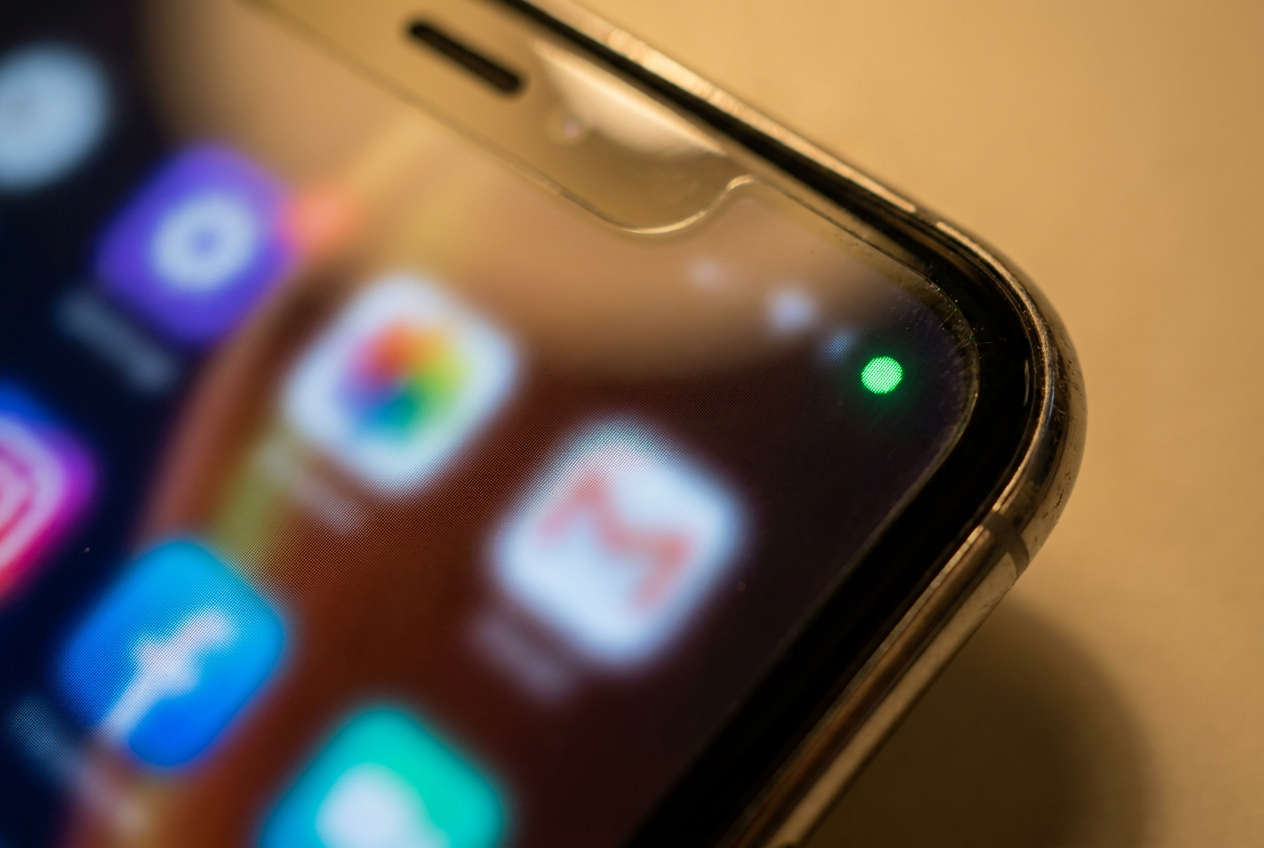
- Indicator light active: On many modern phones, a green or orange dot appears when the camera or microphone is active. If you see this dot and you don't have any apps open that would explain it, be suspicious immediately.
- Performance at its limit: Sudden crashes, extreme slowness, or applications that close on their own are usually signs of a malicious process. stealing processing power.
- Mobile data spike: Photos and videos take up a lot of space. If you notice strange spikes in data usage without having watched any shows or uploaded any files, malware is likely at play. sending your information to a third party.
- Random restarts and power-ups: A screen lighting up on its own or a phone restarting unexpectedly can indicate that a hacker has gained access. administrator rights and is manipulating the system.
- Mysterious Files: If, when checking your gallery, you find photos or video clips that you didn't record, you have irrefutable proof of a unauthorized access to the camera.
Attack methods: How do they get into your device?
The most common method is called "camfecting," where the attacker takes complete control of the mobile device's optical system. Often, this begins with a simple click on a phishing link sent via email or SMS that appears legitimate but actually conceals a Trojan horse.
There is also the risk of installing apps from outside official stores. Jailbreaking iOS or rooting Android removes the manufacturer's security barriers, leaving the door open for malicious apps to install themselves and operate without user permission.
Step-by-step guide to protecting your privacy
To prevent your phone from being used as a surveillance tool, the first thing to do is be meticulous about updates. Don't ignore system update notifications; these patches often close security vulnerabilities that hackers exploit to gain access.
As for apps, do a thorough clean-up. Go to your privacy settings and revoke camera permissions for any apps that don't absolutely need them to function. If a calculator app asks for camera access, delete it without hesitation.
Recommended technical and physical measures
- Antivirus and VPN: Install a reputable security solution that scans the system in real time and use a VPN to encrypt your internet trafficmaking it harder for them to track your IP address.
- Strong authentication: Forget easy passwords. Use complex combinations and always enable security. two-step verification (2FA), preferably linked to a physical device or authentication app.
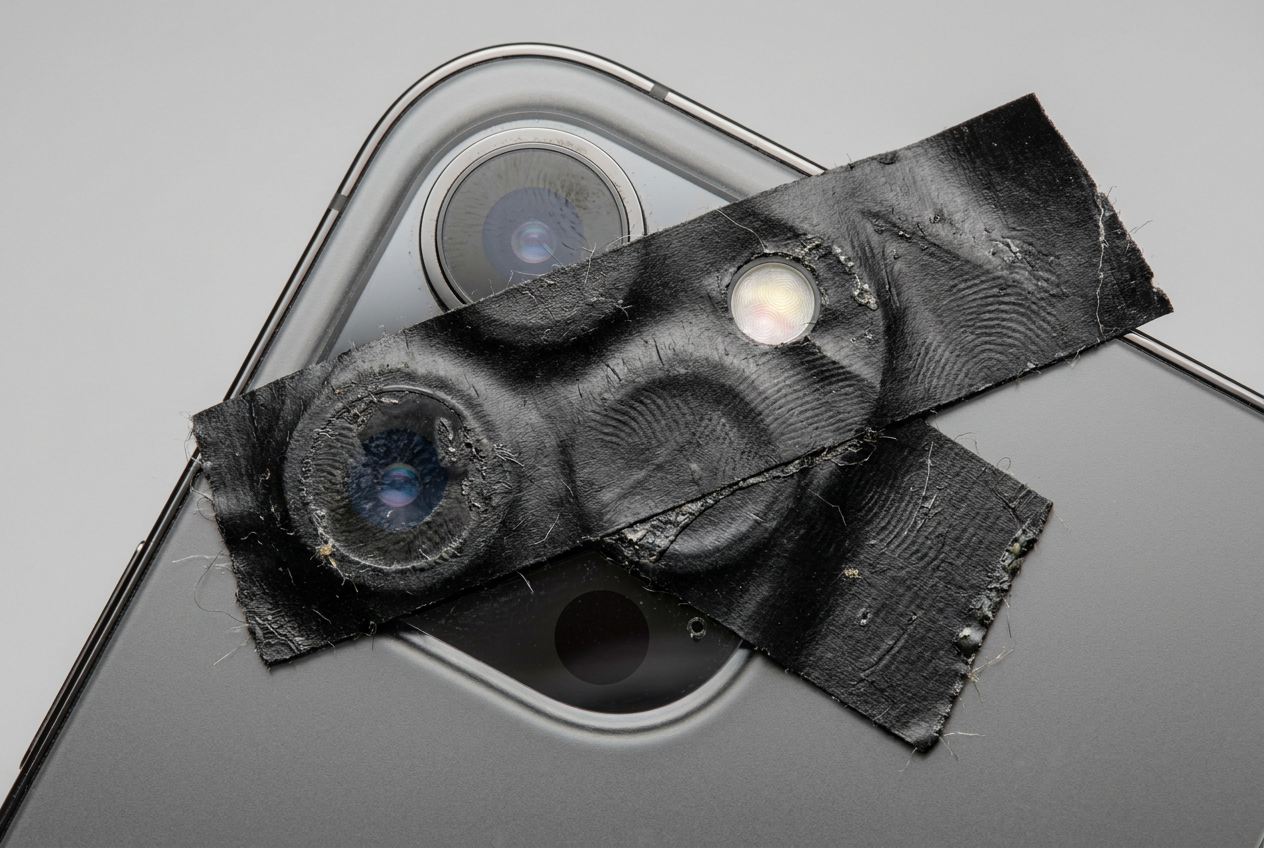
- Physical barriers: The simplest solution is sometimes the most effective. Putting a piece of adhesive tape Or a sliding cover over the lens ensures that no one can see you, regardless of the malware you have.
- Beware of public Wi-Fi: These networks are a haven for cybercriminals. Avoid connecting to them for banking or accessing personal accounts, as they could be compromised. intercept your data easily.
What to do if you already suspect you are being spied on
If you think the damage has already been done, don't panic, but act quickly. Ideally, run a thorough scan with a trusted antivirus program to isolate and remove the spyware . If the software is very sophisticated, it may try to hide from the scan.
If you notice the problem persists, the only option is a factory reset . This will erase absolutely everything, including the most persistent malware. Just be sure to back up your contacts and photos, but be careful not to reinstall the app that caused the problem.
You can also try some USSD codes on the dial pad, such as *#62# or *#21# , to check if your calls or messages are being diverted to another number, which could indicate that your phone line has been tapped.
Maintaining digital hygiene is the best defense against modern spying. By combining caution while browsing, using up-to-date security tools, and regularly reviewing our app permissions, we can drastically reduce the chances of a stranger accessing our private information through our mobile screen.