- Identifying the root causes of flickering, from faulty controllers to power grid failures.
- Diagnostic and repair methods for LED strips, including voltage drops and thermal problems.
- Preventive maintenance techniques to avoid overheating and prolong the lifespan of the diodes.
- Practical solutions for connection errors, remote control failures, and color problems.

Today, LED lighting has become the undisputed king in both our homes and businesses. Its energy efficiency and durability are unbeatable advantages, but it's not all sunshine and roses. Sometimes, we encounter those annoying flickers or glitches that drive us crazy and, beyond being a visual nuisance, can cause headaches or eye strain if we spend a lot of time under that light.
The good news is that, although it might seem like a technical problem, most of the time you don't need to call a professional to fix it. Whether we're talking about an industrial spotlight, a ceiling light, or those LED strips we use to decorate the living room, diagnosing the problem is usually just a matter of following a logical line of reasoning. From checking if the driver is of poor quality to making sure there isn't a loose wire, here's how to get your lights working perfectly again.
The enigma of blinking: Why does it happen?
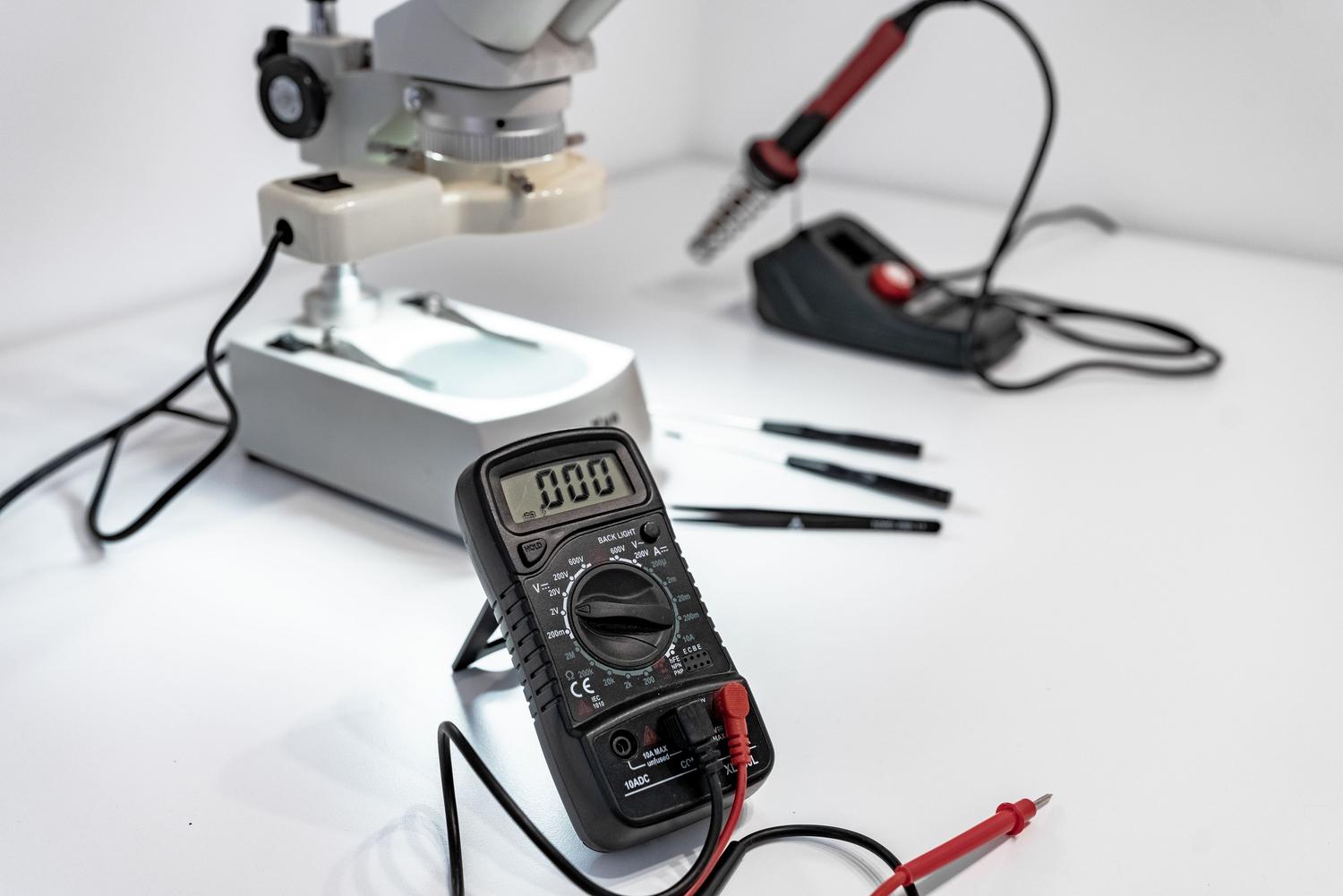
To understand why an LED light flickers, it's important to know that these components are extremely sensitive to current. Unlike old-fashioned incandescent bulbs, LEDs don't have the heat "cushion" that smooths out power fluctuations. Therefore, any small change in power immediately results in a visible flicker.
- Poor drivers or drivers: This is the most common cause. Many cheap drivers don't filter the current well and generate electrical ripple that makes the light flicker. If you notice that the flickering is constant from the first second, it's most likely a low-end driver.
- Instability in the electrical grid: In industrial areas or places with older electrical installations, the voltage can fluctuate sharply. If you notice several lights in the same area flickering simultaneously, especially when powerful machinery is switched on, the problem lies in the general power supply.
- Thermal management failures: When an LED gets too hot and has nowhere to release that heat, the driver can activate thermal protection. This causes the light to turn off and on in rhythmic cycles while the device attempts to cool down.
- Faulty connections: A loose wire or a corroded terminal can cause intermittent contact. If slightly moving the lamp changes the flickering or causes the light to turn off, you have a problem. wiring problem clear and direct.
How to fix flickering step by step
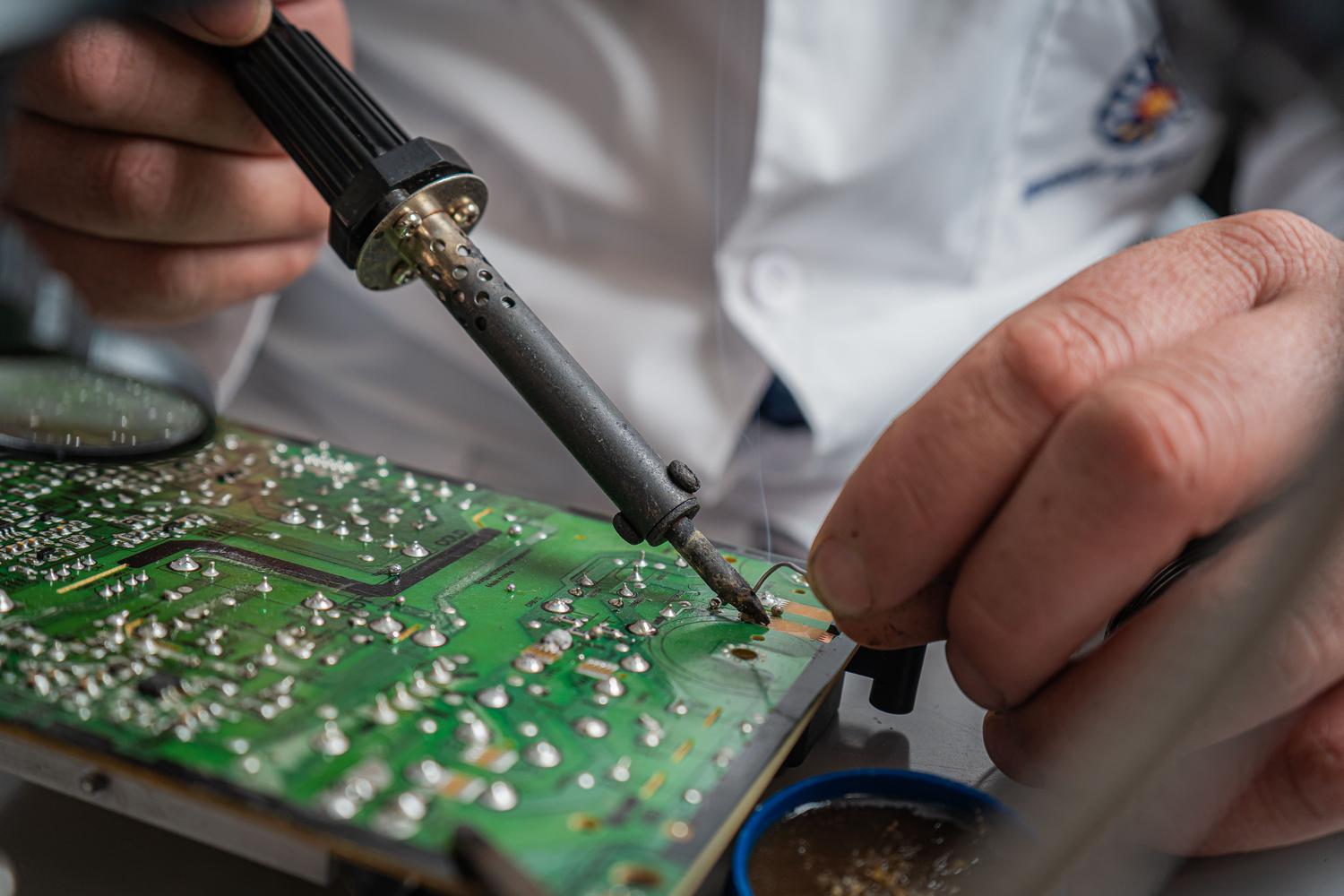
If you're dealing with a light that keeps blinking, the best approach is to eliminate possibilities one by one. For suspected driver issues, the simplest solution is to try a replacement: swap the driver for one you know works and has the same specifications. If the problem disappears, you'll know you need to buy a quality driver with better PWM regulation.
In the case of thermal problems, take a look at the heatsinks. If they're full of dust or blocked, the temperature will skyrocket. Cleaning the vents or relocating the power supply away from the hot spots is usually the solution. If the heatsink design is simply inadequate, unfortunately, the only option is to replace the entire light fixture with a better-designed one.
Troubleshooting specific problems in LED strips
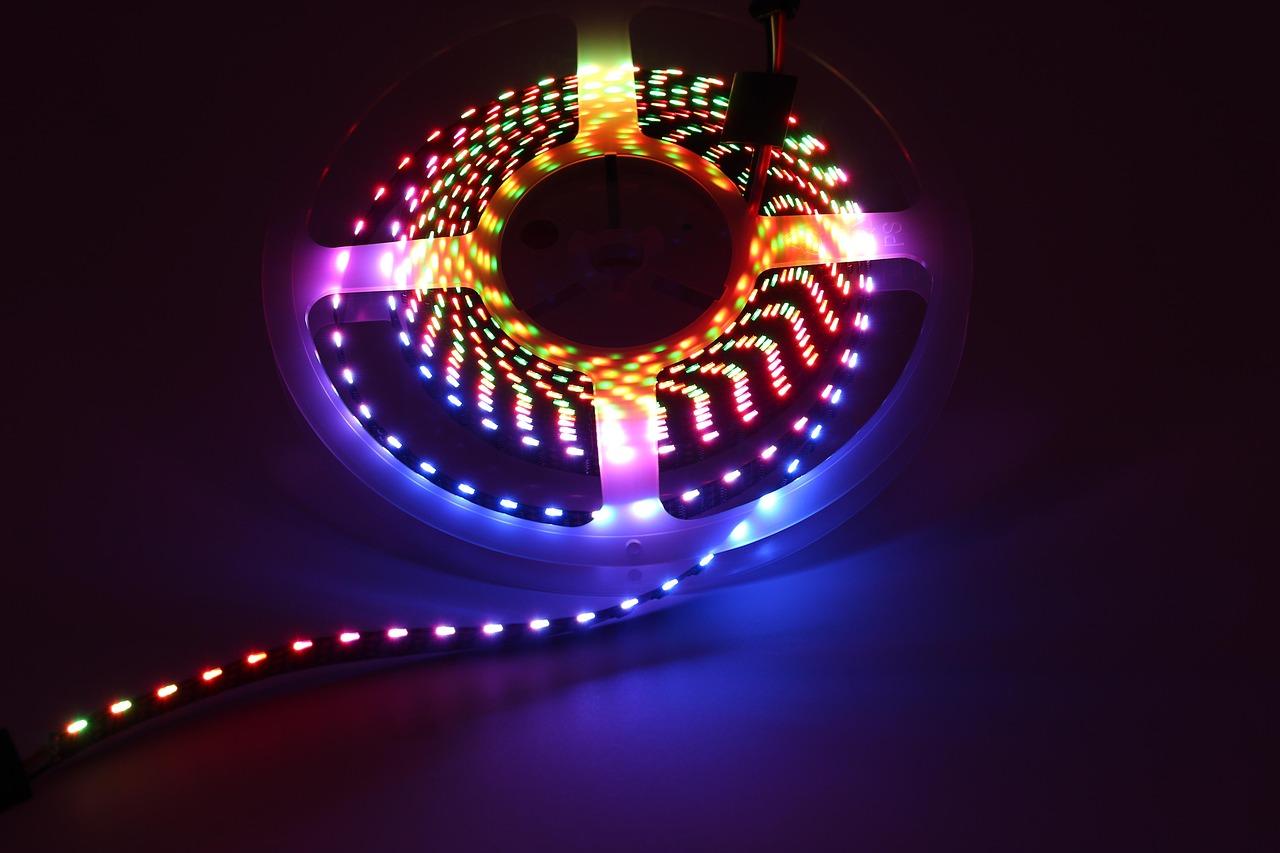
LED strips have their quirks. One of the most common problems is that the light intensity decreases towards the end of the strip. This happens due to the resistance of the copper, which causes a voltage drop. To fix this, you can power the strip from both ends, creating a loop, or add booster wires every few meters.
Excessive heat and electrical hazards
If you notice the strip is hot to the touch, be careful! You might be using a 24V power supply on a 12V strip, which puts extra strain on the LEDs and could cause a fire. It's crucial that the voltage matches exactly. Furthermore, to prevent the LEDs from degrading quickly, they should always be mounted on aluminum profiles , which act as natural heat sinks.
When the strip does not light up or fails intermittently
If one section of the strip is off while the rest is lit, there's probably an open circuit due to an impact or a manufacturing defect. If you're skilled with a soldering iron, you can cut out the faulty section and solder a new piece, respecting the positive and negative polarity. If the strip doesn't light up at all, start by testing the power supply with a multimeter to see if it's delivering the correct voltage.
Other common problems and their solutions
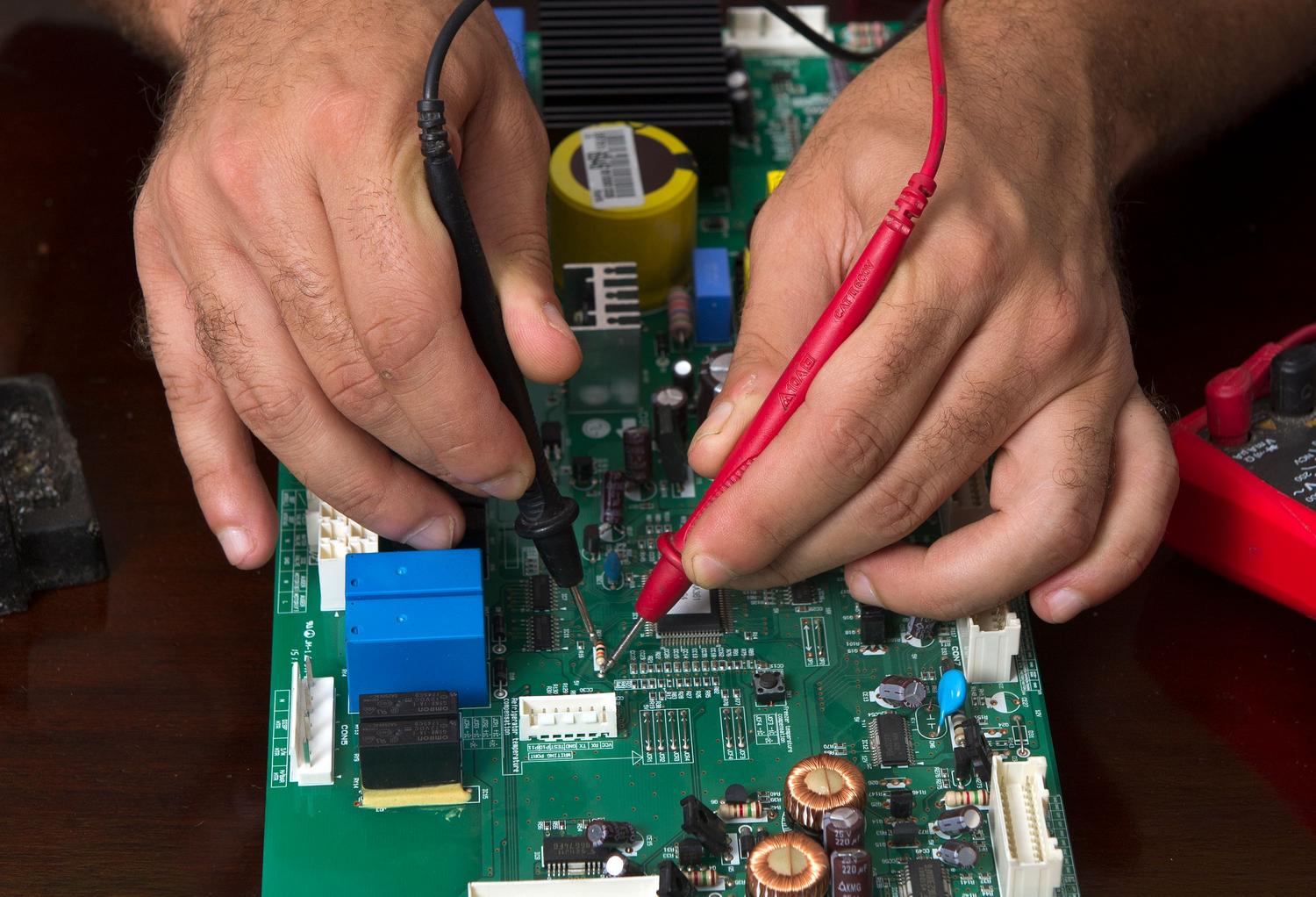
Sometimes the problem isn't the light itself, but the remote. If the remote isn't working, don't throw it away; check the batteries or try re-pairing the receiver. The phenomenon of "capacitive coupling," which causes the light to turn on by itself when touched, is also common. This is usually solved by installing a CEM-certified power supply to filter out electrical noise.
Finally, if you notice that the color isn't uniform or that the new strip you bought looks different from the old one, don't worry. This is usually due to color temperature (Kelvin) tolerances between different manufacturing batches or because the Color Rendering Index (CRI) varies between brands.
Maintaining an LED lighting system in optimal condition involves choosing quality components, ensuring adequate ventilation, and checking that connections are secure. From replacing a faulty driver to reinforcing the power supply to a long strip or cleaning heat sinks, most problems have a simple solution if the symptoms are carefully analyzed and the appropriate measuring equipment is used to avoid electrical hazards.