- A collection of open-source utilities created by Microsoft to optimize workflow in Windows.
- Advanced tools for window management, file automation, and keyboard customization.
- Integrated solutions that eliminate operational friction and add professional features not included as standard.

If you feel that Microsoft's operating system falls a little short for your work pace, it's probably because you haven't tried PowerToys yet. Essentially, it's an arsenal of free and open-source utilities that allow curious users and developers to squeeze every last drop of performance out of Windows, unlocking customization options that, for some reason, don't come pre-installed.
The core idea is to eliminate all those small, everyday annoyances so you can focus on what really matters , working smarter and with complete control over your digital environment. From managing how windows are arranged on your monitor to automating the renaming of hundreds of files, this kit is the perfect ally for anyone who wants to stop struggling with their PC and start flying.
The revival of a classic

For those who have been around for a while, the name PowerToys might evoke nostalgia. These tools originated back in the Windows 95 era, but eventually faded into obscurity. Fortunately, Microsoft has decided to revive the project under an MIT license, adapting it to the modern needs of Windows 10 and 11. The most powerful aspect of this relaunch is that it's now a community project on GitHub, meaning anyone can take a look at the code, report bugs, or even help program new features.
Tools for mastering the system
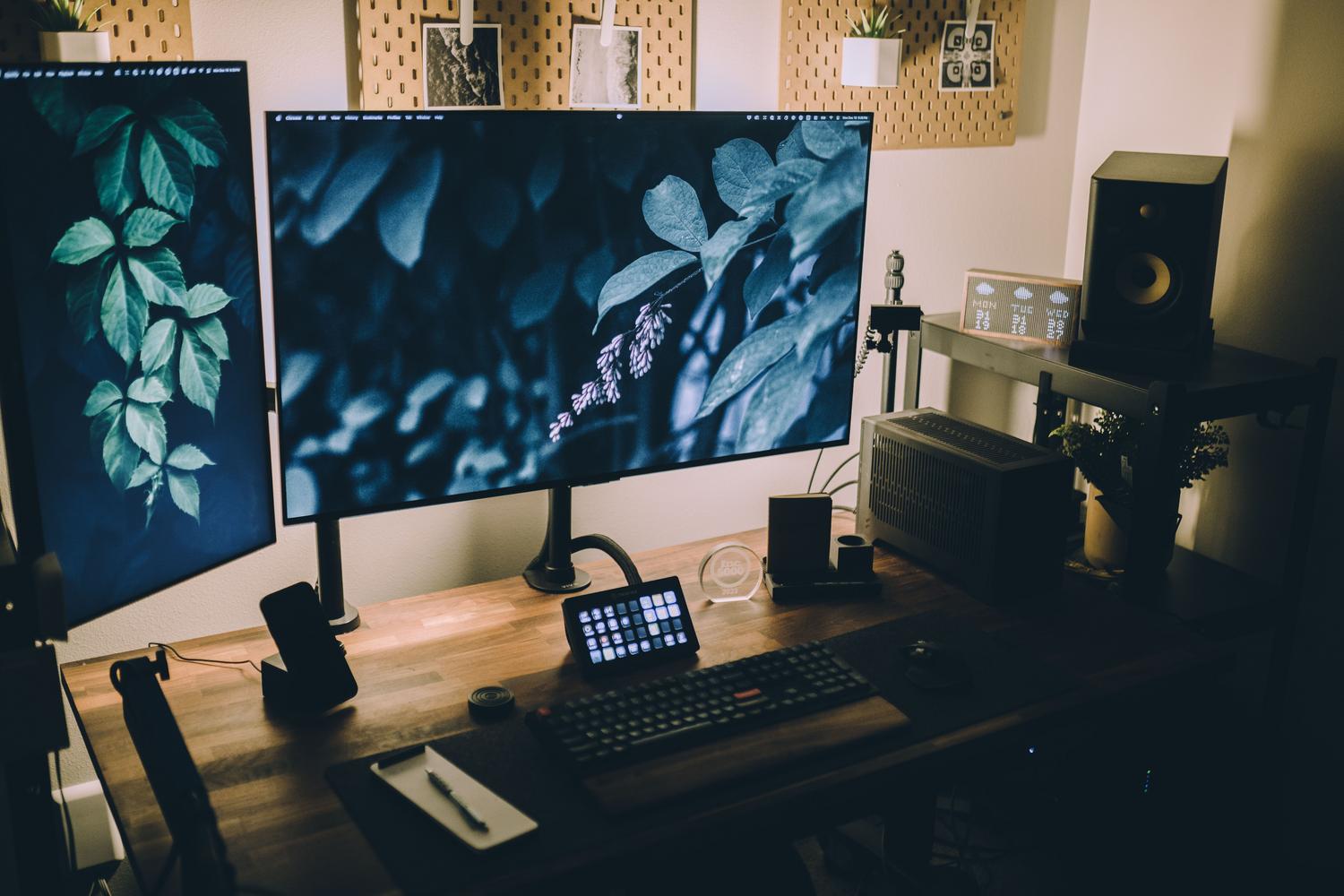
The package includes a vast array of tools. For starters, there's the Command Palette and PowerToys Run , which function as a quick launcher (macOS-style) invoked with Alt + Space. It allows you to search for files, launch applications, or perform mathematical calculations on the fly without touching the mouse, a boon for keyboard users.
If you work in the world of design or web development, the Color Picker is a real gem. It lets you capture the HEX or RGB code of any pixel on your screen with pinpoint accuracy. In addition, the on-screen ruler is ideal for measuring elements in pixels and ensuring everything is perfectly aligned in your visual projects.
For those who deal with text, the Text Extractor uses OCR to copy words trapped inside an image or protected PDF, while Advanced Paste introduces artificial intelligence (via ChatGPT API) to paste text by transforming, translating, or changing the programming language in the blink of an eye.
Advanced window and desktop organization

One of its strongest features is undoubtedly FancyZones . Forget about organizing windows by eye; this tool lets you create custom grid layouts so that when you drag an application, it snaps exactly where you want it. It's essential for anyone working with ultrawide monitors or multiple screens.
If you need a window to never disappear, the Always On Top feature keeps it pinned to the foreground with a simple shortcut (Win + Ctrl + T). Additionally, for those who need separate workspaces for specific tasks, Workspaces allow you to launch a set of programs and automatically position them on the screen with a single click, preventing you from mixing work with leisure.
Efficient file and data management
Managing large files or folders full of documents can be a real headache. That's why PowerRename is so valuable, as it allows you to rename files in bulk using intelligent search and replace. On the other hand, if you've ever tried to delete a file and Windows tells you it's "being used by another program," File Locksmith tells you exactly which process is responsible so you can close it.
To save time, the Peek feature lets you preview the contents of a file without opening the corresponding application, much like the Mac Finder. Additionally, Explorer Add-ons add previews for SVG or Markdown files, making folder navigation much more visual.
Technical tools for pro users
For more technical users, there are utilities that access the core of the system. The Hosts File Editor allows for easy management of DNS resolutions, while the Registry Preview makes editing the registry a less daunting and more intuitive experience.
We also have the Keyboard Manager for remapping unused keys or creating custom shortcuts, and the Host File Editor for blocking websites or redirecting domains. To prevent your PC from going to sleep during rendering or a long download, the Awake utility keeps your computer awake without requiring you to change all your Windows power settings.
Installation and deployment
Getting these tools is incredibly easy, and best of all, they're completely free . The quickest way is through the Microsoft Store, although more advanced users prefer to download the executable directly from the GitHub repository. For system administrators in corporate environments, a mass deployment is possible using Intune or SCCM , ensuring that the entire team has the same productivity tools.
Installing this kit transforms how you interact with your computer, turning a standard operating system into an optimized and flexible workstation. By integrating AI features, advanced window management, and file cleanup tools, Microsoft has created an ecosystem where operational efficiency is paramount, allowing each user to tailor Windows to their own workflow without technical complications.