- Android Automotive is a native operating system installed in the vehicle that does not require a smartphone to function.
- It differs from Android Auto in that the former controls internal car functions and allows you to install apps directly from the Play Store.
- Many manufacturers offer the version with Google Automotive Services (GAS) to integrate Maps and the Google Assistant as standard.
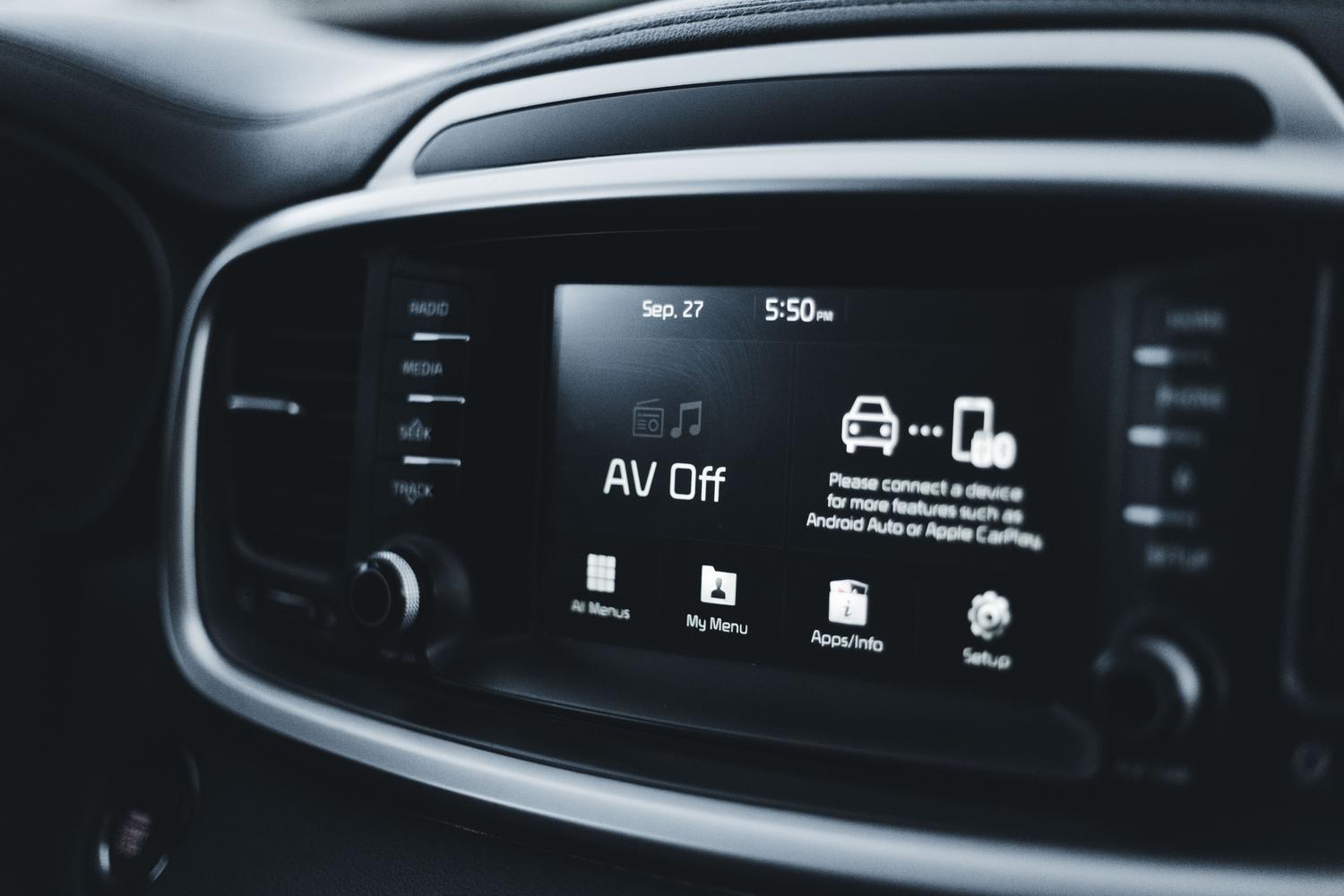
You've probably heard about Google's car technology, but there's a monumental mess of names that can leave anyone dizzy. It's very common for people to confuse Android Auto with Android Automotive, and that's understandable because both make your screen look great, but the reality is that they're worlds apart in terms of how they work under the hood.
To put it simply, while one is essentially a mirror of your phone, the other is the vehicle's own brain. This difference is changing how we interact with the steering wheel, transforming the cabin into a connected and updatable space that no longer depends on having your phone charged or the cable properly plugged in to navigate.
What exactly is Android Automotive (AAOS)?
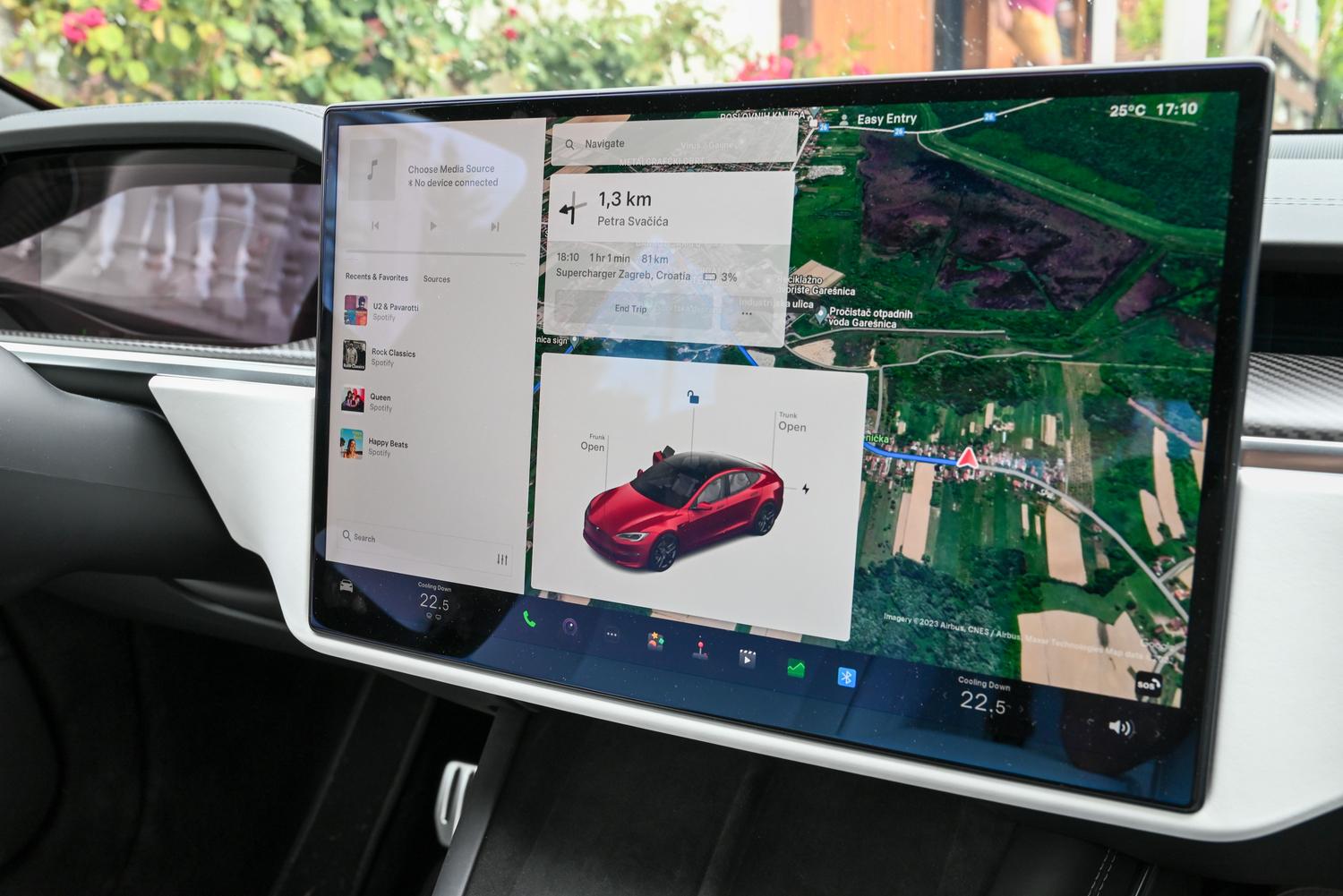
Android Automotive, or AAOS for the more technically inclined, isn't an app or a special mode; it's a complete Android-based operating system that manufacturers install directly onto the car's hardware. Imagine your vehicle has its own built-in giant tablet that doesn't need anything external to boot up. It was introduced back in 2017, and its goal is to give brands a flexible foundation for creating their own infotainment environment.
The most powerful aspect of this system is that, being integrated into the car, it can manage critical functions that a mobile phone could never handle, such as climate control, battery management in electric vehicles, and engine telemetry. It's not just about playing music; it's a platform that allows the car to be a smart device in its own right.
The great battle: Android Auto versus Android Automotive

This is where most people go wrong. Android Auto is a projection : your smartphone does all the heavy lifting, and the car only acts as a monitor and controller. If you remove your phone, the magic disappears. In contrast, Android Automotive is native : the car runs the software, has its own memory and processor, and works even if you have your phone at home.
- Dependence: Android Auto absolutely requires a mobile phone; Automotive is autonomous.
- Integration: Automotive can control the climate control and view the actual range; Auto is limited to entertainment apps and maps.
- Updates: In the automotive industry, improvements are delivered via OTA (Over-the-Air) updates directly to the car, without going through the mobile device.
- Personalization: Manufacturers can tweak the appearance of Automotive to fit the brand's aesthetic, while Auto is always the same.
Note that these options are not mutually exclusive. Some cars come with Android Automotive as standard and still allow you to connect your phone via Android Auto if you prefer to use your own personal apps.
The secret of Google Automotive Services (GAS)
Not all cars with this system are the same. There's a key distinction: those with Google built-in and those without. GAS (Global Service Packs) are a suite of services that Google licenses to manufacturers. When a car includes them, you have direct access to the Play Store, Google Maps, and Google Assistant (or even Gemini) without any extra steps.
If a manufacturer decides to use AAOS's open-source code but doesn't pay the GAS license fee, the car will still have an Android system, but the manufacturer will have to provide its own maps or use alternatives like Alexa or TomTom . This explains why the experience can vary drastically between a Volvo and a Stellantis car, for example.
What can we actually do with this system?
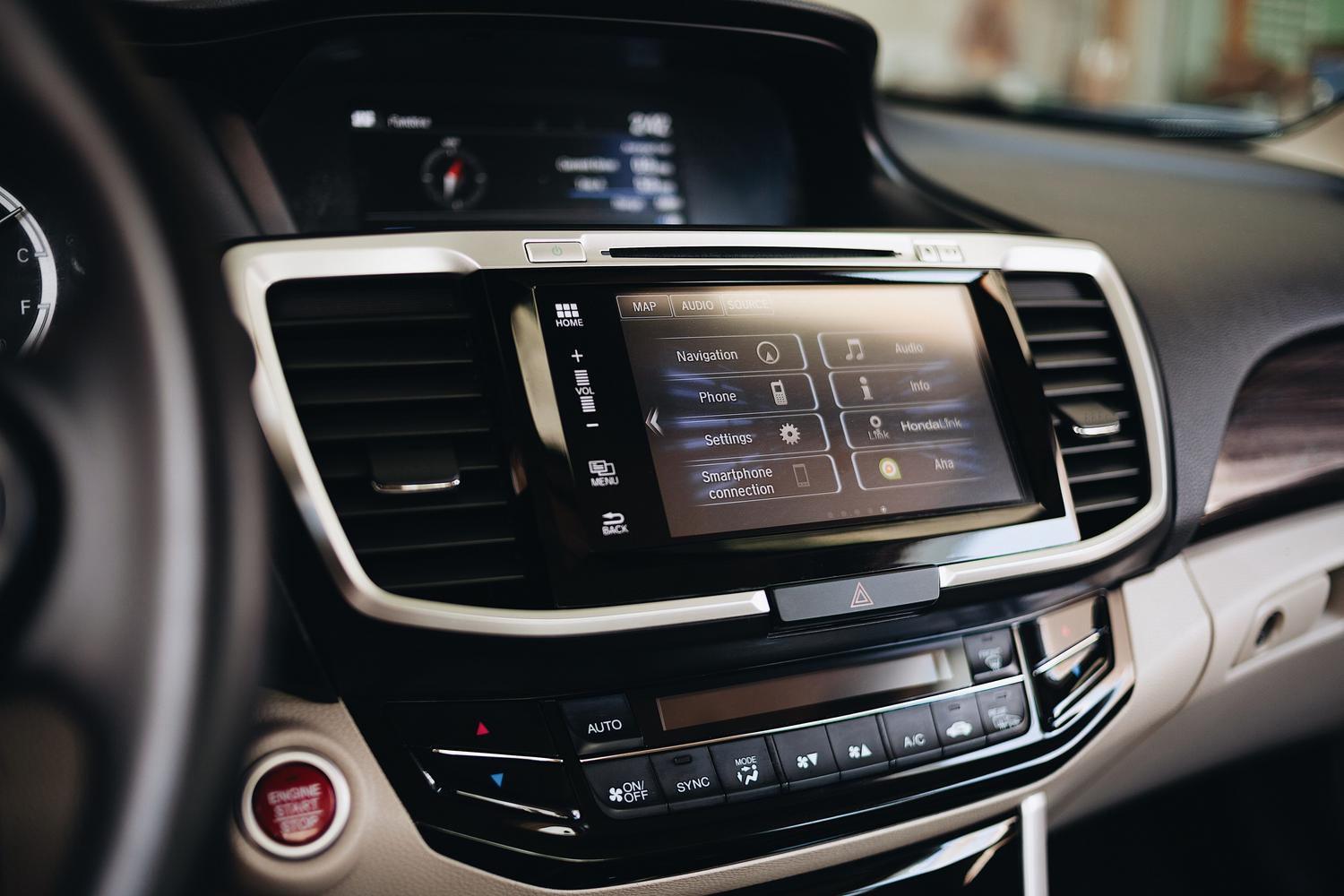
The versatility is enormous. Obviously, you have navigation and music, but the game changes when we're talking about electric vehicles . The system can plan routes by calculating exactly where chargers are located and how much battery you have left, integrating everything into a single interface. Furthermore, when the car is parked, a world of entertainment opens up with videos and games that Android Auto simply can't offer for safety reasons.
For developers, this is a dream come true. They can use libraries like android.car to read the vehicle's speed in real time or the status of the turn signals. However, Google is very strict with its Driver Distraction Guidelines ; therefore, many features are automatically disabled as soon as the car starts moving to prevent accidents.
Models and brands that already have it integrated
More and more brands are jumping on the bandwagon, especially in their high-end and electric models. Volvo and Polestar were the pioneers , but the list has grown tremendously. Currently, we find this system in brands like Renault, Honda, Chevrolet, GMC, Cadillac, and Ford.
If you want to know if a car has it, look for terms like " Google built-in" in the technical specifications. Some notable models include the Polestar 2, the Renault Austral, the Volvo EX30, and the Cadillac Lyriq. Some versions come with the entire Google ecosystem, while others use the Android base but with customized services from the manufacturer , as is the case with some Maserati models or the Lucid Air.
Privacy and points to consider
Not everything is perfect. When you log in with your Google account in your car, you're handing over a fair amount of data about your routes and habits. Although we're protected by laws like the GDPR in the European Union , it's important to review your privacy settings to limit what information is collected. Furthermore, you're dependent on the manufacturer to keep the system updated ; if the brand stops providing support, the system can become obsolete even if Google releases new versions.
Technology has advanced so much that cars are now practically computers on wheels. Android Automotive is the logical next step to move away from relying on cables and toward a seamless digital experience where the vehicle's software and hardware work as one, offering a level of convenience that makes going back to the closed systems of the past seem like ancient history.