- A disc stuck in the Xbox One is usually due to mechanical blockages, eject button failures, damaged discs, or occasional system errors.
- Before forcing anything, it's advisable to completely restart the console, check the noise of the reader, and test normal ejection and ejecting from the menus.
- The Xbox One has a manual eject system using a clip, but it must be used carefully, making sure to locate the emergency hole correctly.
- If the disc remains stuck or the reader makes strange noises, it is best to take it to a repair shop to avoid further damage to the optical drive.
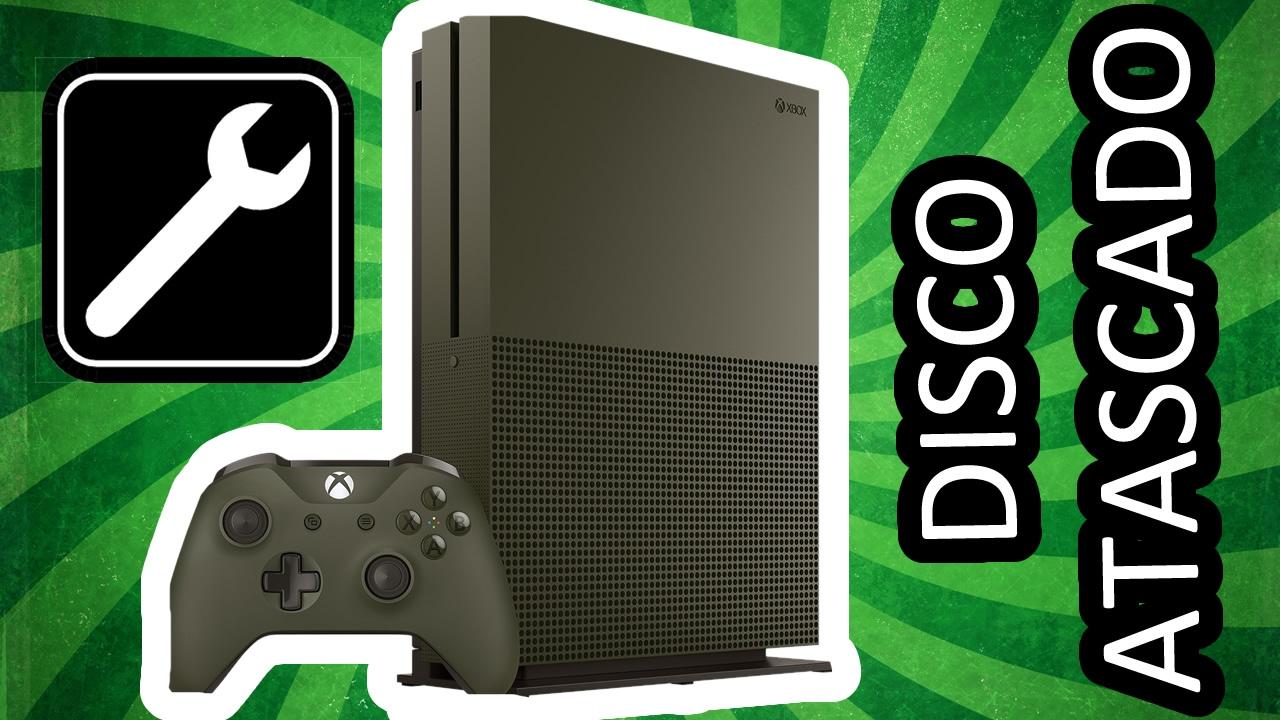
When a disc gets stuck in the Xbox One, it's incredibly stressful: you're afraid of damaging the console, losing the game, or becoming unable to use the disc drive. The worst part is when, as happens to many users, the drive makes a strange noise when you press the eject button, and the disc just won't come out no matter how hard you try.
In some cases, like the one you describe, the console can read other discs but won't eject the one that's stuck inside , or it responds with a sound contrary to the typical eject click. While alarming, it's often a minor mechanical issue or a temporary system freeze that can be resolved at home with a little patience and care.
Most common causes of a stuck disc in the Xbox One
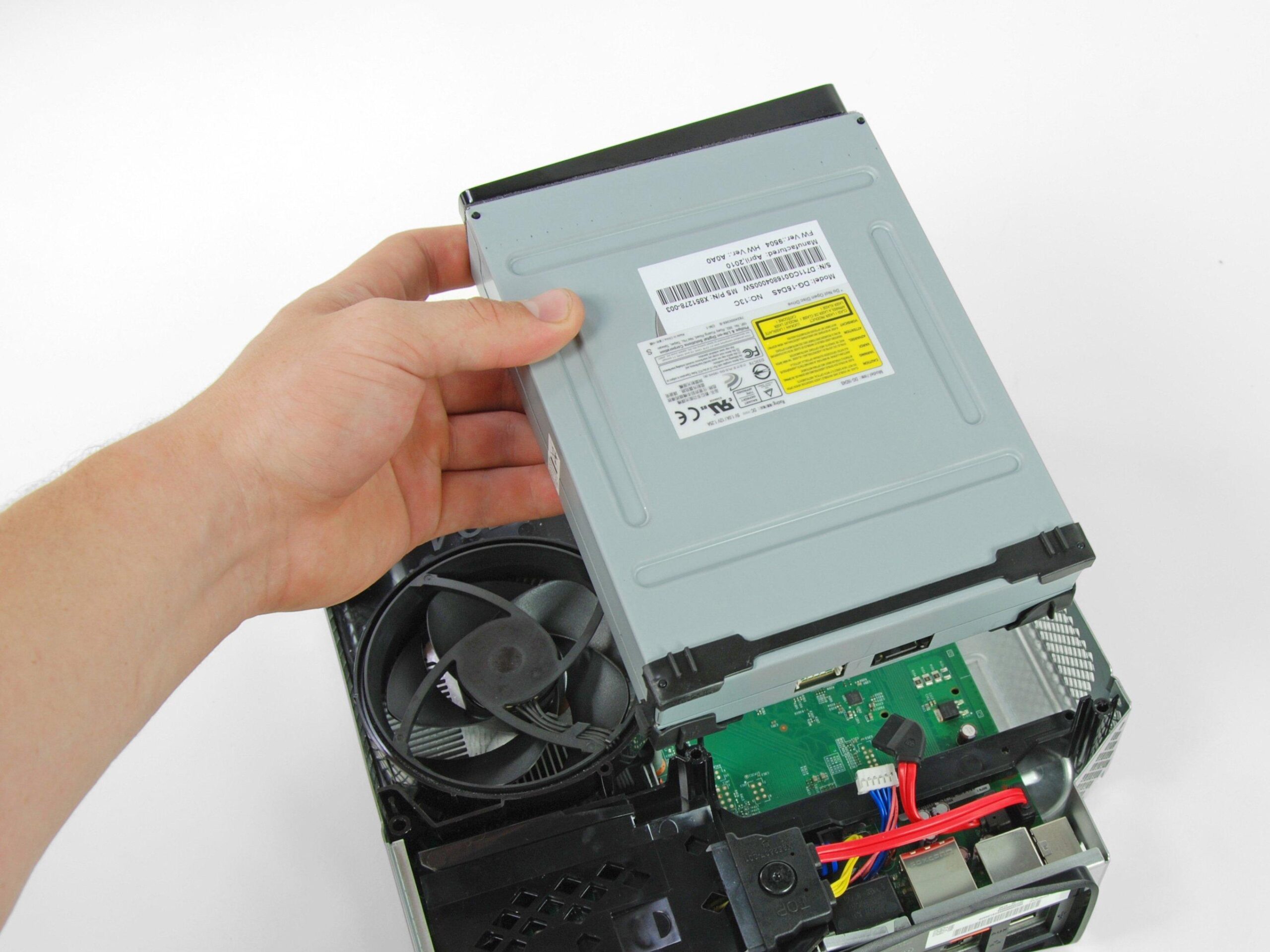
Before trying anything, it's important to understand why the disc is stuck in the Xbox One's tray . The console's delicate mechanism combines mechanical parts, sensors, and software control, so the problem could stem from several sources.
One of the most common reasons is a simple mechanical jam in the disc drive system . The Xbox One uses internal rollers and a guide that "swallow" the disc and place it in position. If dust, dirt, a small object gets inside, or if the disc isn't properly aligned, this mechanism can get stuck and fail to complete the eject process.
There could also be a problem with the eject button or the touch sensor . If you don't hear the normal eject sound when you press it, or if you hear a strange noise that seems to be pushing the disc in further, the command may not be reaching the drive correctly, or the motor may be malfunctioning.
Another critical point is the physical condition of the disc itself . A badly bent DVD or Blu-ray, with stickers, thick labels, glue residue, or accumulated dirt, can get stuck inside the drive. Sometimes a damaged or warped disc is forced in, preventing the mechanism from returning it to the eject position.
We mustn't forget the possibility of software glitches or system failures . Although the disc drive is a physical component, its operation depends on the console's operating system. Crashes, errors after an update, or a sudden shutdown can leave it unresponsive and unresponsive to the eject button until it restarts properly.
Basic checks before touching the console
Before resorting to more aggressive methods, it's worth checking a few simple things to rule out silly mistakes that might be causing the blockage . Often, what seems like a disaster can be fixed with a couple of basic steps.
The first thing to do is make sure the console is fully powered on and responsive . If the Xbox One is frozen, in sleep mode, or experiencing a system crash, the eject button may do absolutely nothing. Check that you can navigate the menus, open apps, and that the controller is working normally.
If the system is working, try pressing the physical eject button on the console itself. Listen carefully to the noise the drive makes . A soft click followed by a small buzzing sound usually indicates that it's trying to eject. If, however, you hear something that sounds like a "rejection" or as if the motor is spinning in reverse, it's a clear indication that the mechanism is being forced or is working incorrectly.
It's also worth checking that there aren't any other discs inside and that the problem isn't simply because you're trying to insert a second disc while one is still loaded (most models don't allow this, but sometimes the user isn't sure if they ejected it). Although you mention that other discs are going in and out, avoid inserting new discs while the stuck one is still inside, as this could worsen the jam.
Finally, check that the console's wiring and ventilation are in good condition. A sudden overheating or power surge can cause unusual behavior, so make sure your Xbox One is in a well-ventilated area, the power supply is properly connected, and there are no faulty power strips.

Gentle methods to try to eject the disc
Once you've ruled out the most obvious causes, you can try several relatively safe methods to force the console to release the stuck disc without disassembling anything. The key is to start small and gradually increase the force, avoiding brute force that could scratch the disc or damage the optical drive.
The first step is to perform a complete power-off of the Xbox One . Press and hold the front power button for about 10 seconds, until it turns off completely. Unplug the power cord from the back of the console and wait at least a minute for any residual power to dissipate. Then, plug it back in and turn it on again. Sometimes a "cold" reset restores the unit's behavior.
When the console restarts, wait for the entire system to load and try pressing the eject button again . If the problem was simply a software glitch or an unusual drive condition, the disc may eject normally at this point. Don't keep pressing the button; just try it once, listen for the noise, and move on to the next method if it's still stuck.
On some console models and versions, you can try ejecting the disc from the console menu if it appears as inserted. Hover over the game icon on the interface, press the options button with the controller, and look for an option related to ejecting the disc (if available). It's not always there, but it's worth checking.
If, despite this, the disc remains inside or you only hear the strange noise you mentioned, it points to a mechanical problem. At this point, and always with caution, you can use the manual emergency eject system that the Xbox One has for these situations, which is what many guides refer to when they mention "the paperclip issue."
Correct use of the paperclip method to release the disk
Many people have heard that you can remove a stuck disc from an Xbox One with a paperclip , but it's not always done safely. Microsoft added a small manual eject hole to the console's casing precisely for these situations, but you have to locate it carefully and use it gently.
To begin, completely power off the console and unplug it from the power outlet . It's crucial that there's no power supply while you're working near the disc drive. Wait a few seconds until it stops making any internal noises and place it on a stable surface, with the front facing you.
Next, prepare a standard metal paperclip and straighten it, leaving only a straight point with no sharp edges. The idea is not to pierce anything, but to activate a small internal mechanism designed to be pressed from the outside. Do not use thick screwdrivers or objects that could deform the inside.
Locate the manual eject hole. Depending on the Xbox One model (original, S, X), its exact position varies slightly, but it's usually on the front, near the disc drive, and shouldn't be confused with ventilation holes. Once you've identified it, gently insert the tip of the paperclip until you feel slight resistance.
Push firmly but gently. You should feel the internal mechanism engage and the disc begin to slide out . At that point, you can use your fingers to help you finish removing it, being very careful not to bend it or force the drive slot. If you notice anything getting stuck or it not moving at all, don't force it; you could worsen the damage.
What to do if the disc still won't eject or is making strange noises
There are situations where, even after trying a full reset and the paperclip method, the disc remains stuck and the drive makes a strange noise, contrary to the normal eject sound . This could indicate a more serious problem with the motor, internal gears, or tray alignment.
The first thing to avoid is the temptation to force the disc out by pulling on it with tools from the front slot. Inserting knives, thick cards, or any object not designed for this purpose can scratch both the disc and the lens, and you'll end up with two problems: a useless game and a damaged console.
If the disc drive sounds like it's trying to push the disc in further when you press eject, the mechanism might be working in reverse or out of sync . This happens when the gears skip a tooth or the console has been hit. In these cases, continuing to perform DIY tests without disassembling the console can be counterproductive.
Another possibility is that there are remnants of another broken disc, a loose label, or accumulated dirt inside that's blocking movement. While this can sometimes be fixed by disassembling the casing and reseating the drive, that requires tools and some experience, and may also void the warranty if the console is still under warranty.
When you reach this point and the disc is still firmly stuck, the wisest course of action is usually to stop trying improvised methods and move on to safer repair options, both for the console and the disc itself. Beyond a certain level of jamming, only a technician can assess what's happening inside the drive.
When is it advisable to contact a technical service or a professional?
If none of the above has worked, or if your Xbox One's optical drive is making loud noises, clicking sounds, or jerking from the start , it's time to seriously consider taking the console to a professional. Continuing to try it yourself might seem cheaper, but it could end up costing you more if you irreversibly damage the optical drive.
Ideally, you should first check if your console is still under warranty . If it is, the wisest course of action is to contact Microsoft support or the store where you purchased it. Forcing the casing open or tampering with the internal disc drive could void the warranty and leave you without coverage for a free or low-cost repair.
If your warranty has expired, you might consider taking your Xbox One to a specialized console repair service . Many repair shops have specific experience with Xbox disc drives and can open the console, disassemble the drive, and eject the disc using the appropriate tools, as well as inspect the mechanism.
When you take your console to a technician, remember to mention all the symptoms you've noticed: strange noises, failed eject attempts, previous use of the paperclip , and any bumps or other damage the console may have sustained. The more information you provide, the easier it will be to determine whether the unit can be salvaged or if it's best to replace it.
Although it involves a cost, in many situations this is the safest option to prevent a simple stuck disc from becoming a bigger problem for your Xbox One's optical drive . Furthermore, a professional can advise you on whether it's worth repairing, replacing only the optical drive, or considering other alternatives, depending on the age and usage of the console.
Tips to prevent a disc from getting stuck in your Xbox again
Once you've managed to remove the disc, either yourself or with the help of a technician, it's a good idea to adopt some habits to reduce the chances of it getting stuck again . Many of the causes of these jams can be prevented with a little care in your daily routine.
Always start by checking the condition of the discs before inserting them. Avoid inserting discs that are heavily scratched, warped, have bulky stickers , or have dirt on the reading side. If you see fingerprints, dust, or smudges, gently clean the disc with a microfiber cloth from the center outwards, without making any harsh circular motions.
It's important to place the console in an area where it won't be bumped or subjected to sudden movements while the disc is spinning. A hard push on the table or a tug on the cable can cause the disc to shift inside the drive and misalign the mechanism. Try to keep the Xbox One on a stable surface and away from small children or boisterous pets.
Another key aspect is dust. Keeping your console clean and well-ventilated helps prevent problems with all its components, including the optical drive. Don't cover the vents, don't place objects on top of it that obstruct airflow, and occasionally wipe the casing with a dry cloth to prevent excessive dirt buildup in the air intakes.
Finally, get used to using the eject button calmly and waiting for the disc to stop completely before touching it. If you pull the disc while the mechanism is still moving, you increase the risk of it becoming crooked or a gear tooth skipping, which in the long run can cause other jams similar to the one you experienced.
By better understanding how your Xbox One's disc drive works and why a disc might get stuck, you can stay calm when this happens and choose the most appropriate solution . From simple checks and a full reset, to using the paperclip method correctly, to contacting a repair service when the noises are worrying, you have several options before giving up on the console or assuming the game is stuck forever.