- Google Maps allows you to record the exact location of the vehicle using the current position point.
- It is possible to add notes, photos, and timers to manage paid parking.
- The application makes it easier to return to the car by indicating the distance and time elapsed since the parking lot.

Who hasn't experienced that feeling of having a leisurely stroll or a shopping spree at a giant mall, only to find themselves back at their car with absolutely no idea where they parked ? It's a frustrating and incredibly common situation that can waste a lot of time and drive us crazy, especially in unfamiliar cities or underground parking garages where all the columns look the same.
Luckily, you don't need to be a tech expert to solve this problem, as Google Maps has a really neat feature that pinpoints your vehicle's exact location . It won't park it for you, but it will save you the hassle of walking around in circles for half an hour searching for your car among thousands of other vehicles.

How to save the spot where you parked

For this trick to work perfectly, the most important thing is not to stray too far from the car immediately after turning off the engine. If you walk too far before registering your location, the GPS might have a margin of error, and you won't find the car right away. Once you're next to the vehicle, open the app on your phone and tap the blue circle that marks your current position.
Clicking will open a menu of options at the bottom of the screen. Simply select the option that says "Save parking location ." At that moment, you'll see a red marker appear on the map confirming that the location has been saved. From now on, you can rest assured that the system knows where your car is.
Personalize your location for added security
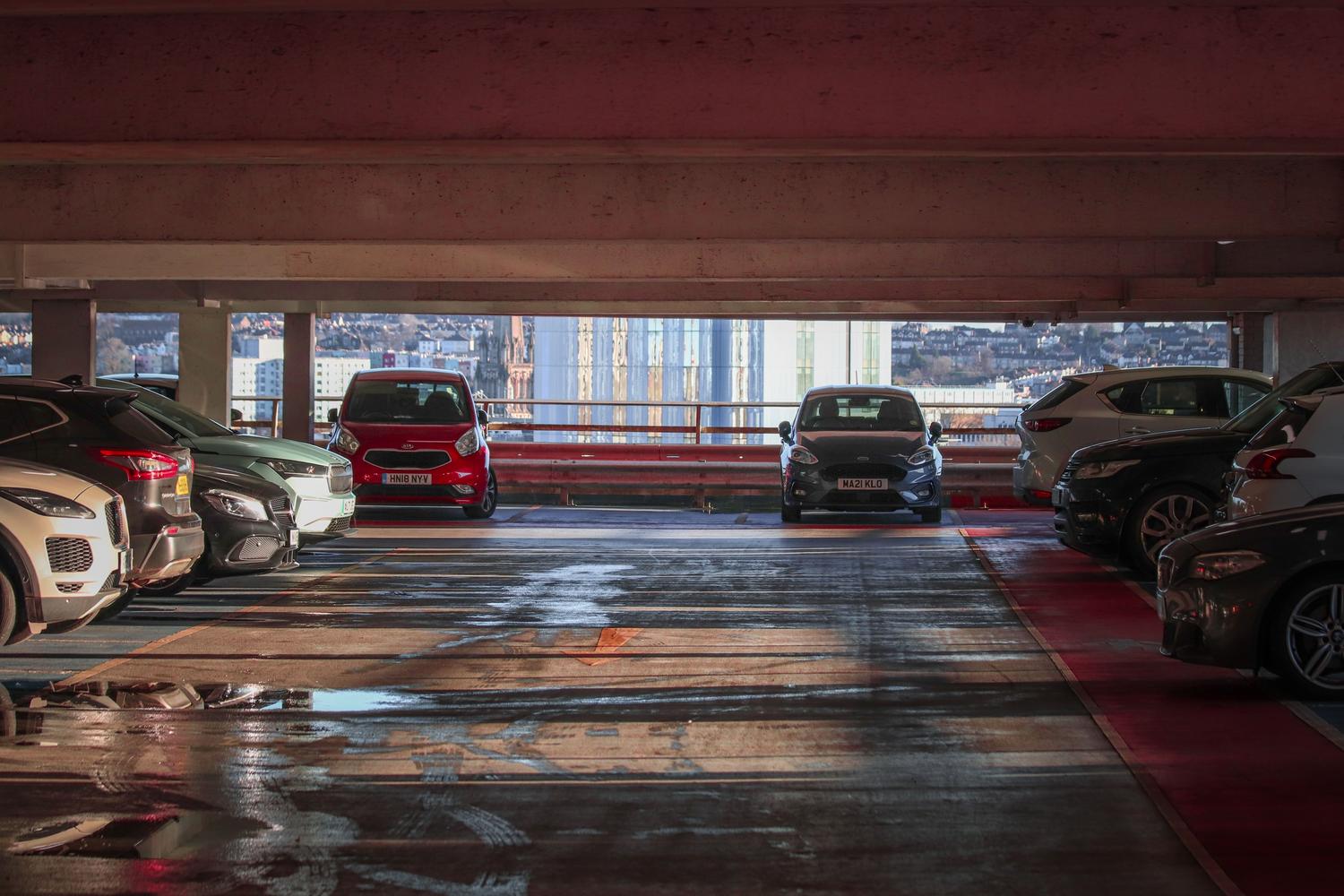
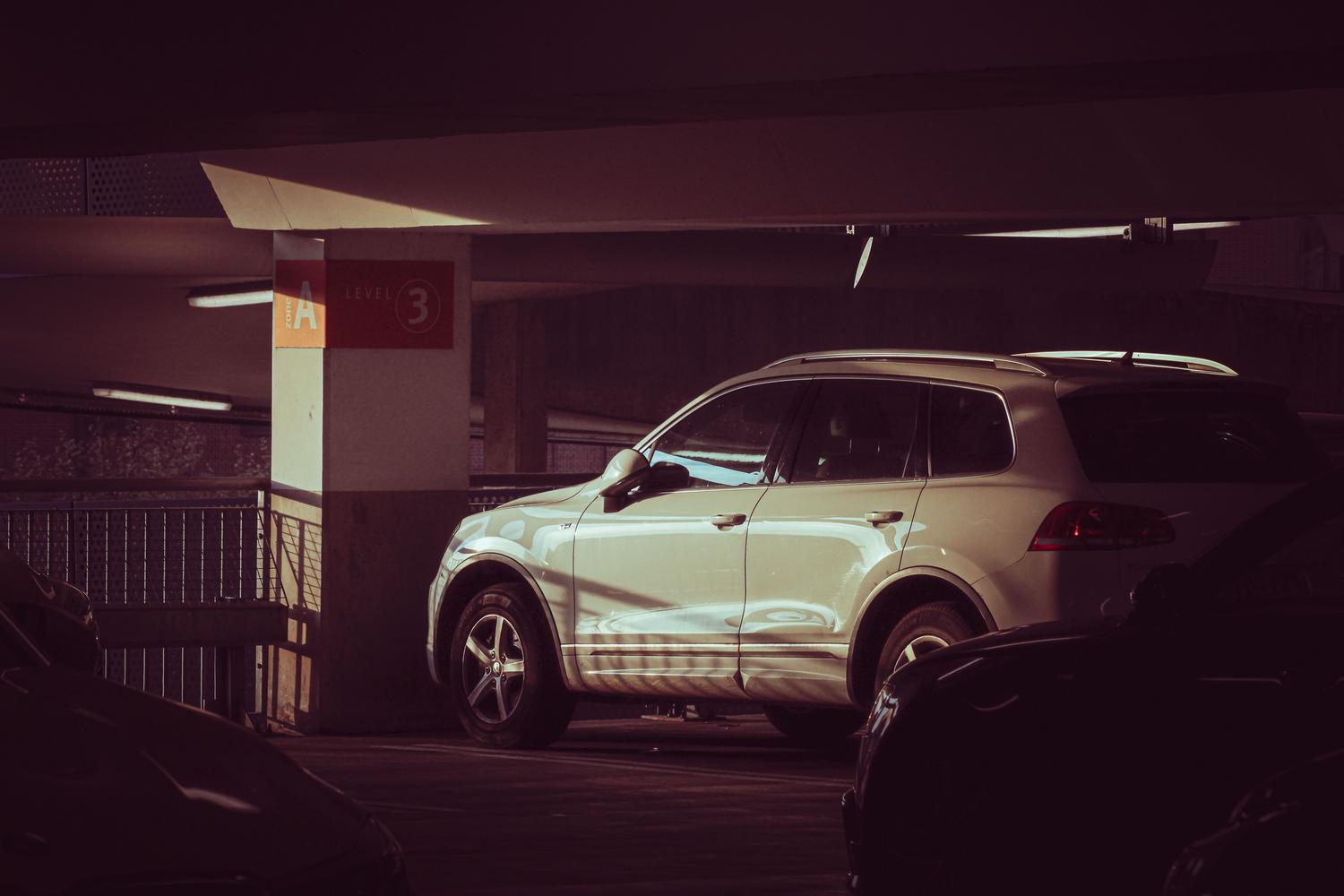
Sometimes, a point on the map isn't enough, especially if you've parked on a specific level of a parking garage or behind a particular tree. To avoid confusion, Google Maps lets you add custom notes and photos of your surroundings. You can write things like "it's next to column B4" or take a picture of the nearest sign, making the return process a breeze.

If you've parked in a ticketed area or a paid parking lot, there's a fantastic tool: the timer. You can set the remaining parking time so you don't run out and get a nasty surprise with a fine. For this to work, you need to make sure you have alarm and reminder permissions enabled on your device; that way, your phone will send you a notification about 15 minutes before the time expires.
How to get back to the car without complications
When you're finished and want to return to your vehicle, there's no need to search for anything complicated. The location will appear highlighted in your recent searches with a "P" icon for parking . Tapping on this marker will guide you to the exact spot, showing you the distance to your car and how much time has passed since you left it there.
Other useful features for drivers
Since we're on the topic of navigation tips, it's worth mentioning that Google Maps offers other advantages that make driving easier. For example, you can search for the cheapest gas stations in the area to save money on fuel or choose the most eco-friendly route to reduce emissions. In addition, the app includes speed camera alerts and real-time traffic warnings to help you avoid the worst traffic jams.
While other alternatives exist, such as Waze, a social navigation app favored by some for its active community reporting features, Google Maps stands out for having much more up-to-date points of interest . It's worth noting that the search for specific parking near your final destination is a feature that can vary by city, being more optimized in some areas of the United States than in others.
For those who prefer not to rely solely on technology, it's always a good idea to combine these tricks with traditional methods, such as using the remote control to honk the horn or turn on the lights if the car allows it. Ultimately, the ideal is to leverage the power of GPS to quickly locate the car and supplement the information with clear visual cues, thus ensuring a quick, easy, and stress-free return.
