- Implementing Microsoft Execution Containers to ensure the security and governance of AI agents in Windows 11.
- Integration of local context and embedded models in Copilot+ PCs to optimize performance and privacy.
- Multi-platform synchronization using Copilot Cowork to delegate tasks between mobile and desktop devices.
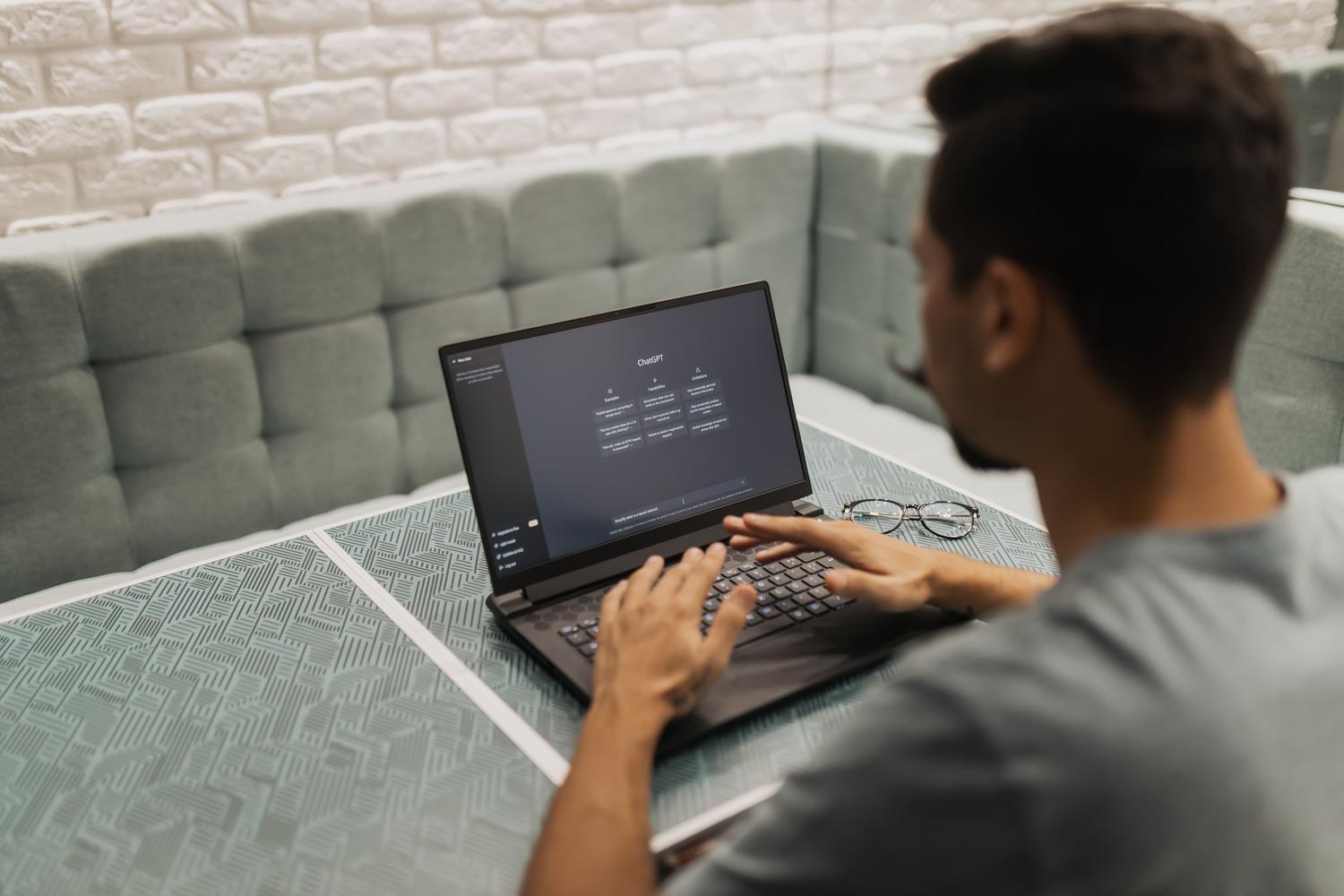
The way we interact with technology is undergoing a radical transformation thanks to the arrival of hybrid intelligence. It's no longer simply a matter of choosing between running a program on our computer or using a website in the cloud, but of creating a seamless ecosystem where both worlds cooperate to ensure uninterrupted work and maximum efficiency.
In this scenario, Windows has firmly established itself as the ideal platform for deploying this architecture. The idea is simple yet powerful: AI agents know when to remain on the device for increased speed and privacy, and when to move to the cloud to process more demanding tasks, all while maintaining tight control over security and data governance.
The Microsoft Execution Container Revolution
To ensure all of this works smoothly and without chaos, Microsoft has launched Execution Containers (MXC), now available to the general public in Windows 11. Essentially, they act as a kind of "safe" that allows for managing the identity and containment of AI agents. This way, administrators know exactly which agent has done what and can restrict its access to certain areas of the system.
What's most interesting is that this system doesn't come alone; it integrates seamlessly with tools like Intune and Agent 365. This is crucial for educational institutions or large companies, as it allows them to govern AI at scale , ensuring that automation doesn't become a security issue on campus or in the office.
Copilot+ PCs: Local power and real-world context
In terms of hardware, Copilot+ PCs are at the heart of this strategy. Here, Copilot isn't just a chat window that queries the internet; it has access to the user's local context . This means that, with permission, the AI knows your recent files and activity, allowing features like Home, Code, and Autopilot to truly take root on your PC.
- Local models: Running AI directly on the device to reduce latency.
- Integrated actions: Ability to perform real tasks within Windows without leaving the application.
- Token optimization: Intelligent routing that decides between local or cloud routes to save costs and resources.
Thanks to this deployment, the question is no longer where the process is executed, but how to monitor the use of AI so that it truly accelerates the workflow without the organization losing control of its sensitive information.
Mobility and workflow with Copilot Cowork
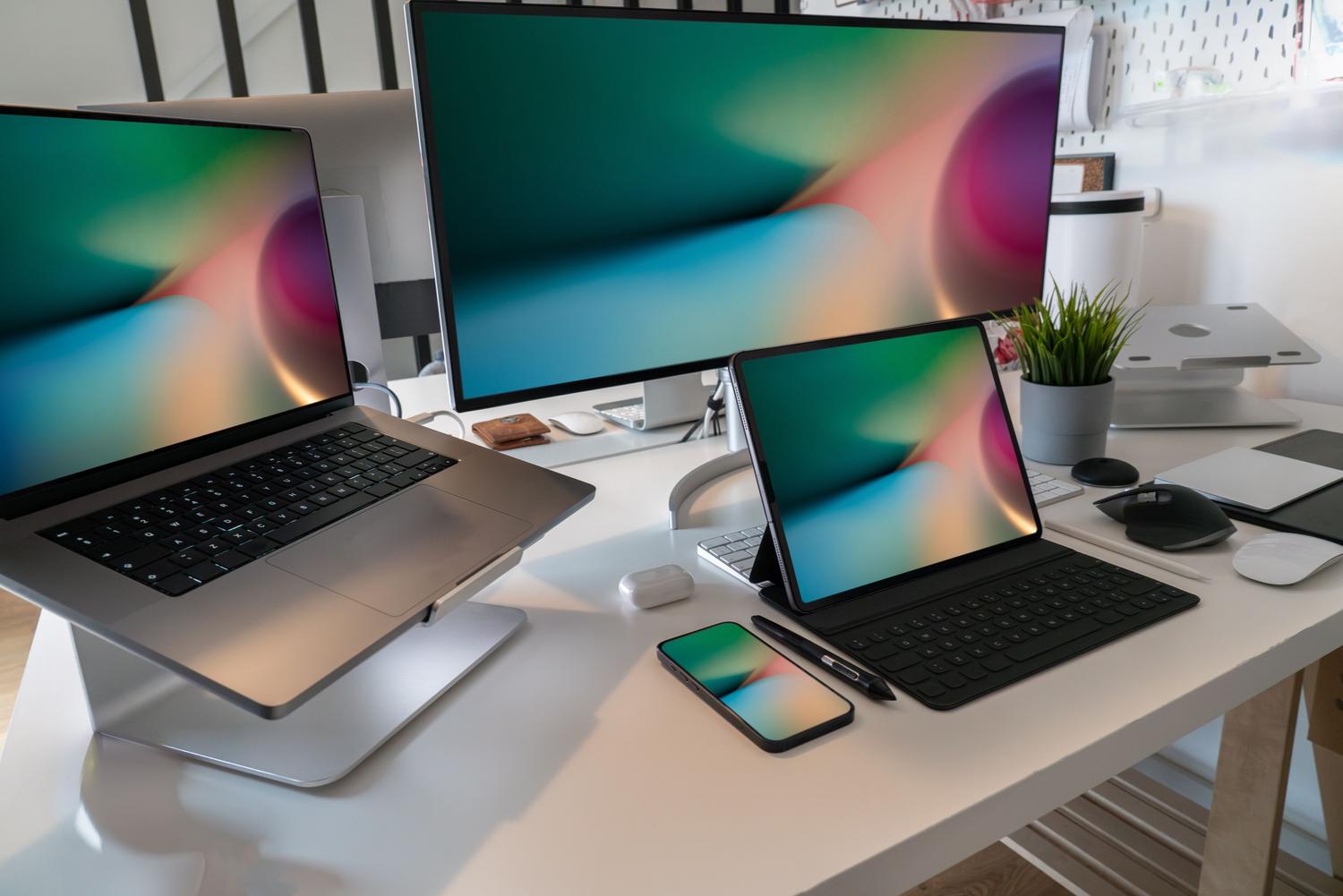
The experience isn't confined to your desk. With the arrival of Copilot Cowork on iOS and Android, task delegation becomes seamless. You can start organizing a project or assigning a task from your mobile device while on the subway and, when you get home, pick up right where you left off on your computer without interrupting your workflow.
Furthermore, the system has expanded its capabilities through new connectors, skills, and plugins. This allows Cowork to operate across various enterprise systems and databases, becoming a bridge that connects corporate information with immediate execution, regardless of the device you're using.
The future of productivity lies in connecting the power of the cloud with the immediacy of local hardware through true governance. By integrating agent containment in Windows 11 and enhancing mobility with Copilot Cowork, a technological symbiosis is achieved that optimizes every token and enables artificial intelligence to be a secure and ubiquitous tool.