- The iPhone works optimally between 0°C and 35°C; outside that range, protections are activated and functions may be limited.
- Common causes of overheating include intensive processes, degraded battery, poorly optimized apps, ambient heat, and, to a lesser extent, malware.
- When the temperature is excessive, the system reduces brightness, slows down loading, lowers performance, and may display warnings or shut down to protect the hardware.
- Avoiding direct sunlight, using good chargers, updating iOS, and controlling the apps and ventilation of the device greatly reduces the risk of overheating.
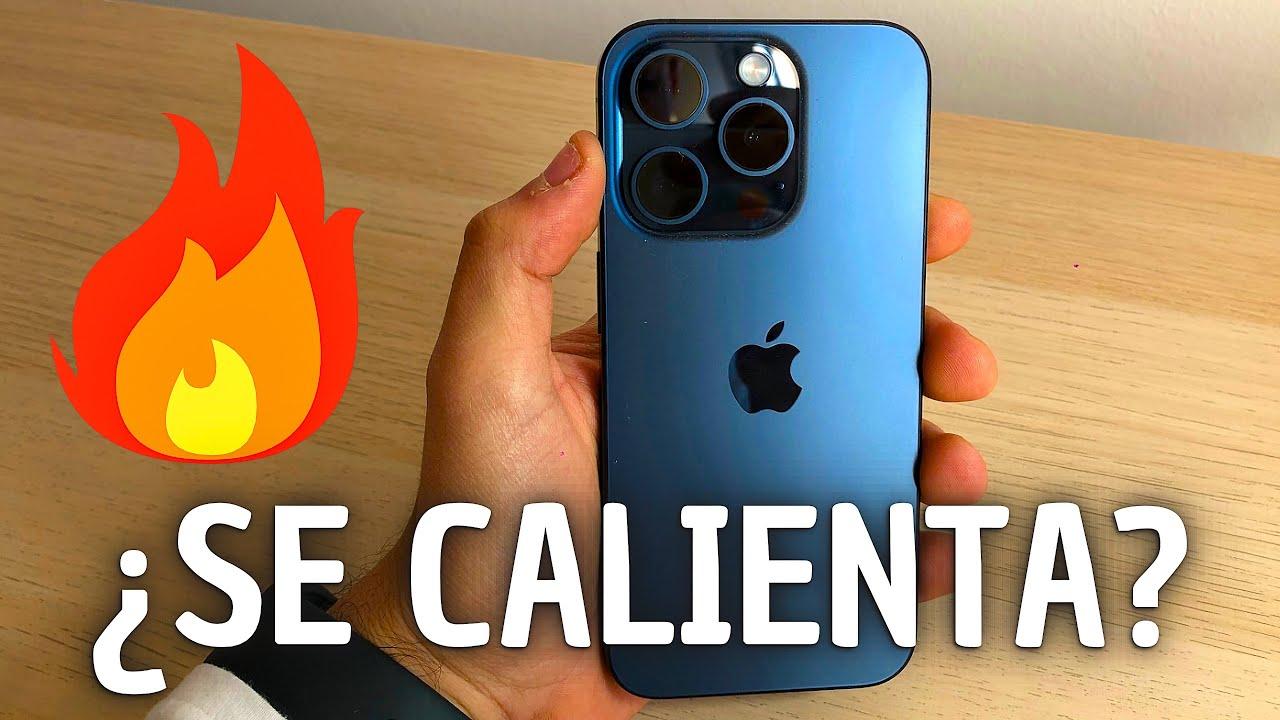
If you've ever thought something like, "My iPhone is getting too hot ," you're not alone. It's normal for your phone to generate some heat when you're using it or charging it, but when it starts getting scorching hot, slowing down, or even displaying warnings on the screen, things change, and it's worth paying attention.
In this guide, you'll find a complete explanation of why your iPhone overheats, what risks it poses, and what you can do to prevent serious problems. We'll cover hardware and software causes, environmental factors (like sunlight and summer heat), and all the symptoms you should watch out for, along with plenty of practical tips for cooling your device and protecting it in the long run.
Recommended operating temperature for the iPhone
Apple states that the iPhone functions optimally when the ambient temperature is between 0°C and 35°C ; outside of that range the system protects itself and may change its behavior to avoid internal damage.
For storage, the temperature range is wider: the iPhone should be kept between -20°C and 45°C . Above these temperatures, especially inside a car in the sun, the internal temperature can easily rise, triggering warnings or even causing the device to shut down.
When the iPhone exceeds certain heat or cold thresholds, the system itself activates automatic protection mechanisms : it disables functions, reduces performance, limits charging, or directly turns off the phone to protect the battery and hardware.
Keep in mind that regularly using an iPhone in extremely hot conditions can permanently shorten battery life , even if you never see a temperature warning message.
Why does my iPhone get so hot?
Every iPhone generates heat because its battery, processor, graphics card, and internal radios are constantly working. The important thing is to understand when that heat is within normal limits and when it indicates that something is wrong.
We can group the causes of overheating into four main categories: normal processes that require many resources, software problems, battery failures or wear and tear, and environmental factors such as direct sunlight or leaving the mobile phone in a closed car.
Normal situations in which the iPhone overheats
There are specific scenarios in which Apple makes it clear that it is completely normal to notice the iPhone feeling warm or hot, because it is working harder than usual to complete intensive tasks.
- Initial iPhone setupWhen you first use your phone or after wiping it, the system indexes photos, files, and data. During this process, it may get warmer than usual.
- Restore from a backup (iCloud or Finder)The iPhone downloads and reorganizes huge amounts of information, and that drives up both processor and network usage.
- Wireless chargingInductive charging is less efficient than wired charging and It generates more heat around the charging coil., so it's common to notice the back getting hot.
- Games and apps with lots of graphicsDemanding games, video editing apps, or augmented reality applications put a strain on the CPU and GPU and can significantly heat up the back of the device.
- High-quality video streamingWatching 4K or HD content for hours with the screen on and brightness set high can also lead to elevated temperatures.
In all these cases, the iPhone usually cools down as soon as the process finishes or you reduce the workload . As long as no temperature warning appears on the screen, this is considered normal behavior.
Software problems that cause the iPhone to overheat
An outdated, buggy, or misconfigured iOS system can force the processor to work harder and, as a result, cause constant overheating even with simple tasks.
Recent versions of iOS typically include performance improvements and security patches that reduce resource consumption and prevent poorly optimized apps from hogging CPU or GPU resources without you noticing.
In addition, certain apps can have bugs that cause loops, poorly managed background tasks, or memory leaks , all of which means the iPhone is working at full capacity even with the screen off.
Another sensitive issue is background updates : if many apps are continuously updating their content, they will check data, location, notifications, and more, increasing network and processor usage.
Degraded or defective battery
Your iPhone's battery is lithium-ion and degrades over time, meaning it loses capacity and efficiency and may generate more heat when charging or discharging.
When the battery health drops below a certain limit (Apple usually indicates problems if the maximum capacity is around 80% or less ), it is common to notice that the phone heats up faster and that battery life is drastically reduced.
Using faulty or uncertified chargers, damaged cables, or power supplies with inadequate output power can generate energy spikes that heat up the battery and charging electronics of the device.
In extreme situations, a severely damaged battery can swell, fail, or even break , especially when combined with high ambient temperatures or poor ventilation of the device.
Usage factors that raise the temperature
The way you use your iPhone also greatly influences the heat it generates, because certain activities demand continuous effort from the processor, screen, and radios.
When you have many apps open, constant notifications, and background processes, the system keeps a lot of tasks active at the same time , which increases energy consumption and accumulated heat.
The apps that tend to heat up the iPhone the most are streaming apps and video games with advanced graphics , since they make the GPU, video chip, speaker and screen work for long periods.
Intensive use of GPS and navigation (Apps like Maps, Google Maps, Waze or TomTom) combines sensors, mobile data, screen on and, often, charging in the car, so it's a perfect recipe for your phone to overheat.
Recording high-resolution video, especially in 4K and for long periods of time, also forces the CPU and GPU to work together and generates considerable heat in the iPhone's body.
Ambient heat and sun exposure
The outside temperature is key: if it's already very hot outside, the iPhone has less room to dissipate the internal heat it produces while operating.
Using your iPhone in direct sunlight, leaving it on a towel at the beach, exposing it to the pool on a hammock, or forgetting it inside the car in the middle of summer can raise its internal temperature very quickly.
Inside a closed vehicle in the sun, the air temperature can exceed 40-45°C, and the dashboard can reach over 70-80°C . Under these conditions, it's normal for the iPhone to shut down to prevent damage.
Ventilation also plays a role: carrying your phone in tight pockets, full backpacks, or thick cases reduces the device's ability to expel heat, making it more likely to overheat.
Malware and malicious software
Although Apple's ecosystem is fairly secure, an iPhone is not invulnerable and can be affected by malware, spyware, or malicious apps that consume resources in the background.
This type of software often runs hidden processes, continuously sends data, or monitors your activity , which involves extra CPU, network, and battery usage, and that translates into more heat.
If your iPhone gets hot for no apparent reason, even when you're not using it, and you also notice abnormal battery drain, strange apps, or erratic performance , it's worth considering the possibility of an infection.
In these cases, it's advisable to review which apps you have installed, check permissions, and, if necessary, use specific iOS security tools or restore your iPhone from a trusted backup.
What happens when the iPhone gets too hot?
The iPhone integrates several systems to prevent heat damage: if the internal temperature exceeds safe operating limits, the system itself reduces performance or cuts off functions.
The first thing that usually happens is that charging slows down or stops completely , whether it's wired or wireless. This is a direct way to reduce the heat generated by the battery.
The screen can automatically dim or even turn black , even though the iPhone is still functioning internally. This reduces the screen's power consumption and helps stabilize the temperature.
Network radios (mobile, 5G, etc.) can enter a low power state and cause the coverage signal to decrease , prioritizing internal protection over connection performance.
The flash and some camera functions are temporarily disabled, and in games or heavy apps you will notice that the frames per second drop or processing times lengthen to reduce the load on the processor.
Temperature alerts and safety shutdowns
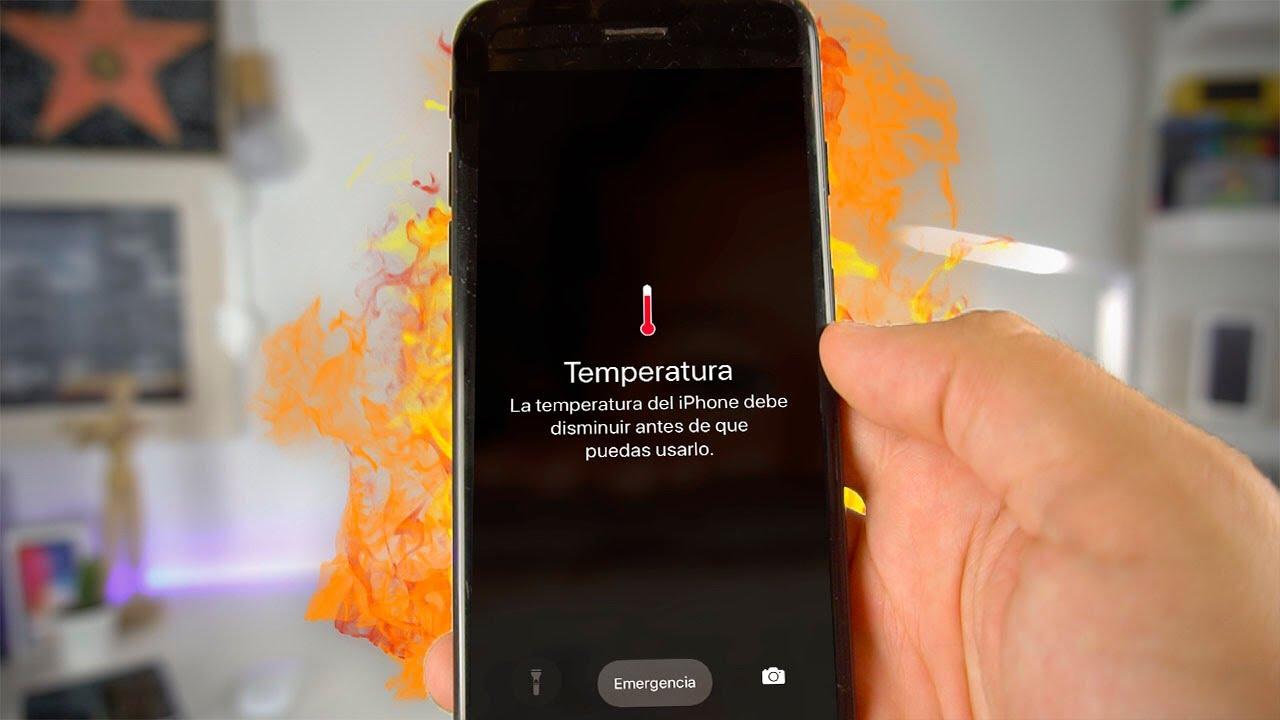
When the iPhone reaches a critical heat level, a warning message such as "The iPhone needs to cool down before you can use it" (or similar) appears on the screen, accompanied by a lock of most functions.
In that state, the iPhone can still allow emergency calls , but all other tasks will be restricted until the device returns to a safe temperature.
If this happens while you're using your mobile phone as a GPS navigator in the car, the screen may turn off but the voice guidance will continue , and the panel will only activate when you approach an upcoming turn.
In extreme situations, the iPhone may automatically shut down. This shutdown does not mean it is broken, but rather that it is protecting itself from damage to the battery, screen, sensors, or processor.
Risks of extreme heat for the iPhone
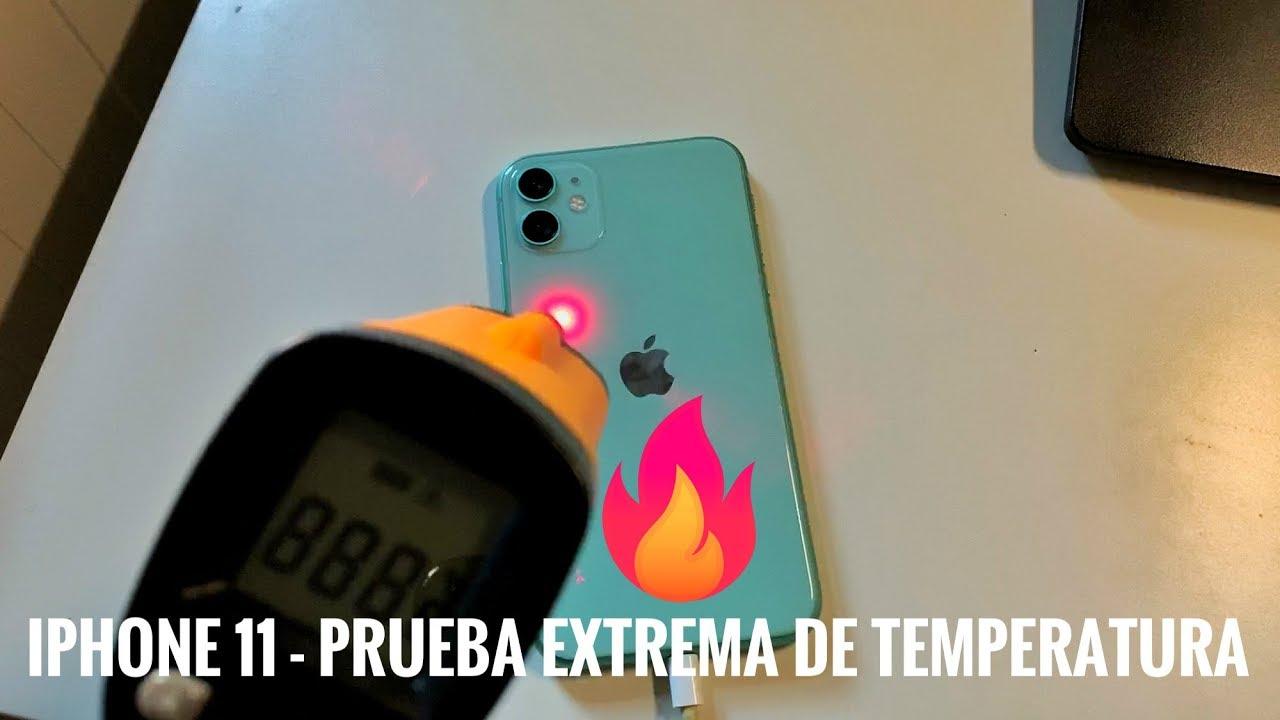
A one-off overheating that the system itself manages usually doesn't leave lasting effects, but frequent overheating or prolonged exposure to the sun can cause permanent damage.
The battery is the first thing affected: heat accelerates its degradation, resulting in less autonomy, a need to charge more often , and a greater likelihood of swelling or failure.
The screen can also be damaged. Prolonged exposure to high temperatures can cause touch malfunctions, ghost touches, color changes , or temporary spots that, if the heat is very intense, can become permanent.
Internally, excessive heat can damage the camera, sensors, and the processor itself. In extreme cases, it can lead to damaged micro-soldering and poor connections that manifest weeks later as difficult-to-diagnose errors.
Excessively high temperatures, especially when combined with a deteriorated battery, increase the risk of serious failures and even physical incidents (bulging battery, burning smells, etc.), so it is best not to "tempt fate".
What to do if your iPhone gets too hot
When you notice that your iPhone is very hot to the touch, it's important to act quickly but calmly , avoiding drastic solutions that could be worse than the original problem.
The first step is always to minimize the device's workload : stop charging, close applications and, if necessary, turn off the phone for a few minutes so it can cool down on its own.
Basic steps to cool down your iPhone
One of the most effective measures is to completely turn off the iPhone . Doing so stops all apps, background processes, and connections, and the device stops generating extra heat.
Removing the case helps a lot, especially if it's thick or made of materials that retain heat. Leave the iPhone exposed to the air on a cool, flat surface , away from radiators, windows in direct sunlight, or appliances that emit heat.
If your phone is charging, immediately unplug the cable or place it away from the wireless charging pad, because charging an already hot iPhone only makes the situation worse.
Placing your phone in a well-ventilated area or in front of a fan (not one blowing very cold air) can help lower the temperature gradually. Avoid putting it in the refrigerator or freezer, or exposing it to sudden temperature changes , as this can cause internal condensation.
Quick adjustments to lower the temperature
Activating airplane mode cuts off mobile, Wi-Fi, and Bluetooth connections, which significantly reduces the workload on the radios and battery consumption, helping the iPhone to stabilize.
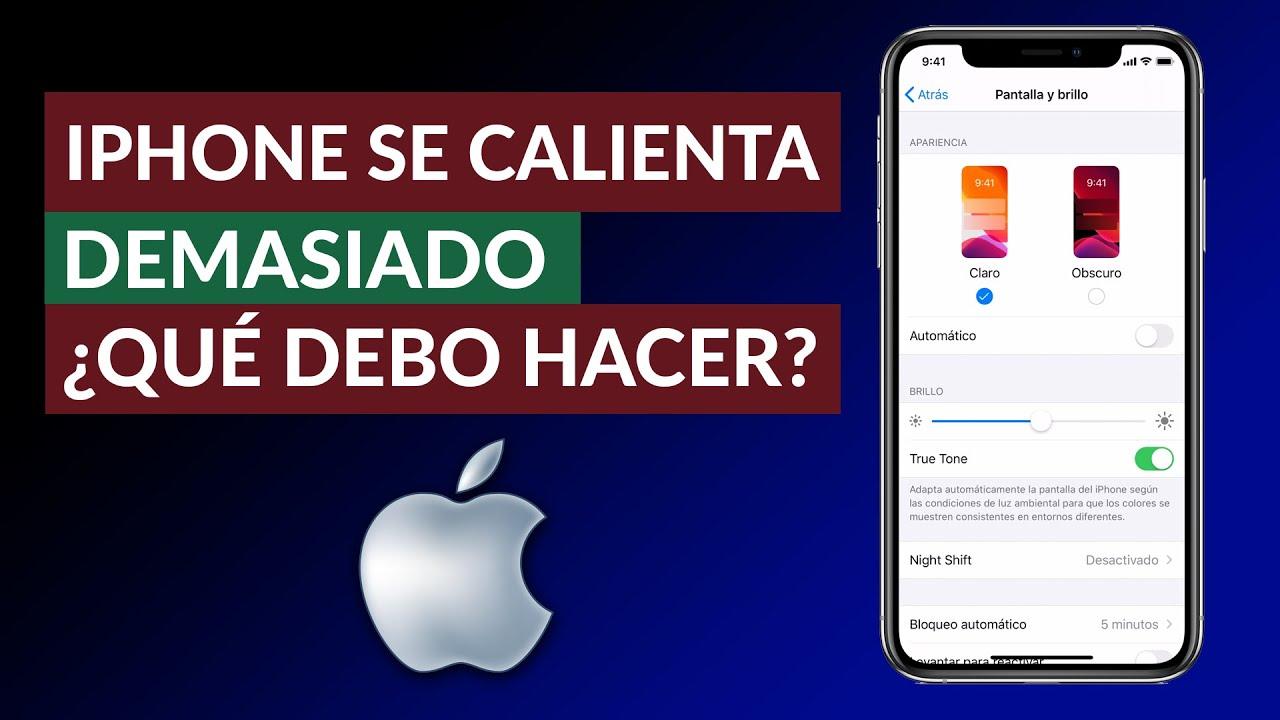
Lowering the screen brightness to the minimum comfortable level reduces the load on the battery and GPU; a screen at maximum brightness, especially in sunlight, is one of the device's biggest sources of heat.
Another quick fix is to close the apps you don't need . If you have many applications open, especially games or streaming services, it's best to "clean up" your multitasking and keep only the essentials.
If, despite these actions, the iPhone continues to overheat frequently, it's advisable to check the battery health and, if necessary, take it to a repair shop to rule out any underlying hardware or software problems.
How to prevent your iPhone from overheating
The best strategy is prevention: if you take care of both the physical and software aspects, you will greatly reduce the chances of your iPhone reaching dangerous temperatures.
It's about combining good usage habits, some common sense regarding the heat, and keeping the system and apps well updated so that everything works as efficiently as possible.
Be careful where and how you use your iPhone.
Avoid using your phone in direct sunlight for extended periods, especially during the summer. Whenever possible, keep your iPhone in the shade and in a cool environment , away from radiators, stoves, or fireplaces.
Don't leave the device in the car on a hot day or on surfaces exposed to direct sunlight, such as the dashboard tray. Even if it seems like a short time, just a few minutes is enough for the temperature to rise significantly.
Give your phone some space: don't put it under your pillow while charging , and don't leave it trapped in tight pockets or compressed bags. A little ventilation helps the heat dissipate.
If you're going to use your iPhone for very demanding tasks (intensive games, recording 4K video, prolonged GPS navigation) on a particularly hot day, try to take breaks and give the device a "breathe" from time to time.
Optimize the software to generate less heat
Updating iOS to the latest stable version is usually a good idea because Apple incorporates energy efficiency improvements and bug fixes that can reduce overheating.
Also keep your apps updated from the App Store: developers often fix bugs that consume resources unnecessarily and cause the phone to overheat or use more battery.
Disable or limit background updates for apps that don't need to be constantly refreshing their content. Fewer constant processes mean less heat and more battery life.
Low power mode can be a great help on hot days or when you know you'll be using your iPhone for many hours, as it reduces maximum performance, limits animations, and slows down background processes.
Good practices with the battery and charging
Always use high-quality chargers and cables, preferably with official certification. Poor-quality generic accessories can deliver more power than necessary or have voltage spikes that cause your iPhone to overheat.
If you often notice that your phone gets very hot while charging, try removing the case during charging , using lower wattage chargers (for example, 5W) or avoiding wireless charging on extremely hot days.
It's not a good idea to play games, watch shows, or make long video calls while your iPhone is plugged in . That combination of charging and heavy use is one of the most damaging to the battery and its temperature.
Occasionally, check the battery health section in Settings. If the maximum capacity is very low or the system indicates that it needs maintenance, considering a battery replacement can prevent overheating and improve battery life.
Security and suspicious apps
If your iPhone gets hot even when not in use, it's worth checking which apps you have installed and which processes are using the most battery in the settings.
Uninstall apps you don't recognize , don't use, or that appear at the top of the energy consumption rankings for no apparent reason, because they could be running abusive tasks in the background.
Avoiding unsecured Wi-Fi connections, suspicious links, and downloads from untrusted sources also helps reduce the likelihood of ending up with malware that overloads your system.
If you seriously suspect that your iPhone may be compromised, a strong measure is to back up important data and restore the device to factory settings , reinstalling only essential apps.
Maintaining your iPhone's temperature isn't complicated, but it does require consistency: keeping it out of direct sunlight, avoiding leaving it in the car, monitoring the apps that consume the most power, using good chargers, and updating the system regularly will make it much easier to keep your phone cool, improve its daily performance, and ensure its battery and internal components last for many years without unnecessary problems.