- A wide variety of emulators to enjoy console and mobile games and apps on PC
- Options for all systems: Nintendo, Sony, SEGA, Xbox, Android and more
- RetroArch and other cross-platform emulators centralize emulation in a single application
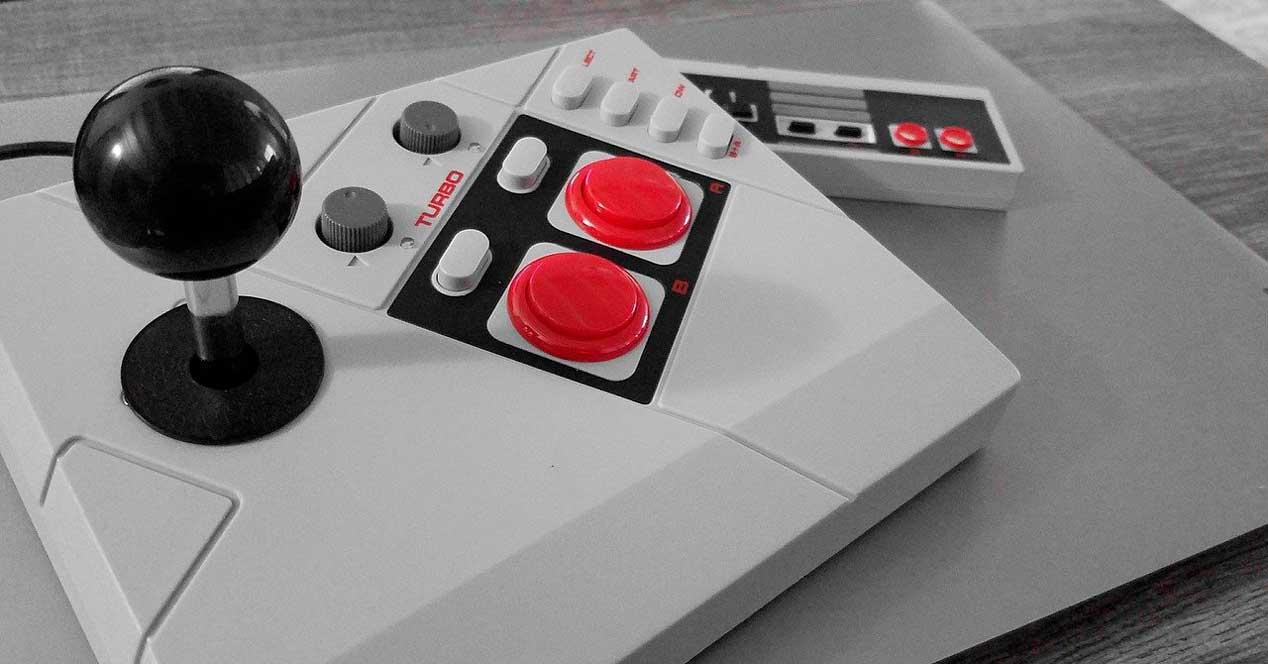
Today, experiencing games and applications from other platforms on your computer is something more and more users are looking for. Emulators allow you to relive the nostalgia of classic consoles, enjoy the latest mobile games, or even try out professional apps, all directly from your PC. With so many options available, choosing the best emulator can be complicated , so we've compiled a complete and up-to-date list of the most powerful, user-friendly, and versatile PC emulators of 2025, for both retro gaming enthusiasts and those who simply want to use mobile or console apps on their computer.
In this article, you'll discover a 100% detailed guide, written in plain language with clear explanations, to the best emulators for PC. We review emulators that recreate Android systems as well as those focused on Nintendo, Sony, SEGA, and Microsoft consoles, and even classic computers. You'll find pros, cons, tips, and recommendations for all tastes and needs, along with download links where available. If you're looking for the best performance, compatibility, or ease of use, you'll find everything explained in detail here.
What is a PC emulator and why use them?
An emulator is software capable of recreating the hardware and environment of another machine on your PC. This allows you to run games and applications originally designed for devices other than a computer, such as mobile phones, consoles, or even old arcade machines. In this way, you can relive great classics, use mobile-exclusive tools, or access catalogs that are no longer available on the original platforms.
The most important advantages are focused on compatibility with different systems, access to unique functionalities, cost reduction (without buying the original machine) and technical improvements such as image scaling, use of filters or the ability to save games at any time.
Android emulators for PC: Mobile apps and games on your computer
The first major category is Android emulators for PC , ideal for those who want to enjoy mobile apps or games on a large screen, with a keyboard and mouse. There are options for all types of users: from those seeking the smoothest possible gameplay to developers who need to test apps on different devices.
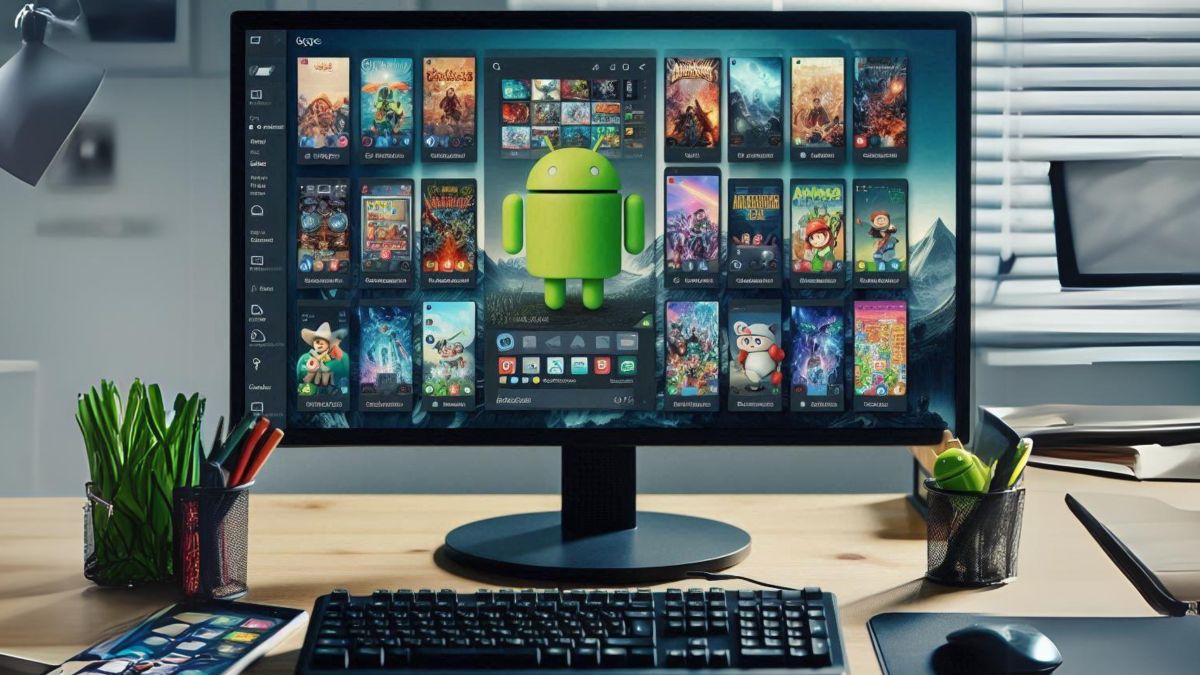
- BlueStacksPossibly the best-known and most widely used emulator for playing Android games on your computer. It stands out for its compatibility with millions of apps, multi-window functionality (allowing you to open and use multiple apps simultaneously), and direct access to Google Play. It's especially optimized for gaming and supports keyboard and mouse mapping. Its configuration options allow for superior performance even on less powerful computers, but if you want all the features, there's a paid version. It also usually comes adware-free, although It is recommended to thoroughly review the installation process to avoid additional apps.
- ME Mu PlayConsidered one of the fastest emulators, especially for apps that take advantage of multi-core processors or with demanding 3D graphics. It's ideal for those who want to run many apps or games simultaneously, and its multi-window function is truly powerful. Its standout feature is... ability to share files between the emulator and Windowswhich is extremely convenient for transferring data.
- LDPlayerThis emulator has gained immense popularity due to its stability and its strong focus on multiplayer mobile games like PUBG Mobile, Roblox, and Call of Duty. It allows for FPS adjustment, custom control mapping, and frequent updates. While its interface resembles Android, it adds a unique and very useful toolbar.
- NoxPlayerAnother great option for PC gamers. It allows the use of macros (automating tasks in games) and stands out for its seamless keyboard and mouse integration, as well as the ability to run multiple game instances with different accounts. With the updated Android 9, it's compatible with most modern titles.
- Android StudioThis is Google's official option for developers who want to test apps on recent versions of Android. It includes the latest system version, simulated calls, messages, sensors, and hundreds of devices. It has a steeper learning curve, but it's the most comprehensive option if you're a programmer.
- GenymotionHighly focused on the professional field, it allows you to emulate more than 3.000 real devices, testing apps on different versions and hardware conditions, both locally and in the cloud (the latter option is paid). It is especially useful for developers and testers.
- GameloopDeveloped by Tencent, it's the official emulator for titles like Call of Duty Mobile. It focuses on gameplay and optimizes controls and graphics. It also implements anti-cheat systems to prevent cheating.
- Bliss OSUnlike previous versions, this isn't an emulator, but a complete Android-based operating system that you can install on your PC, on a partition, or on a USB drive. It promises compatibility with a wide variety of devices and a native Android experience.
- ARCHonThis allows you to run Android apps directly in Google Chrome via an extension. It's an alternative option for very specific cases, although the installation process is less user-friendly and requires modifying the APK files.
- Remix OS PlayerAlthough it no longer receives updates, it still works well and is easy to use. It focuses on the keyboard and mouse experience, which is useful for gaming and productivity.
- Android x86This project aims to convert the open-source version of Android to x86 architectures (the standard for PCs). It's particularly useful if you want to use mobile apps on your computer, with support for the camera, Wi-Fi, battery, and keyboard.
Additionally, since Windows 11 you have the option to run Android apps directly from the Microsoft store, although this system will soon no longer be supported.
Nintendo console emulators on PC: from the NES to the Switch
Few manufacturers boast a catalog as extensive and beloved as Nintendo. Emulators for their classic and modern consoles offer a gateway to nostalgia and the fun of playing hundreds of legendary titles. Below, we explain the most notable ones, from the NES to the Switch, including all the generations in between.
- FCEUX (NES)Considered one of the most complete emulators for the original 8-bit console. It allows playing on a local network or over the Internet with the NetPlay function, recording games and extracting audio, as well as supporting ROMs compressed in ZIP, RAR and 7z formats. Its main advantage is its precision and range of functionsHowever, the initial setup can be somewhat confusing for beginners.
- Snes9x (Super Nintendo)A portable emulator that requires no installation, is very lightweight but has advanced features. Highlights include 10 save points, network play, support for different versions of Snes9x adapted to specific needs, and the ability to load multiple games simultaneously.
- No$gba (Nintendo DS and GBA)Although originally designed for the Game Boy Advance, it was the first to run DS games. Lightweight yet feature-rich, it emulates various Nintendo handhelds (GBA, DS, Game Boy, Game Boy Color), with online play, controller mapping, and easy ROM loading. It's easy to get started with, though some users miss certain advanced features.
- Citra (Nintendo 3DS)A very complete open-source C++ emulator with advanced graphics options. It allows you to view both screens, simulate touch with a mouse, and run games at maximum speed. Also compatible with Android mobile devices.
- Dolphin Emulator (GameCube and Wii)The most advanced for these two consoles, with the ability to upscale graphics to 4K and use original controllers (including the Wiimote). Its setup can be complex, but the customization options are vast. It works with both GameCube and Wii games.
- Project64 (Nintendo 64)Focused on ease of use, it allows you to play legendary titles like Ocarina of Time, GoldenEye 007, and Mario 64 with multiple graphics and save options. Its game and controller management system is very intuitive for any user.
- Cemu (Wii U)A Wii U emulator with support for up to 4K resolution and options to configure original controllers, Pro Controllers, or even a mouse and keyboard. Some games require specific configurations, but it's the most complete emulator for this console.
- VisualBoyAdvance (Game Boy, GBC, GBA): Legendary emulator for Nintendo handhelds, with support for importing/exporting saves, recording audio/video, screenshots, joystick and turbo compatibility, plus Link Cable emulation for multiplayer games.
There are also official compilations and cloud services like Nintendo Switch Online, which allow legal access to dozens of classic games in the series, without needing the physical console or alternative emulators.
SEGA console emulators: Mega Drive, Master System and more
The 16-bit era wouldn't be the same without SEGA's iconic games. Luckily, there are dedicated emulators for each of their most famous consoles.
- Gens (Mega Drive, SEGA CD, 32X)One of the most complete emulators for the 16-bit console, also supporting SEGA CD and 32X peripherals. It's very lightweight and offers features such as game saving, screenshots, Game Genie cheat support, and online or local multiplayer.
- MasterGear (Master System and Game Gear)Focused on SEGA's 8-bit consoles, it's incredibly small and easy to use. Its main feature is simplicity, without too many configuration options but with the essentials to enjoy games from that era. It includes NetPlay support for network gaming.
Microsoft console emulators: Xbox and Xbox 360
If your goal is to relive the original Xbox or Xbox 360 experience on PC, you also have emulators that are constantly improving.
- Cxbx-Reloaded (Original Xbox)Specializing in the original Xbox, it offers fast and high-quality emulation, but requires advanced knowledge for setup and SDK use. It is recommended for experienced users seeking maximum fidelity with original titles.
- Xenia (Xbox 360)Since 2013, it has been making progress in offering compatibility with many titles, loading ISO, XEX, and XCP files. Powerful computers are usually required for smooth gameplay, but development is active, and compatibility lists can be found on the official website.
Sony console emulators: from PlayStation 1 to PS Vita
Sony is synonymous with legendary consoles, and thanks to the community there are options to enjoy all of its systems on PC.
- ePSXe (PSX, PlayStation 1)It faithfully simulates the PS1. It works with original discs or ISO images, allows you to configure plugins to improve graphics, video and audio, and supports saving games with a memory card simulator. It's easy to useHowever, it needs the original BIOS files to boot.
- PCSX2 (PlayStation 2)One of the longest-running and most successful emulators for PS2, with configurable resolution up to 4096x4096 px, anti-aliasing, texture filters, and compatibility with a large part of the game library. It requires the PS2 BIOS and offers many advanced options for adjusting performance and graphics quality.
- RPCS3 (PlayStation 3)An open-source emulator that stands out for its compatibility with numerous titles and its ease of customization of graphics, controls, and image quality. Many titles reach 4K resolution and 60 FPS on powerful systems, and it includes additional graphic filters.
- Orbital (PlayStation 4)Although still under development, it allows partial emulation of the PS4, granting access to the XMB and some games with certain BIOS and system components. It's an experimental option aimed at more advanced users with powerful systems.
- PPSSPP (PSP)The most well-known and complete PSP emulator, capable of playing almost the entire catalog of the portable console in HD, with multiple graphics options and compatibility with save points and touch screens.
- Vita3K (PS Vita)The first functional emulator for PS Vita, although still experimental and with a limited list of compatible games. It allows you to try both commercial and homebrew titles, but some experience is required for installation and configuration.
Cross-platform emulators: the all-in-one option
For those looking for a single application that encompasses virtually everything, there are solutions that allow you to load multiple systems from a single interface.
- RetroArch: East This free and open-source program allows you to install the best emulators directly from within the application.without having to search for them individually online. Compatible with controllers and keyboards, it offers another key advantage: variable game speed, image and sound filters, rewind, cheats, Netplay, and much more. It can be installed on Windows, macOS, Linux, mobile devices, consoles, and even Raspberry Pi via RetroPie.
RetroArch also allows you to install specific systems, such as NES, SNES, Mega Drive, PlayStation, or Arcade, managing them all from its centralized menu and providing quick access to both games and advanced configuration options. A true Swiss Army knife for emulation fans.
Other essential emulators for PC: Atari, MS-DOS and Arcade
Emulation isn't just about consoles and mobile devices. Many users want to relive the experience of early home consoles or arcade machines. There are also excellent solutions for this.
- Stella (Atari 2600)Simple and straightforward, it allows you to play the entire library of the legendary Atari 2600, with excellent compatibility, game search capability, support for original cartridges and identical functionality to the real console.
- DOSBox (MS-DOS)The star tool for running software and video games from the old MS-DOS operating system, including compatibility with processors, graphics cards, and sound cards from the 80s and 90s. It runs in a command-line window and requires learning some syntax to load games, but it's unbeatable for preserving classics.
- MAME (Arcade)The ultimate emulator for arcade games. It includes a database of arcade titles from various platforms, allows manual ROM loading, and lets you manage large collections from its frontend. It's the ideal solution for those who want to explore decades of arcade history.
As additional alternatives, there are legal compilations available for purchase on stores like Steam, or official retro consoles that re-release great classics. Furthermore, cloud platforms such as PlayStation Plus, Nintendo Switch Online, or Microsoft's xCloud allow you to play a selection of older titles directly without needing to download or configure emulators.
Legal aspects, tips and usage considerations
It's crucial to remember that to use many emulators, you'll need your own legal copies of the BIOS, ROMs, or original discs . Downloading copyrighted material can have legal consequences, although emulation itself is legal in most countries as long as you don't distribute copyrighted files. Check the laws in your region and always opt for official sources or homebrew licenses.
On the other hand, emulators often require custom configurations depending on the game and the user's hardware. Take advantage of online communities to discover patches, tricks, or settings that will improve your experience, especially in graphically demanding titles or those with complex controls.
For developers and advanced users, many emulators allow you to adjust a multitude of parameters: from graphic filters, key mappings, and cheat usage, to integration with real hardware, performance enhancements, and access to debugging functions. The key is to dedicate some time to learning about each program's options and not be afraid to experiment.
When using Android emulators, always review the installation process to avoid adware or additional bundles. Download from official websites and keep your software updated to prevent compatibility and security issues.
If gameplay is your priority, choose emulators that support high frame rates and easy key mapping, such as LDPlayer or NoxPlayer. If you're a fan of customization or seeking maximum fidelity, opt for options like PCSX2, Dolphin, or RetroArch with their respective cores.
At the end of this journey, emulation not only opens the doors to the past and modern gems, but also offers a flexible and fun way to continue enjoying your favorite games and apps, regardless of the platform they were originally created on. Whether you're looking to relive your childhood, test your own creations, or simply discover new experiences, there's a perfect emulator waiting for you. You just need a little patience and curiosity to get the most out of your PC. Enjoy!