- USB flash drives are very useful but physically fragile and easy to lose, so they shouldn't be the only place where critical information is stored.
- USB flash drives are a common vector for malware and advanced hardware attacks such as BadUSB, Rubber Ducky or USB Killer, especially through social engineering.
- In businesses and industrial networks, USB drives can cause data leaks and serious cyberattacks if there are no clear policies for device use, encryption, and control.
- The combination of backups, encryption, updated antivirus, user training, and alternatives such as external SSDs or cloud storage drastically reduces the risks associated with USB drives.

USB drives have become an integral part of our daily lives: we use them to carry work, photos, presentations, or make quick backups without giving it much thought. This everyday act of plugging a USB drive into the first computer we see can hide more risks than it seems , from total data loss to inadvertently serving as a gateway for a serious cyberattack.
In addition to the typical, old-fashioned virus, more sophisticated threats are now at play: devices that masquerade as keyboards, electrical attacks capable of frying a computer, leaks of confidential information, or memory devices that fail when they're needed most . Understanding these dangers and how to mitigate them is key whether you use a USB drive at home, in a business, or in an industrial setting.
What exactly is a USB drive and why has it become so popular?
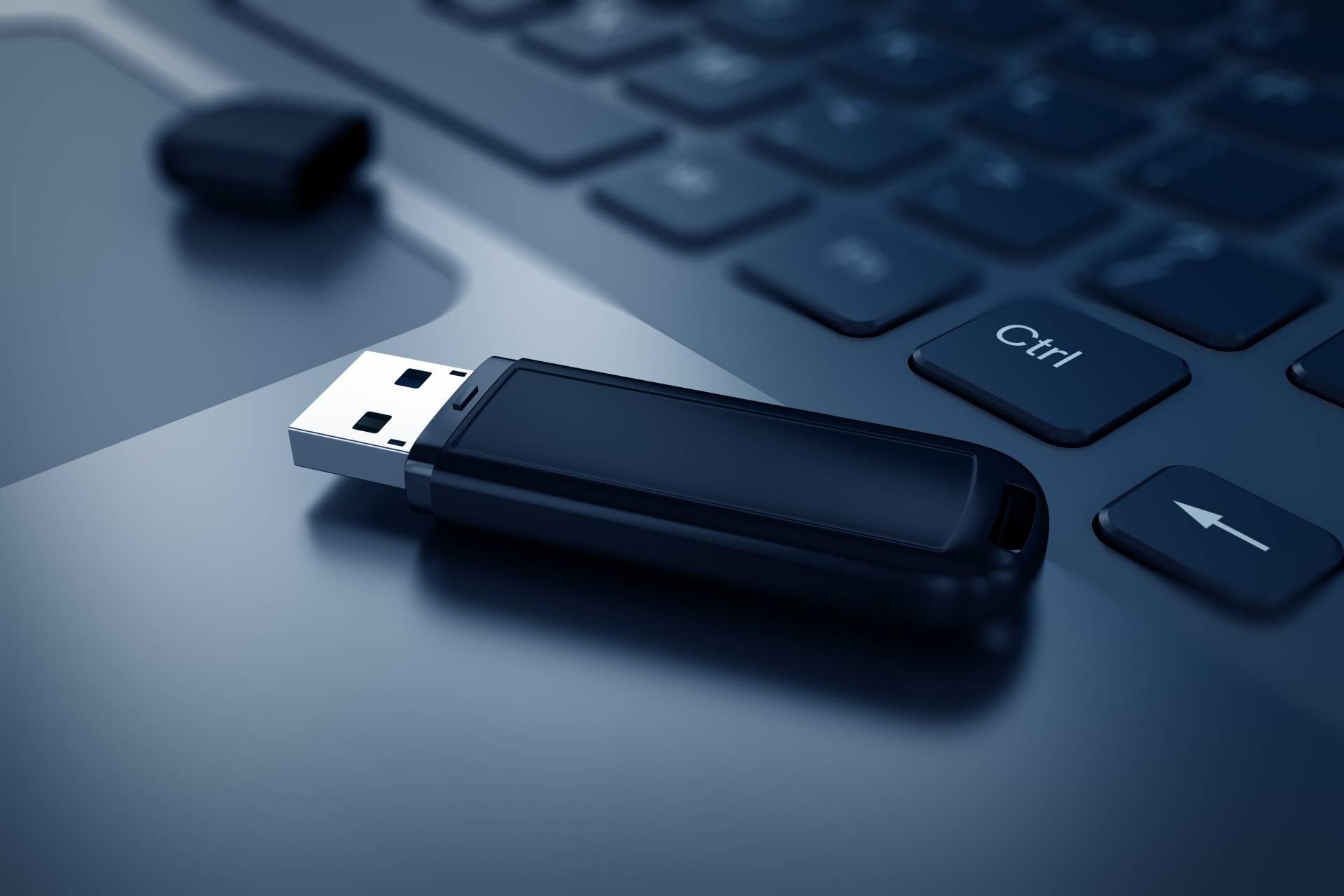
A USB flash drive, also known as a pen drive or memory stick, is essentially a small, solid-state storage device that allows you to save and transfer digital files from one computer to another. They take up very little space, weigh almost nothing, and in many cases, fit on a keychain or in a pants pocket.
Its main advantage over other systems is the ease of moving documents, photos, videos, or installers between computers without relying on the internet . For students, professionals, or workers in environments with poor connectivity, they remain a very practical resource for transferring presentations, reports, or even system updates.
In off-network environments, such as certain industrial or operational (OT) networks, USB drives are still used as "standalone information vehicles" : they serve to apply patches, load configurations, or transfer data between machines that are never connected to the internet for security reasons.
The problem is that, precisely because of this convenience and sense of innocence, many people underestimate the technical and security risks associated with these devices . And that's where cybercriminals have found a goldmine.
Physical risks: loss, theft, and failure of the USB drive
One of the most obvious, yet often overlooked, dangers is that USB drives are extremely easy to lose or end up in the wrong hands . Their small size, which we all love, means they're often left behind in a meeting room, a copy shop, a classroom, or in a coat pocket that we don't use again for months.
When a lost USB drive contains confidential information or personal data , the impact can go far beyond a simple annoyance. We're talking about work delays, irretrievable loss of documents, leaks of sensitive data, non-compliance with data protection regulations, or even penalties if the information belongs to clients or patients.
Furthermore, USB drives are not designed to be a very long-term storage system . Flash memory has a limited lifespan in terms of read and write cycles, and over time or with intensive use, bad sectors, data corruption, and failures can occur without warning.
Under ideal conditions, many models can last up to 10 years , and a few even longer, but this figure is rarely achieved in real-world use. Factors such as heat, humidity, impacts, careless plugging and unplugging, or leaving them in the sun inside the car drastically reduce their lifespan.
Another common problem is that if a memory device becomes infected or its file system is corrupted, the only way to recover it is often by formatting it . This involves erasing all its contents, and although programs exist to try to recover data, the result is often partial or practically nonexistent.
The lesson here is clear: a USB drive should never be the only place where you keep information you can't afford to lose , nor the place where you store extremely sensitive documents without encryption; that's why it's advisable to follow a personal cybersecurity checklist and back up to more than one location.
Security risks: malware, viruses, and advanced USB attacks
Beyond the physical issues, the biggest threat posed by USB drives lies in cybersecurity. Flash drives have become a favorite way to spread malware , both in home and business environments, precisely because they are easy to move between computers.
Several studies indicate that around 30% of malware is distributed via USB drives and SD cards , often without internet access. Simply connecting a device to an infected computer is enough for it to become a conduit for Trojans, ransomware, spyware, and other threats.
Simply connecting a USB drive to multiple office computers, friends' home computers, a copy shop's PC, or a hotel laptop significantly increases the likelihood of the drive becoming infected and spreading viruses wherever it goes . And if that same drive then enters a critical system, the problem can be enormous.
Many organizations have even opted to physically disable or severely restrict USB ports on their computers to curb these types of attacks. While a good, up-to-date antivirus program and disabling automatic execution help, they aren't a perfect shield; therefore, it's advisable to consult cybersecurity guides for Windows and implement additional controls.
In addition to "classic" viruses that reside as files, much more sophisticated techniques now exist that exploit the way the USB standard itself works . This is where attacks like BadUSB or devices like Rubber Ducky come into play, completely changing the game.
Hardware attacks: BadUSB, keyboard emulation, and USB Killer
When we think of a USB drive, we usually imagine a simple file container, but inside a USB casing, very different devices can be hidden : microphones, cameras, keyloggers, emulated keyboards, malicious network adapters, or even devices designed to physically damage a computer.
One of the most well-known examples is the vulnerability known as BadUSB, which allows the firmware of a USB device to be reprogrammed so that it stops behaving as a data storage device and starts pretending to be another type of peripheral, for example a keyboard (HID device).
When you plug in that modified USB drive, the operating system negotiates with it, and if the device claims to be a keyboard, it accepts it as such without asking too many questions. In a matter of seconds, it can start automatically "typing" commands : opening a console, downloading malware from the internet, creating a hidden administrator user, or modifying security settings—all without you touching a thing.
This type of attack is especially dangerous because it leaves no obvious trace in the drive's files . An antivirus program that only scans the stored content will likely miss everything, since the trick lies in the USB controller's firmware, not in an .exe file hidden in a folder.
Devices like the infamous Rubber Ducky are a good example of this strategy. At first glance, they look like a normal USB drive, even with a corporate logo or a very discreet design, but in reality, they are programmable keyboards designed to execute attack scripts as soon as they are connected. If you're interested in learning more about how drives can be transformed, see how to turn your USB drive into a tool.
In the hands of security teams or ethical hackers, they are used for penetration testing, but if they fall into the wrong hands, they can compromise a computer in seconds . Neither traditional XDR nor EDR typically detects this behavior if they only focus on common files and processes.
Another vector is physical keyloggers, which are placed between the keyboard and the computer or integrated into seemingly innocuous USB devices. Their function is to record all keystrokes, including passwords, emails, or banking information, and then send that information to the attacker.
And we mustn't forget electrical hazards, such as the infamous USB Killer devices . These devices accumulate electrical charge and discharge it suddenly onto the port they're connected to, potentially damaging the motherboard, ports, power supplies, and rendering the computer unusable.
The combination of reprogrammable hardware, social engineering, and low user distrust makes USB devices a very attractive, cheap, and difficult-to-trace attack vector if the organization does not have specific controls in place.
Social engineering and real-life examples: when the USB drive is the perfect bait
The technique of leaving USB drives "forgotten" in parking lots, office hallways, or waiting rooms is well-established. Various experiments show that between 60% and almost 90% of people who find a discarded USB drive end up connecting it to a computer to see what's on it.
If, in addition, the device bears a logo that inspires confidence (for example, a supposed label from a public institution, a large company, or a bank ), that percentage skyrockets to nearly 100%. Curiosity, combined with an appearance of legitimacy, remains the cybercriminals' best ally.
A very clear example would be that of a worker who, while out for drinks with colleagues, receives a USB drive from someone in Human Resources containing a supposed list of people who might be laid off. When he gets home, he doesn't waste a minute plugging the device into his laptop to snoop around.
In reality, you may be facing a hardware cyberattack based on keyboard emulation or altered firmware that, upon connection, executes a series of commands invisible to the user: opening backdoors, stealing credentials, downloading additional malware, or starting to encrypt files.
This same type of tactic has been observed in contexts of war and conflicts such as the Arab Spring , where industrial and critical infrastructure networks that were not connected to the internet ended up being infected through USB devices introduced by the workers themselves, often under coercion or deception.
In response to this reality, specific solutions have emerged for OT networks and high-criticality environments, such as gateways and dedicated USB traffic analysis systems (for example, SafeDoor® platforms and similar systems). These tools act as a barrier between any external device and internal equipment, inspecting and filtering hardware, software, and electrical threats before allowing them to pass.
The moral of the story is that it's not enough to train users on "don't click on strange links" ; you also have to teach them about the dangers of connecting any USB from a dubious source, both at the office and at home if they use the company laptop.
USB in the workplace: data leaks, regulations and risk management
In the corporate world, USB drives are a double-edged sword: they facilitate daily work, but they also pose a significant risk to the confidentiality, integrity, and availability of information . A single lost device can contain personal data, customer lists, project plans, financial reports, or strategic documents.
Many data protection laws and regulations require reporting incidents when devices containing sensitive information are lost or stolen , and this includes not only laptops but also portable storage devices. If a third-party provider handles data on behalf of the company, that also falls under the same category.
At the same time, USB drives can be the perfect "Trojan horse" for introducing malware into a corporate network . An employee plugs in a personal USB drive or one received as a gift containing promotional material, unknowingly opening a direct entry point for Trojans or ransomware.
Some organizations have decided to take drastic measures and disable all USB ports, except in exceptionally justified cases . Others adopt a more flexible but controlled approach, with clear policies on what data can be stored, which devices are authorized, and how it should be protected.
In any case, it's essential to define internal policies for the use, storage, encryption, and incident reporting of USB drives and other portable media. Simply writing them down isn't enough: they must be communicated to all staff, trained on their application, and consistently enforced. Furthermore, it's helpful to follow tech tips for using your devices responsibly.
An additional best practice is to implement solutions that manage whitelists of authorized USB devices , so that only pre-registered drives can function on corporate computers. This significantly reduces the risk of a stray USB drive becoming the entry point for the next serious incident.
USB versus other alternatives: external SSDs and cloud

While USB flash drives remain very useful, they aren't the ideal option for long-term storage of critical information . That's why other alternatives, such as external SSD hard drives or cloud storage, are becoming increasingly popular.
External SSDs share the concept of "taking your data with you," but they use higher-quality components, more advanced controllers, and more sophisticated management of NAND flash memory cells . They distribute writing across multiple chips and typically offer greater durability and reliability than a typical USB flash drive, where everything relies on a single, less powerful chip.
Cloud storage, on the other hand, allows for redundant backups on remote servers , accessible from various devices as long as there is an internet connection. Platforms like Google Drive, OneDrive, and Dropbox incorporate encryption in transit and, in many cases, encryption at rest, adding an important layer of protection.
For example, Google Drive encrypts data as it travels between your device and its servers , reducing the risk of someone intercepting that information along the way. When combined with good password management and two-step authentication, the level of security for certain uses is often far superior to that of a loose USB drive in your pocket.
This doesn't mean we should banish USB drives altogether, but rather that we should consider what kind of information we store on them and for what purpose . For quick backups, non-sensitive files, or occasional transfers without a network connection, they're great; but as our digital "safe," they clearly fall short.
Secure deletion, encryption, and technical best practices
Another delicate issue is what to do with the information when we no longer want it on the USB drive . Formatting the device or deleting files from the file explorer might give a false sense of security, but in reality, much data can be recovered with relatively accessible tools.
If you plan to continue using the drive, it's recommended to perform a secure erase that overwrites the contents to make recovery more difficult. There are specific programs for this, as well as built-in functions in some operating systems. If the device has reached the end of its useful life or contains highly sensitive information, the most reliable option is the physical destruction of the USB drive (breaking it, damaging the memory chips, etc.).
While actively using the drive, a good practice is to encrypt its contents with tools like BitLocker on Windows or Disk Utility on macOS . This way, even if the drive is lost or stolen, no one will be able to access the files without the password or decryption key.
On a technical level, it is also advisable to keep the operating system, antivirus and applications always up to date , disable the automatic execution of external drives and scan with the antivirus any memory that has been used on unknown or unreliable computers.
In many cases, it's a good idea to configure the system so that USB drives are initially mounted in read-only mode on sensitive systems , especially in industrial environments or servers. This reduces the risk of malware writing directly to the system or spreading from one drive to another.
Finally, it's crucial to always use the "safely remove" option before disconnecting the device . This isn't just a quirk of the operating system: it helps prevent data corruption and, incidentally, extends the lifespan of the memory by reducing abrupt interruptions during write operations.
How to minimize risks: best practices for users and companies
If we want to continue getting the most out of USB drives without taking unnecessary risks, it's important to adopt a series of sensible habits, both personally and organizationally . No single measure will solve everything, but combining several significantly reduces the attack surface.
On an individual level, some basic recommendations are not to connect USB drives of unknown or dubious origin , avoid using our USB drive on public or unsecured computers (copy shops, internet cafes, hotels, etc.) and always run an antivirus scan when it has been plugged into a computer that we do not control.
It is also advisable not to store extremely sensitive information (bank credentials, complete customer databases, medical records, etc.) on these devices unless they are encrypted and an additional backup system is used.
In corporate environments, it is advisable for the company to define a clear written policy for the use of external devices : who can use them, what types of data are allowed, when encryption is mandatory, how they should be physically stored, and what to do if a unit is lost.
As an additional measure, many companies are choosing to provide separate corporate computers for remote work , rather than allowing employees to use their personal computers to handle company data. This allows for better control over which security software is installed and how USB ports are managed.
Regular cybersecurity training is also key: demonstrating with real-world examples what can happen when plugging in a simple "gifted" USB drive is far more effective than sending an email with rules that no one reads. Simulations of USB drop attacks, in which "forgotten" USB drives are left to measure how many employees plug them in, help raise awareness of the risk.
In short, USB drives will continue to be a very useful tool, but only if used responsibly . Understanding their limitations, protecting data with encryption, applying good technical practices, and being wary of any device of unclear origin makes all the difference between a practical resource and a major headache in the form of data loss or a serious cyberattack.
