- Retuning is essential to recover lost channels or to register new national and regional broadcasts.
- The process varies depending on whether you have a conventional television, a Smart TV, or an Android TV system.
- Correct antenna configuration and updated firmware ensure optimal reception of the digital signal.
Sometimes, suddenly, some TV channels disappear or new ones appear that aren't on our channel list. This is more common than it seems, since Digital Terrestrial Television has a huge number of national, local, and regional broadcasters that occasionally change their transmission frequency , forcing us to update our channel tuning.
There's no need to panic or call a technician right away, because in most cases it's solved with a couple of clicks on the remote. Whether you've bought a new TV or there's been a change in digital terrestrial television (DTT) frequencies , performing a new channel scan is a free and easy task that will allow you to enjoy all the programming available in your area again.

General steps for tuning in to DTT
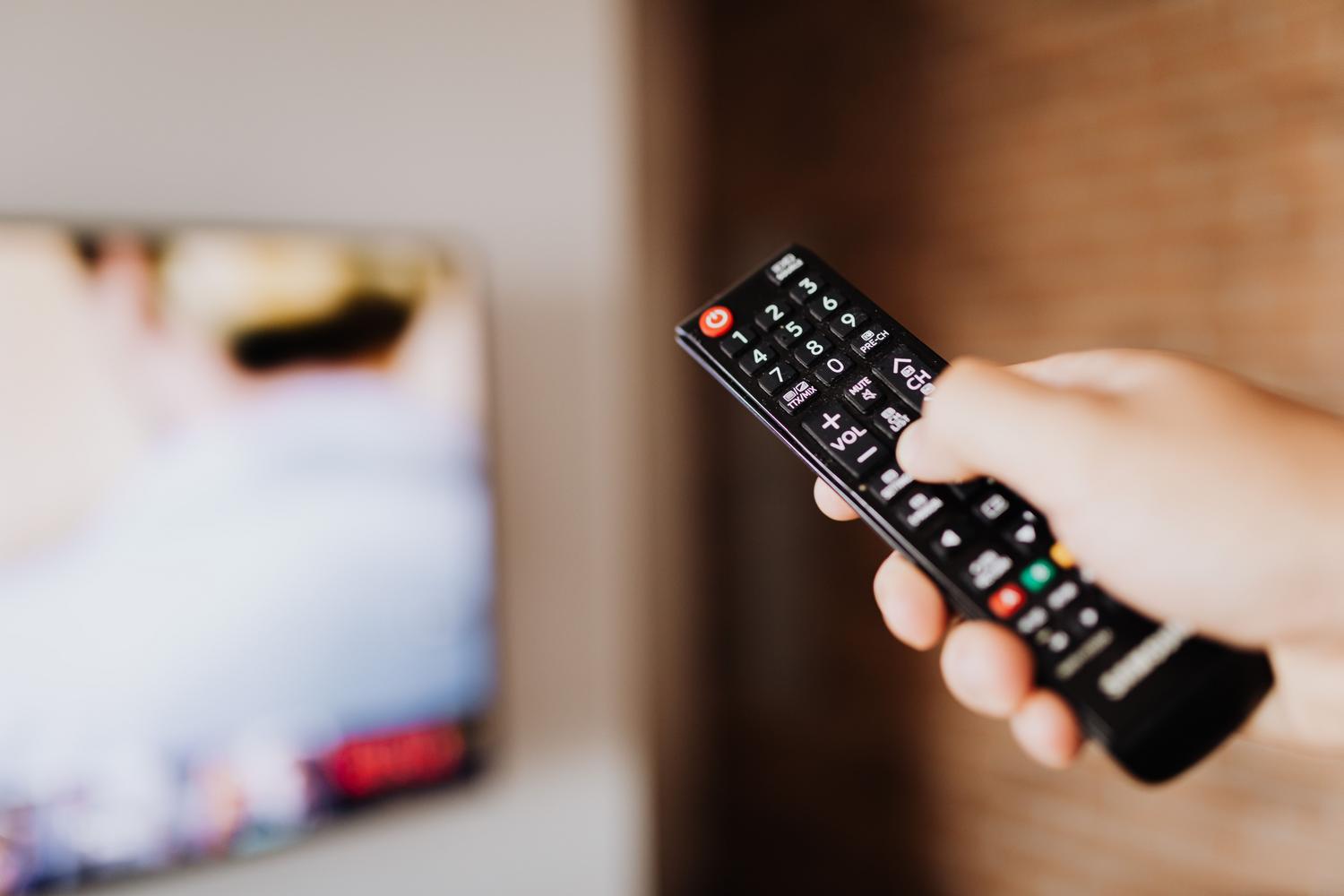
Although each manufacturer has its own menu, the logic is almost always the same. To begin, take the remote control and press the Menu or Home button . Once there, look for the section usually called Settings, Configuration, or Installation.
Within that section, locate the Automatic Tuning or Channel Search option. Activating it will cause the television to scan for all available frequencies. It is vital not to press any buttons until the process is completely finished to avoid missing any stations.
- Automatic tuning: It is the fastest and most recommended option for regular users.
- Manual tuning: Useful if you know the exact frequency of a channel that is not listed.
- Antenna type: Make sure you select "Digital" so that the TV can search for the correct channels.
Specific settings for Smart TV and Android TV
If you have a smart TV, there's a crucial first step: an internet connection. Before you start searching for channels, it's highly recommended to update your device's firmware . Manufacturers often release updates that fix tuning issues or system errors that could affect the performance of your digital terrestrial television (DTT).

For Android TVs (like those from Sony or Philips), the process is slightly different. Go to Settings, then Digital Settings, and within Digital Tuning, look for Frequency Range . We recommend selecting "Full" to ensure the TV doesn't miss any channels, even those broadcasting on less common frequencies.
The importance of regional and local channels
Not everything is national content; regional television channels are key to staying up-to-date with what's happening in your community. Depending on where you live, you should check that you're tuned in to channels like TV3 in Catalonia, Canal Sur in Andalusia, TVG in Galicia , or Telemadrid in Madrid. If you notice that you're missing any, you'll most likely need to perform a complete channel scan.
Remember that after a general channel scan, the channel order may change. At this point, you can take a few minutes to rearrange them to your liking from the channel editing menu, placing your favorite channels at the top.
Special cases: Payment operators and external receivers
If you don't use a traditional antenna but access television through platforms like Movistar+, Orange TV, or Vodafone TV , you should know that retuning is usually automatic. With these services, users generally can't change the channel order, as it's predefined by the provider.
For those still using an external digital terrestrial television (DTT) receiver instead of having the tuner integrated into the TV, the process is carried out from the set-top box. Simply turn on both devices and follow the automatic search steps from the receiver's menu , making sure the antenna cable is properly connected.
Having your television properly configured is the only way to get the most out of the picture quality, especially with the arrival of UHD and 4K content . It only takes a few minutes to check your network settings, update your software, and run a full scan to recover all the signals, from regional to local, ensuring you don't miss any programs due to a simple frequency issue.