- MBB mode allows you to prioritize the mobile broadband connection over Ethernet or use it as an automatic backup system.
- There are various WAN configurations such as Automatic IP, Static IP and PPPoE, depending on the requirements of the internet provider.
- Multi-Gigabit ports can alternate their function between WAN and LAN to maximize data transfer speed.
- The implementation of Virtual WAN and VLANs facilitates the coexistence of internet and IP television services on the same physical port.
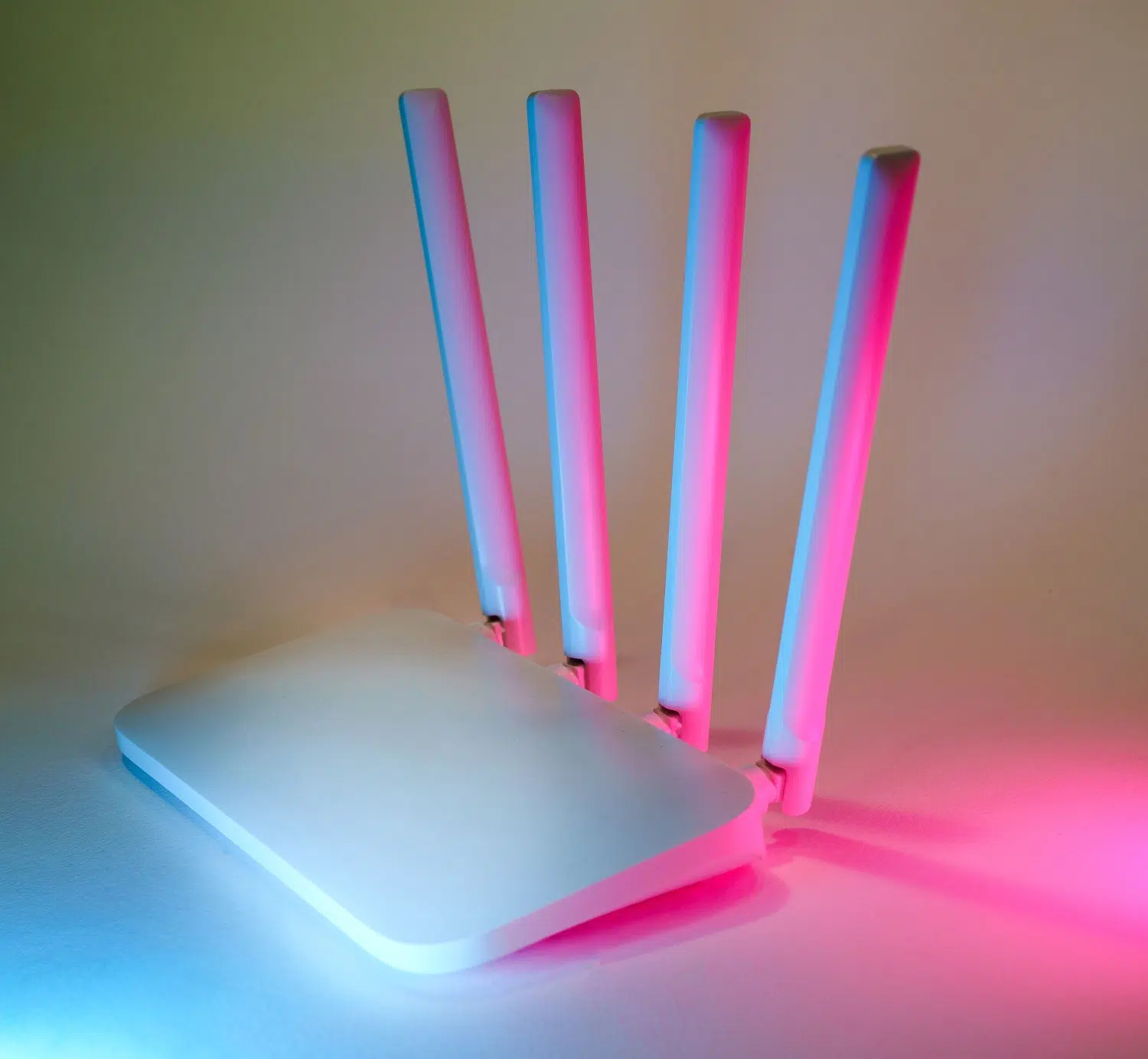
If you've recently acquired a state-of-the-art router, you've probably realized that configuring internet access can be a real headache. It's not the same to want the device to manage a traditional fiber optic connection as it is to try to take advantage of the speed of a 5G SIM card, or even use both to ensure you're never disconnected. The key here lies in understanding how to manage the WAN and LAN interfaces , and especially how to activate MBB (Mobile Broadband) mode so the router knows where to send and receive data.
In the world of networking, flexibility is key. Whether you're looking for a professional setup for a business with Virtual WAN or simply want your home internet connection even if the cable goes down, knowing how to navigate your device's administration menu is vital. Below, we explain in detail how to master these settings on the most popular brands, so you can get the most out of your hardware without getting overwhelmed in the process.
MBB Mode Management and Connection Priorities
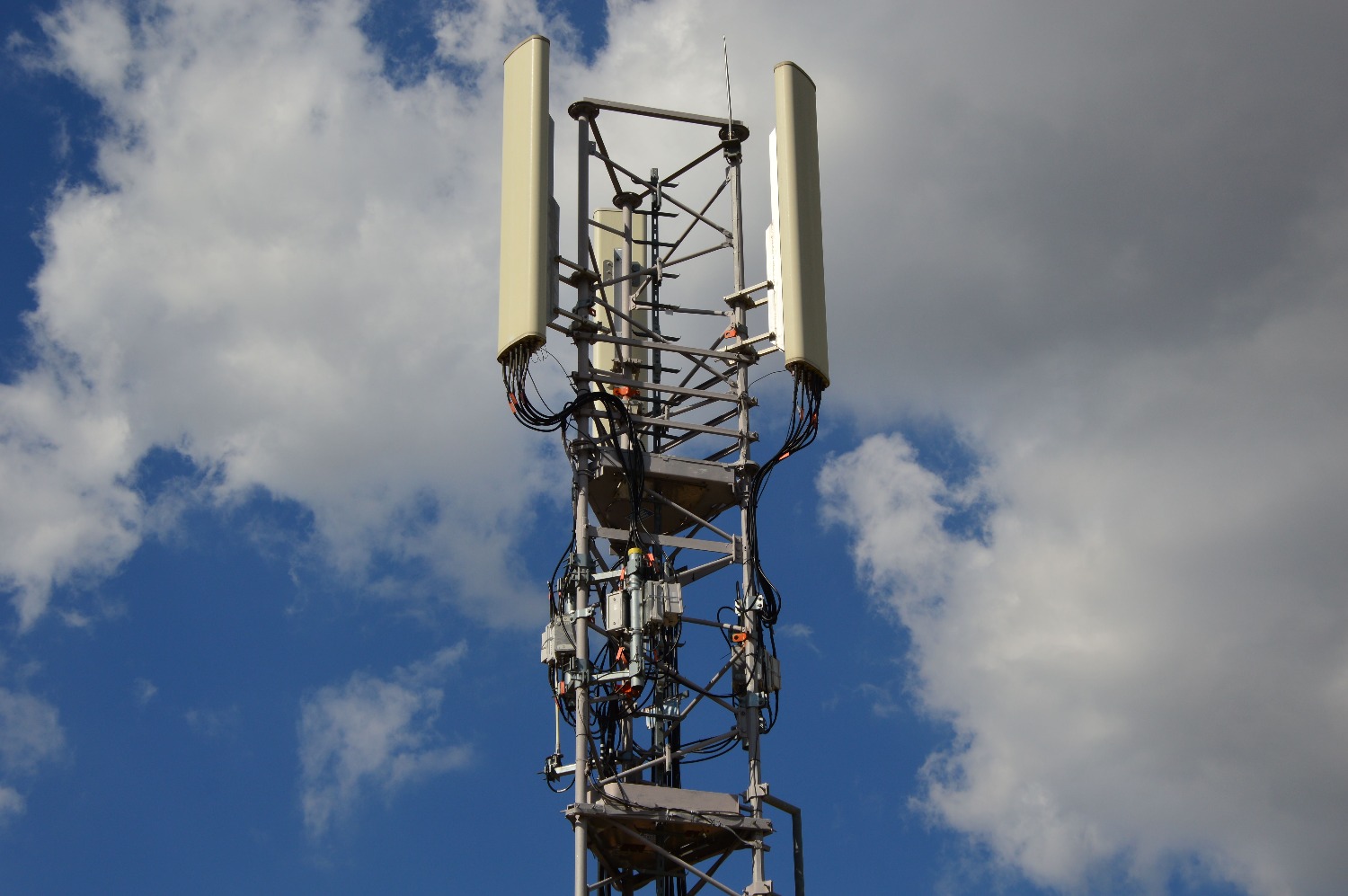
For those using devices compatible with mobile networks, MBB mode is the heart of the system. On routers like those from TP-Link, there are two main options. The first is Wireless Router mode , where the mobile network acts as a backup; that is, it only comes into play when the primary connection fails. To activate this backup, you need to insert a compatible SIM card and enable the 3G/4G/5G Backup option in the network settings.
However, more advanced models don't have a simple backup switch; instead, they manage WAN priority . Here, you can choose to prioritize either the Ethernet port (EWAN) or the mobile broadband (MBB). If you prefer the router to decide based on which connection came first, you can leave it in neutral mode, allowing the device to automatically switch to the available interface if the primary one loses signal.
WAN Interface Configuration in Professional Environments
When we talk about more technical hardware, like the Teltonika family, the options expand. These devices allow you to use Wi-Fi not only to provide a signal, but also as a WAN interface . This is incredibly useful if you want your router to connect to an existing access point to get internet access. To do this, you need to enter the operating mode and select the Wi-Fi icon as the WAN interface, then configure whether the IP address will be dynamic via DHCP or a static, manually assigned address.
In the case of SDN solutions like Omada, the concept of Virtual WAN emerges . This feature is invaluable for those who need specific services such as IGMP for IP television (IPTV). It allows you to create up to three virtual connections on the same physical port, provided that VLAN IDs are managed correctly . This means you can have internet and television traffic traveling over the same cable but logically separated to avoid interference.
WAN Connection Types and Technical Parameters
Depending on your Internet Service Provider (ISP), the type of connection you choose in the WAN menu will vary significantly. The most common option is Automatic IP , where the router handles everything using DHCP. However, some providers require Static IP , where you must manually enter the IP address, subnet mask, and gateway, or PPPoE , which requires a specific username and password to authenticate the connection.
There are also more specific protocols like L2TP or PPTP, which are typically used in virtual private network environments or very specific enterprise configurations. In these cases, it is essential to correctly configure the MTU (Maximum Transmission Unit) and MRU to prevent data packet fragmentation and slow or unstable browsing.
Multi-Gigabit Port and LAN Optimization
It's not all about software; hardware also plays a key role. Modern routers, like Netgear's Nighthawk series, feature 2.5G or 5G Multi-Gigabit ports . These ports are versatile: they can function as the internet (WAN) input to take advantage of ultra-fast modems or as LAN ports to connect a gaming PC or NAS at blazing-fast speeds. If your router doesn't automatically detect the speed, you can force the WAN preference to the Multi-Gigabit port from the control panel.
For your local network to run smoothly, it's important to understand the Network Address Translation (NAT ) process. This system allows all your devices to have a private IP address within your home network but access the outside world using a single public IP address . Additionally, for those who need to access their devices remotely, configuring port forwarding is the final step. However, caution is advised if the router is behind another modem, as this can create a double NAT scenario that blocks access.
Properly configuring the relationship between the WAN and LAN, whether by prioritizing MBB mode for always-on mobile internet or optimizing high-speed ports, ensures a stable and efficient network. The key is choosing the appropriate connection protocol based on the ISP and managing traffic priorities so the router knows exactly which path to take at any given time.
FAQ
What is MBB mode on a 5G router?
It is the mobile broadband function that allows the router to use a SIM card to connect the device to the internet.
How does 5G internet backup work?
The router uses the Ethernet connection as the primary one and automatically switches to the MBB mobile network only when the first one fails.
What is the difference between Automatic and Static WAN IP?
Automatic IP obtains the data from the provider via DHCP, while Static IP requires manually entering the IP, mask, and gateway.
Can WiFi be used as a WAN port?
Yes, some routers allow you to configure the wireless interface to connect to another access point and thus gain internet access.
What is the Virtual WAN function used for?
It allows you to create multiple logical connections on the same physical port using VLANs, ideal for separating internet traffic and IPTV traffic.
What to do if the Multi-Gigabit port is not working as a WAN?
You need to enter the router's internet settings and manually select the WAN preference to be either the 2.5G or 5G port.
How does double NAT affect port forwarding?
If the router is connected to another modem that already performs NAT, port opening rules will not work unless a DMZ is configured.
