- HDMI ARC allows you to send the TV's sound to an external device, eliminating the need for additional optical cables.
- eARC technology dramatically increases bandwidth, allowing the transmission of high-resolution audio and lossless formats.
- To take advantage of eARC, it is essential that both the television and the receiver are compatible with the HDMI 2.1 standard.
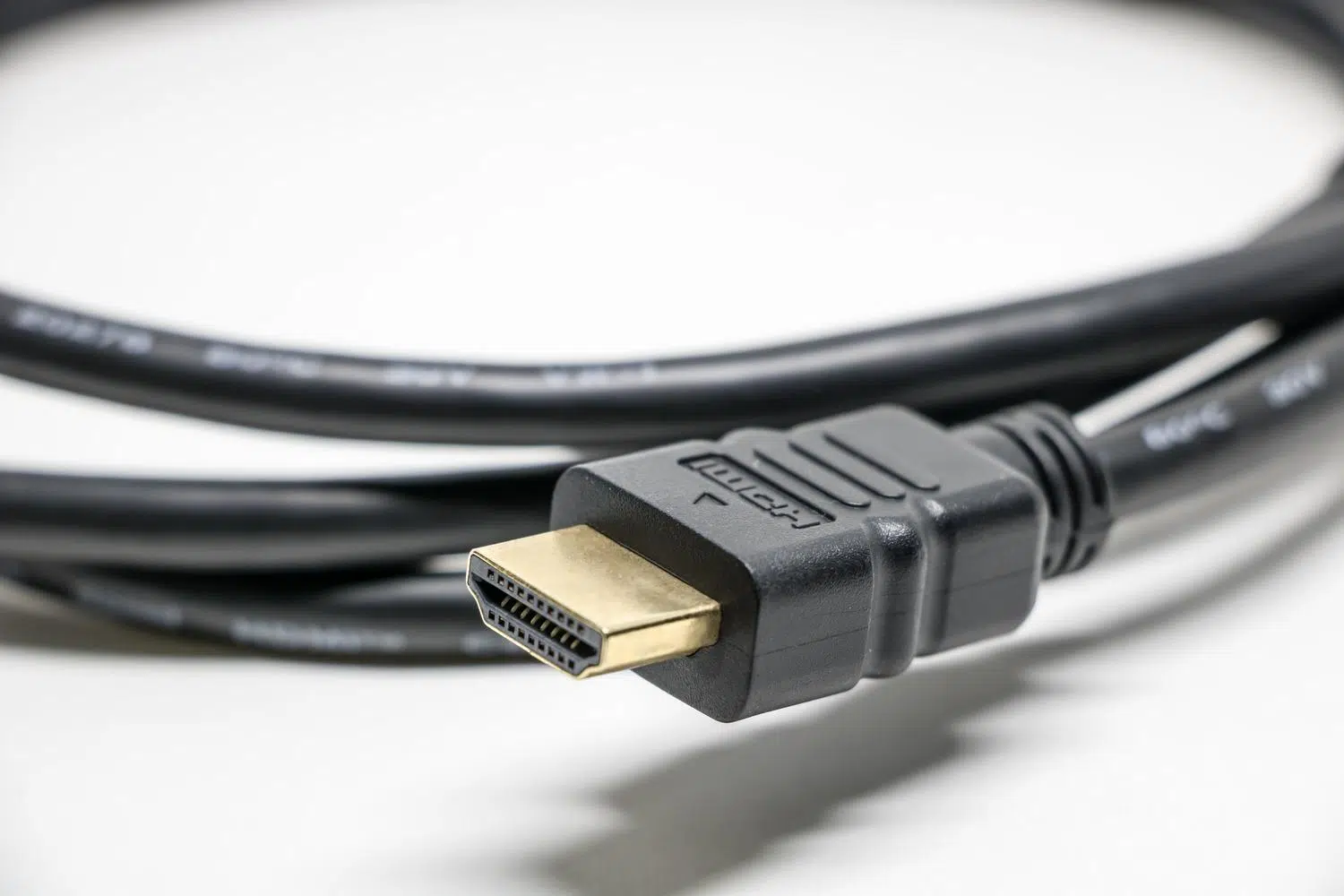
I'm sure that at some point, when setting up your sound system or buying a new soundbar, you've come across the letters ARC or eARC on your TV's ports and been left scratching your head. Don't worry, it's more common than you think. Basically, it refers to the ability of an HDMI cable to reverse the normal audio path, allowing your TV to send the audio to the speakers instead of the other way around.
The HDMI interface arrived some time ago to replace the old SCART and DVI connectors, becoming the absolute standard thanks to its versatility. However, some features have taken longer to catch on with the general public. Audio Return Channel (ARC) is one of those technological gems that, although they seem complicated, make our lives much easier by simplifying the tangle of cables we usually have behind the living room furniture.

What exactly is HDMI ARC and how does it work?

The term ARC stands for Audio Return Channel . In simpler terms, it means that your TV's HDMI port can function as both an input and an output. Before this existed, if you wanted to send audio from a Netflix app or a digital terrestrial television (DTT) receiver, you had to add a fiber optic cable (TosLink), which meant more equipment and cumbersome setups. With the HDMI 1.4 standard , all of this was simplified by allowing audio to "return" through the same cable that transmits the video.
To make this possible, HDMI uses bidirectional communication. While the TMDS channel handles high-speed data transmission (video and audio) from the source to the destination, the CEC (Consumer Electronics Control) protocol allows devices to communicate with each other. Thanks to this, you can control multiple devices with a single remote , provided you have enabled CEC in the settings menu.
The limitations of conventional ARC

Although ARC was a huge leap forward compared to optical cable, it has its weaknesses. The main problem is its bandwidth, which is quite limited. ARC can only carry PCM, Dolby Digital, and DTS audio. This means that even if you have a 4K Blu-ray movie with spectacular sound, ARC doesn't support lossless formats like Dolby TrueHD or DTS-HD Master Audio, generally limiting you to a compressed 5.1 data stream.
In everyday use, if you only stream, you might not notice the difference because services like Netflix use Dolby Digital Plus. But for those seeking a premium, uncompromised home theater experience , ARC falls short, as it acts as a bottleneck, preventing the sound from reaching the receiver in its full original resolution.

HDMI eARC arrives: Audio on another level

To solve these problems, eARC was created, which is simply Enhanced Audio Return Channel. This improvement came with the HDMI 2.1 standard and massively increases bandwidth, going from approximately 1 Mbps to around 37 Mbps. This allows for the transmission of full-resolution, uncompressed audio , regardless of whether the source is a TV app, a next-generation console, or a physical disc.
The great advantage of eARC is its ability to handle demanding formats like Dolby Atmos and DTS:X in their purest form. Furthermore, it introduces a much more robust synchronization protocol, which helps eliminate the dreaded lip-sync issue , where the sound arrives slightly behind the image, breaking the magic of the film.
Quick Comparison: ARC vs eARC

- Bandwidth: ARC is limited, while eARC is far superior, allowing uncompressed 7.1 audio.
- Quality: ARC compresses the signal; eARC maintains the original fidelity of the study.
- Synchronization: At eARC, lip correction is mandatory, not optional.
- Compatibility: ARC was born in HDMI 1.4 and eARC requires HDMI 2.1 specifications.
Practical tips for installation and cables
If you want to get this up and running, the first thing to do is check the labels on your TV. Not all ports will work; you need to look for the one that specifically says HDMI (ARC) or HDMI (eARC) . Once you've connected the cable to your soundbar or receiver, don't forget to go into your TV's settings to enable the ARC/eARC function and CEC control , as these are often disabled by default.
Regarding cables, any modern HDMI cable (Version 1.4 or higher) will suffice for ARC. However, if you want to take full advantage of eARC and its high-resolution formats, it's best to invest in a certified high-speed HDMI cable . Using an old or poor-quality cable in an eARC setup can cause intermittent audio dropouts or the system to automatically downgrade the quality to prevent errors.
Having a system with HDMI eARC completely transforms the listening experience, allowing the TV to act as a perfect bridge to the sound system without losing any quality. While ARC is a convenient and sufficient solution for the average user, eARC is the indispensable tool for home theater enthusiasts who want true, uncompressed surround sound , simplifying connectivity thanks to the power of the HDMI 2.1 standard.
