- The choice of hardware should be based on the specific software, balancing CPU power for modeling and GPU capability for rendering.
- RAM and VRAM are critical in FEA and CFD simulations to avoid bottlenecks that slow down calculation processes.
- ISV certifications and ECC memory guarantee the operational stability required in corporate environments and technical laboratories.

When it comes to performing numerical calculations, complex simulations , or large-scale industrial designs, a standard desktop computer falls far short. For these workflows, which often push the system to its limits for hours or even days, a professional workstation is essential . These machines are not only more powerful, but they are also built to withstand extreme heat loads and ensure the system doesn't crash at the most inopportune moment.
The key difference lies in the fact that a workstation doesn't simply aim to be "fast," but rather stable and scalable . While a gaming PC focuses on frames per second, a technical workstation prioritizes data accuracy and massive memory management . From artificial intelligence to computational fluid dynamics, the key is configuring each component according to the discipline, since designing a part in CAD is not the same as running a finite element analysis.
The heart of the system: Processors and architectures
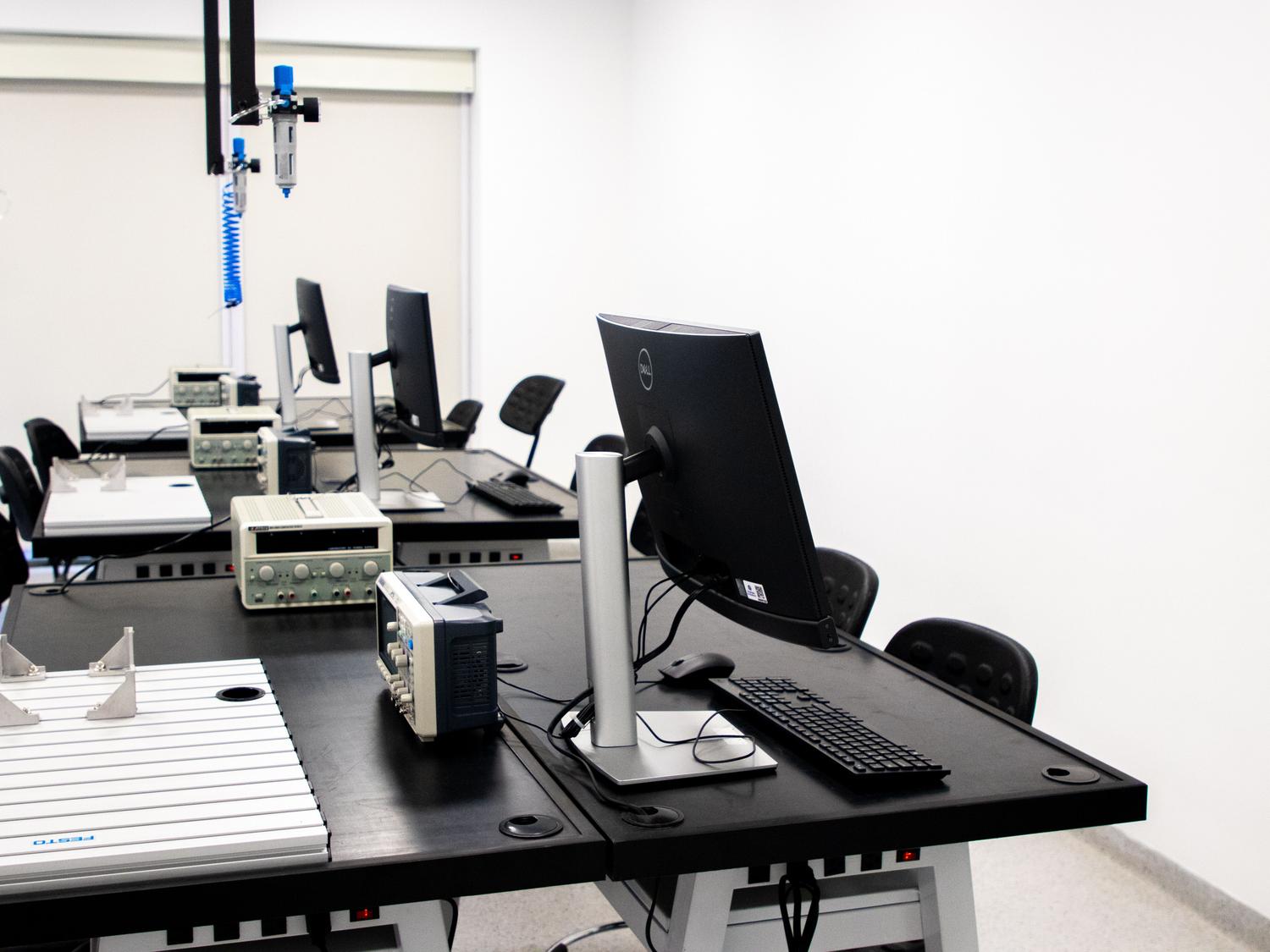
In the world of engineering, the CPU sets the pace. For modeling and assembly rotation tasks in programs like SolidWorks or Inventor, single-core speed is what truly matters. However, when we move on to solving calculations in ANSYS or running physics simulations, the system needs to utilize all available threads. That's why processors like the AMD Ryzen 9 9950X are so versatile, effortlessly handling both fronts.
For those needing a significant upgrade, there are server-level platforms. AMD Threadripper PRO processors are the crown jewel for extreme workloads, offering up to 96 cores on a single socket, which dramatically increases speed in AI and virtual reality applications. On the other hand, Intel Xeon or AMD EPYC processors are ideal for virtualization and massive multi-core processing, allowing you to manage dozens of virtual machines or gigantic databases with absolute reliability thanks to ECC (Error Correcting Code) memory , which corrects data errors in real time.
RAM and VRAM: The performance ceiling
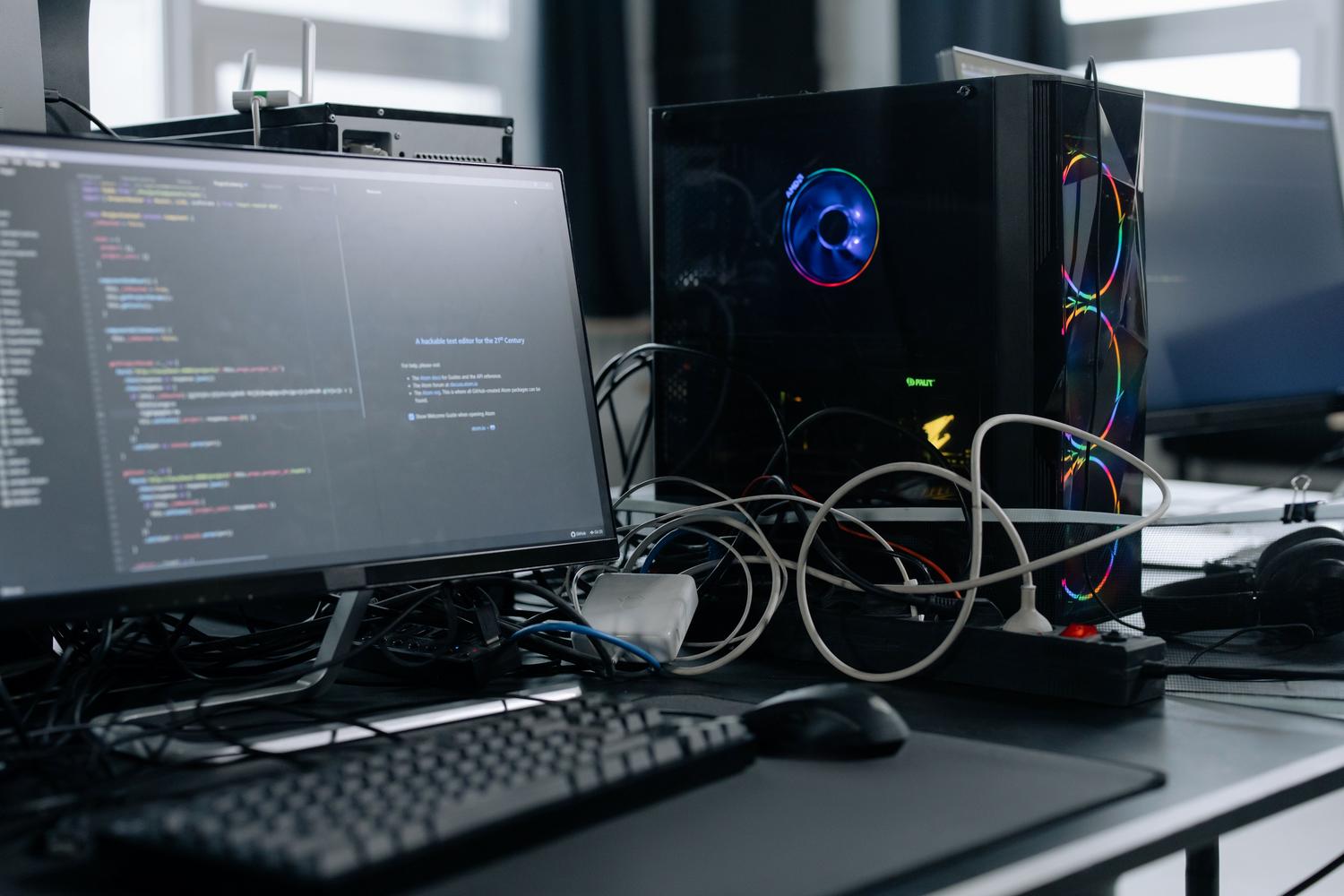
If there's one thing that can turn a calculation that takes minutes into one that takes hours, it's a lack of RAM. In CFD or FEA simulations , refining a model's mesh exponentially increases memory consumption. If the data doesn't fit in RAM, the system starts writing to the hard drive, and performance plummets. For a technical office, 64 GB of DDR5 is usually sufficient, but for short-term projects or very large models, upgrading to 128 GB or even 512 GB is the only way to avoid bottlenecks.
Meanwhile, the graphics card has evolved from a simple display device into a powerful processing engine. VRAM (video memory) is crucial; if an AI model or 3D scene doesn't fit in the GPU's memory, the process halts. This is where professional-grade cards like the NVIDIA RTX Pro 6000 series make a significant difference, offering amounts of VRAM (up to 48 GB or more per card) that are unimaginable in a consumer GPU. Furthermore, the use of CUDA cores is the standard in technical software, as most modern resolvers are specifically optimized for NVIDIA.
Configurations according to technical specialty
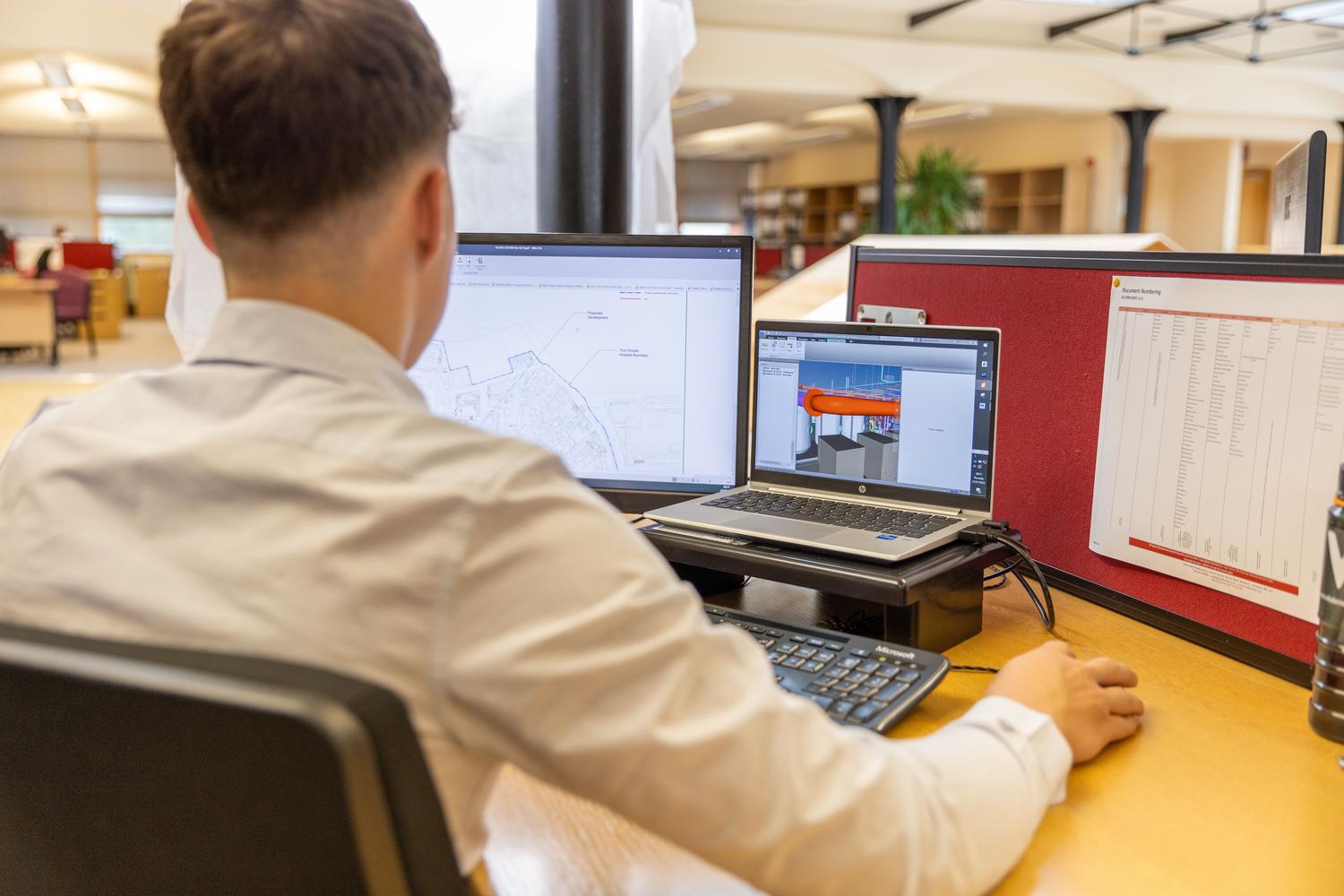
- Civil Engineering: They focus on using AutoCAD and SAP2000. They need a dedicated GPU (RTX or Quadro series) for a fluid rendering of plans and a CPU with good single-core performance.
- Mechanical Engineering: Advanced 3D modeling demands powerful GPUs and ultra-fast storage. NVMe SSDs to move large files without waiting.
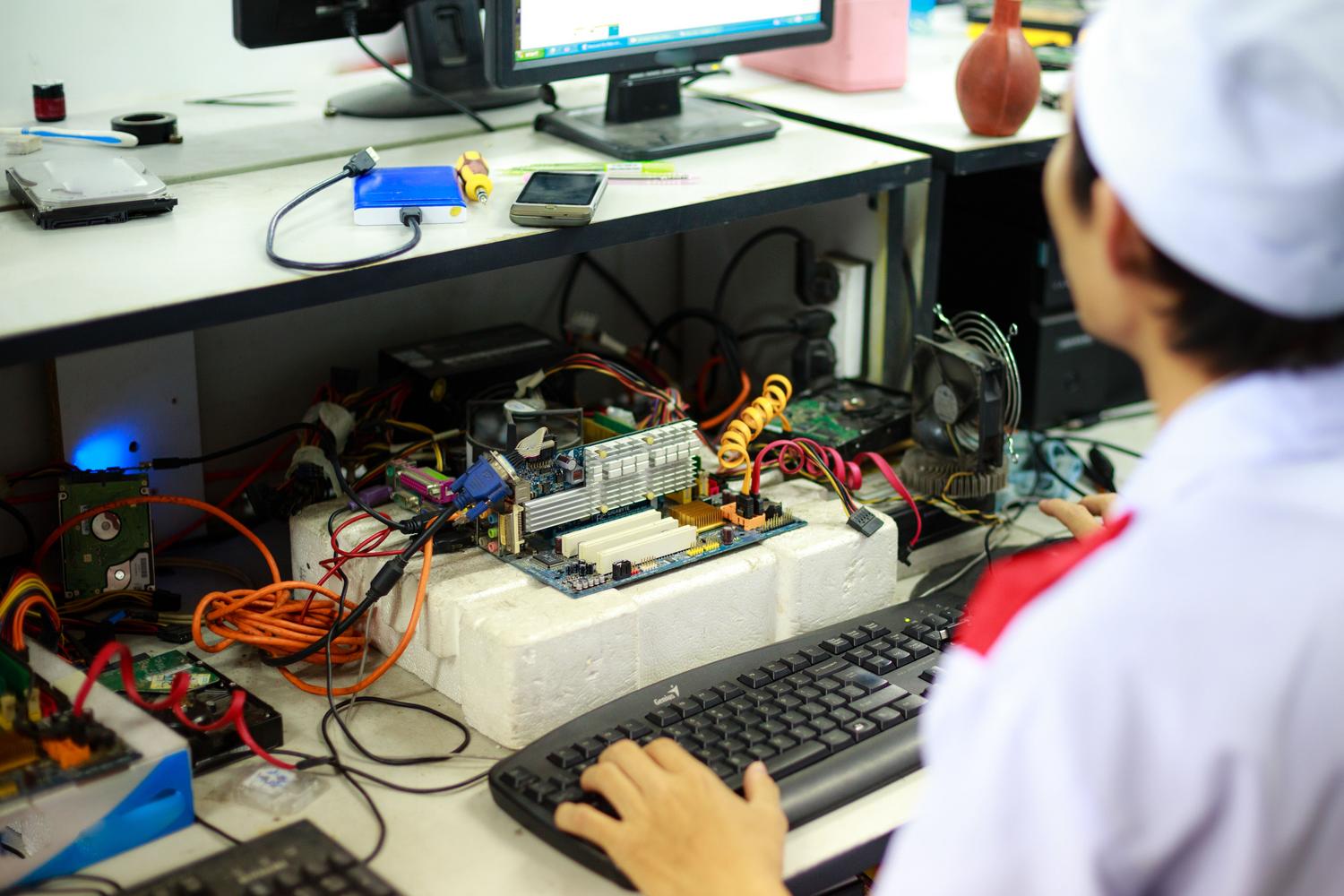
- Electronic Engineering: Tools like MATLAB or LTspice benefit from CPUs with many cores and high resolution monitors for detailed circuit analysis.
- Artificial intelligence: They require multi-GPU architectures. Assembling a workstation with four RTX 3090 or RTX PRO It allows processing language models or training neural networks locally.
Stability, Certifications and Thermal Management
It's not all about raw power; reliability is what prevents financial losses due to downtime. ISV certifications are crucial, as they ensure that the hardware has been validated by developers like Autodesk, Dassault, or Siemens. This guarantees that the software won't produce critical errors during complex structural analysis. Equipment like the Lenovo ThinkStation P8 , developed in collaboration with Aston Martin, exemplifies this with modular chassis that optimize industrial-grade heat dissipation.
Keeping components cool is vital to prevent thermal throttling , which occurs when the CPU reduces its frequency to avoid overheating, thus decreasing performance. An 80 Plus Gold certified power supply and optimized airflow allow the machine to operate at 100% capacity for extended periods. Furthermore, enterprise-level security, through TPM 2.0 modules and self-healing BIOS , protects the intellectual property of technical projects.
Choosing the right tool involves analyzing the core software, deciding whether the load falls more on the processor or the graphics card, and anticipating project growth to avoid running out of memory. Investing in a robust infrastructure, whether through massive towers or mobile workstations for fieldwork, ensures that deadlines are met without technical issues, optimizing every second of processing to obtain accurate and professional results.