- Advanced screen awareness and personal context analysis capabilities to manage device data.
- Native integration with third-party applications and visual intelligence tools via the camera.
- Detailed method for enabling AI functions in geographically restricted regions.
- Productivity optimization through text writing and intelligent task management.

Owning an iPhone these days is one thing, but knowing how to leverage Apple's new artificial intelligence is a whole other level. Siri has gone from being that assistant that only set alarms or told us if it was going to rain to becoming a digital co-pilot capable of understanding what we're looking at on the screen and writing texts that seem to have been written by a real person.
If you feel like you're falling short with the basic functions, don't worry. The magic of Siri AI lies in its ability to handle complex tasks and analyze the context of our digital lives, although for many of us in Europe, getting it working has a few hurdles to overcome. Let's break down all the tricks to turn your phone into a productivity powerhouse.
The magic of screen awareness
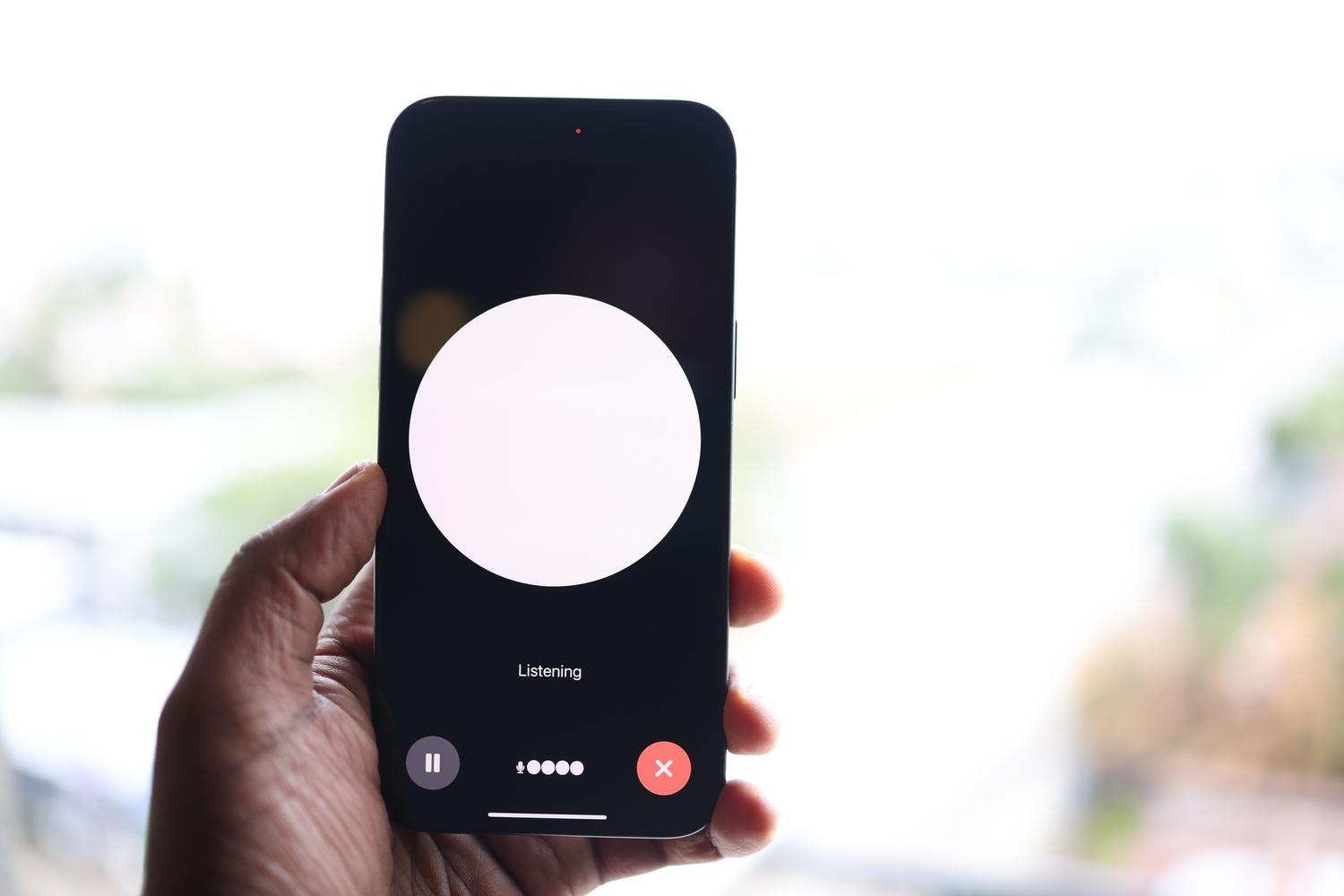
One of the most impressive leaps forward is Siri's ability to know exactly what's in front of you. Imagine you're watching a show and want to know more about an actor; you simply ask who the person on screen is, and Siri tells you without you having to close the app you're using. This feature is pure gold for any workflow.
This isn't just for entertainment. If you have a very long PDF open and don't have time to read it, you can ask Siri to create a 100-word executive summary instantly. Furthermore, all these interactions are stored in the new Siri app, allowing you to review your previous requests. A particularly useful feature is that you can invoke Siri from Spotlight and type your requests if you're unable to speak at that moment.
Full integration with your applications

Unlike other AIs where you have to configure tedious connections service by service, Siri AI has direct access to what you already have installed. If you use tools like Todoist for your to-do list, Craft for notes, or Spark for email, Siri can access them without any prior setup. You can ask it to find your ID number in a specific note, and it will return the direct link.
The ability to track personal information is, frankly, impressive and even a little unnerving. It can cross-reference data from photos , messages, and calendars to answer questions like where you had dinner five years ago. Even when buying gifts, it analyzes your previous conversations to suggest options that match the other person's tastes, demonstrating that the more you use it , the better the system knows you.
Visual Intelligence: Your camera is the interface

The camera control button is now a gateway to visual intelligence. By holding it down, you can focus on real-world objects to get instant information. For example, you can scan a supermarket product to find out its nutritional value or focus on a page in a book to have AI read it aloud to you.
This tool also helps digitize your analog life. A simple sticky note with an appointment can become a calendar event, and a business card transforms into a contact in the blink of an eye. It's essentially having a smart scanner that understands the context of what it sees.
Real actions and smart writing

You no longer need to speak to Siri as if it were 2015, using rigid phrases. Now it's conversational and performs bulk actions. You can ask it to delete all your alarms , and it will show you a detailed list to confirm the deletion in one go. Home automation also benefits from this more natural language.
As for typing, the option to type with Siri appears on any keyboard. You can ask it to draft a message to a friend letting them know you're busy or to create a formal text on a specific topic. For those who don't pay for ChatGPT or Claude subscriptions, Siri AI serves as a free alternative for general inquiries without the strict daily limits.
How to activate Siri AI in Spain and the EU
Due to European regulations, Apple has blocked these features in our region. However, there's a simple workaround that doesn't require a VPN, but rather changing your App Store region . The first step is to make sure you have iOS 27.2 or later and a compatible device, such as the iPhone 15 Pro or newer models.
- Account creation: You need to create a new Apple ID, setting the United States as your country. You can use your Spanish email and phone number, but the address must be any street in the U.S.
- The session change: It is essential to log out only on the App Store (Settings > Account > App Store) and sign in with your US account. Don't sign out of iCloud to avoid losing your photos or notes.
- Final activation: Once you've done this, go to Settings > Siri and activate the new interface.
It's important to know that while you use the US store, you'll lose access to Apple Music and Apple TV with your Spanish subscription. Many users choose to use Spotify during this time so they don't have to give up the benefits of AI.
The new era of Apple Intelligence transforms the iPhone into an unprecedented productivity tool, combining screen analysis, visual intelligence, and deep integration with the user's personal context. While in Europe it requires a minor technical workaround using a US account to bypass regional restrictions, the result is an assistant capable of seamlessly and freely composing, organizing, and searching information across the entire device.
