- Implementation of advanced generative AI tools and Gemini integrated directly into the enterprise navigation flow.
- Security enhancement through post-quantum cryptography, process isolation in Windows, and DLP controls based on MIP tags.
- Optimizing centralized management through Chrome Enterprise Core and Premium for total control of policies and extensions.
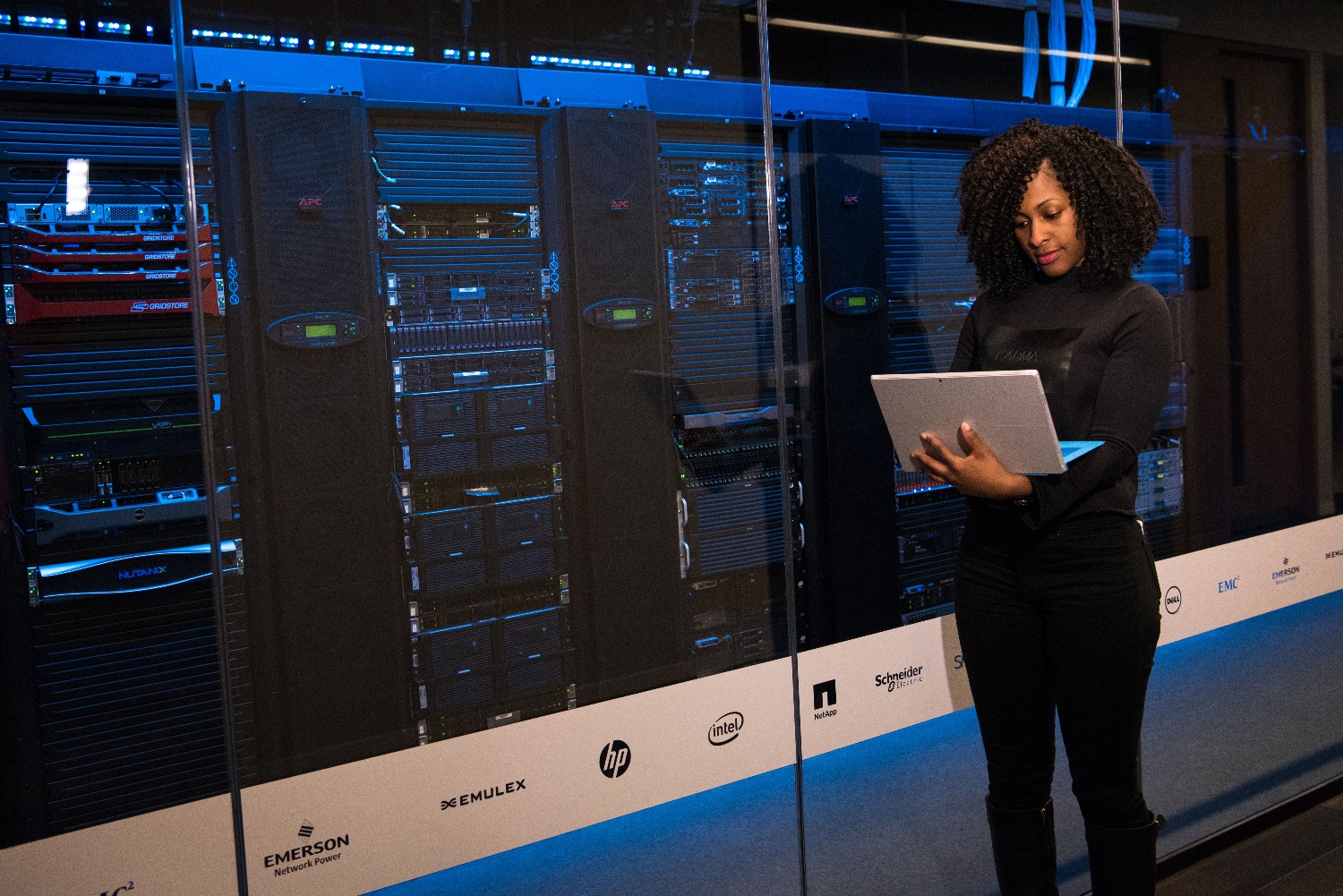
If you manage a company's IT infrastructure, you know that keeping your browser up-to-date isn't just about aesthetics, it's about digital survival . Chrome Enterprise is the ideal ecosystem for those who need tight control over how their employees access the web, ensuring that productivity isn't hampered by compatibility issues or unexpected security breaches.
Unlike the home version, this is an environment where centralized administration reigns supreme. Thanks to tools like Chrome Enterprise Core, organizations can deploy configurations, applications, and extensions in record time, ensuring that every device—whether a Mac, a Windows PC, or a Linux machine—follows the same security and operational guidelines.
Integration of Artificial Intelligence with Gemini

The real revolution comes from Gemini, which is no longer just an external chat service, but is now deeply integrated into the browsing experience. Users can interact with AI to summarize content from up to ten tabs open simultaneously, compare data, or generate files directly in Google Docs and PDF formats. For administrators, this isn't a headache, as there are specific policies like GeminiSettings to enable or disable these features according to the company's needs.
In addition, an AI chat button has been implemented in the address bar for those who prefer to use third-party search engines, provided they are compatible. All of this is accompanied by preventative safeguards , as enhanced Safe Browsing protects users from malicious AI-generated sites, preventing them from falling into sophisticated traps during their interactions with Gemini.
Armored Security and Data Protection
In the field of cybersecurity, Chrome has taken a significant leap forward by introducing process isolation in Windows . This measure uses access control lists (ACLs) to prevent any external application from accessing the browser's memory, although caution is advised with some older antivirus programs that could pose a problem. Furthermore, the arrival of post-quantum cryptography in the Update Protocol (CUP) ensures that security patches remain safe even against the future power of quantum computing.
For businesses handling sensitive information, Data Loss Prevention (DLP) has received substantial improvements. It's now possible to integrate Microsoft Information Protection (MIP) confidentiality labels , allowing actions like copying and pasting or downloading files marked as confidential in Office 365 to be blocked. Additionally, on ChromeOS, DLP scanning now extends to files stored in virtual folders , such as OneDrive, closing a previously existing security gap.

Controlling which extensions employees install can be a nightmare, but it's now easier thanks to the ability to block by category in the Chrome Web Store. If the IT department decides that games have no place during work hours, they can ban the entire category with a couple of clicks. Furthermore, a mandatory transition to Manifest V3 is underway , leaving version V2 behind by the end of 2026, which will require updating all of the organization's critical extensions.
Regarding browser behavior, URL filtering rules have been adjusted. The blocklist (URLBlocklist) is now strictly enforced even in incognito mode, preventing users from circumventing enterprise restrictions. The DLP rules interface in the administration console has also been redesigned, allowing a single rule to manage multiple actions, such as auditing a visit and blocking a download simultaneously, making configuration much more streamlined.
Performance Optimization and Compatibility

Chrome is cleaning house by removing obsolete technologies. A clear example is the phased retirement of XSLT , which will be replaced by a Rust-based XML parsing engine that is much more reliable against memory errors. The CPU Performance API has also been introduced , allowing web applications to adapt their behavior based on the user's processor power, improving overall system efficiency.
For developers of isolated web applications (IWAs), features such as frameless display mode and the ability to define custom window shapes are now available, making a website feel like a native operating system application. Furthermore, service worker management has been optimized through automatic preloading, reducing wait times and making navigation seamless.
Changes to the Launch Infrastructure
Starting in late 2026, Chrome will change its update schedule, moving from a four-week cycle to one of just two weeks . This acceleration aims to deliver security fixes and new features to users much sooner. For businesses that cannot afford such frequent updates for stability reasons, Google offers the Extended Stable version , which reduces the maintenance burden for IT teams.
Finally, the adoption of secure connections by default is being promoted. Chrome will begin warning users before they enter any public site that does not use the HTTPS protocol , thus enforcing a more secure and encrypted web experience for all employees of the organization.
The evolution of Chrome Enterprise focuses on merging the power of generative AI with comprehensive administrative control and future-proof security. From categorized extension management to the implementation of quantum encryption and the optimization of isolated web applications, the goal is to provide a robust, efficient, and fully monitored working environment that keeps pace with the speed of today's web development.
FAQ
What is Chrome Enterprise Core and what is it used for?
It is a cloud-based platform that allows IT administrators to centrally manage Chrome policies, applications, and extensions on any operating system.
How does removing Manifest V2 affect extensions?
Starting in August 2026, Manifest V2-based extensions will stop working or being updated, so businesses must migrate their critical tools to Manifest V3.
Is it possible to disable Gemini's AI on company computers?
Yes, administrators can control access to Gemini and other generative AI features through specific policies such as GeminiSettings or GenAiDefaultSettings.
What does process isolation in Windows consist of?
It is a security measure that uses access control lists to prevent external applications from reading Chrome's memory or injecting malicious code.
How do Microsoft DLP rules with tags work?
Chrome can read MIP sensitivity labels in Office 365 documents to block or audit actions such as downloading or copying sensitive data.
What will change in Chrome's update cycle?
Starting in September 2026, the stable version will be updated every two weeks instead of every four to speed up the delivery of improvements and patches.
Is it possible to block Chrome extensions by category?
Yes, the administration console allows you to disable entire groups of extensions, such as the games category, preventing their installation on managed devices.
