- Cursor customization allows you to use your own images and adjust the size according to the screen resolution.
- Widgets facilitate web interactivity through embed codes without the need for programming.
- The development environment can be optimized with plugins, MCPs, and shared templates to improve workflow.
Have you ever felt trapped by the monotony of digital interfaces? The truth is, spending hours in front of a screen with the same old white pointer and a rigid structure can get tiring. Luckily, nowadays we have countless tools at our disposal to personalize our virtual environment, making the browsing experience much more enjoyable and tailored to our personality.
From the ability to change the appearance of our mouse to the integration of advanced functionalities through plugins, customization has become essential. It's not just about aesthetics, but about optimizing our workflow and making the tools we use daily feel truly our own, whether in the browser, the operating system, or specialized development environments.
Transform your pointer: Beyond the standard arrow
If you're tired of the ordinary, changing your cursor is the quickest way to refresh your view. There are extensions, especially for browsers like Google Chrome, that let you install unique and eye-catching designs with just a couple of clicks. You can choose from emoticons and flags to characters from your favorite TV shows, adapting the style to your daily mood.
The most interesting thing is that you're not limited to what's already available. Many of these catalogs allow you to upload your own images to create a completely unique pointer. Furthermore, to ensure everything looks perfect regardless of your monitor's resolution, you can adjust the icon size , preventing the cursor from getting lost on very large screens or becoming distracting on small ones.
Boost your website with interactive widgets
For website managers, customization goes hand in hand with functionality. Inserting widgets allows you to add useful tools without needing to be a coding expert or hire a programmer. By using simple embed codes , you can integrate elements that attract potential customers or display real user testimonials, instantly lending credibility to your business.
These modules are extremely versatile, allowing you to display multimedia, social proof, or direct interaction tools. Once you've chosen a widget, you can preview the final result and paste it into any section that supports custom HTML blocks, ensuring that the aesthetics perfectly match the rest of your website.
Advanced optimization for developers and workflows
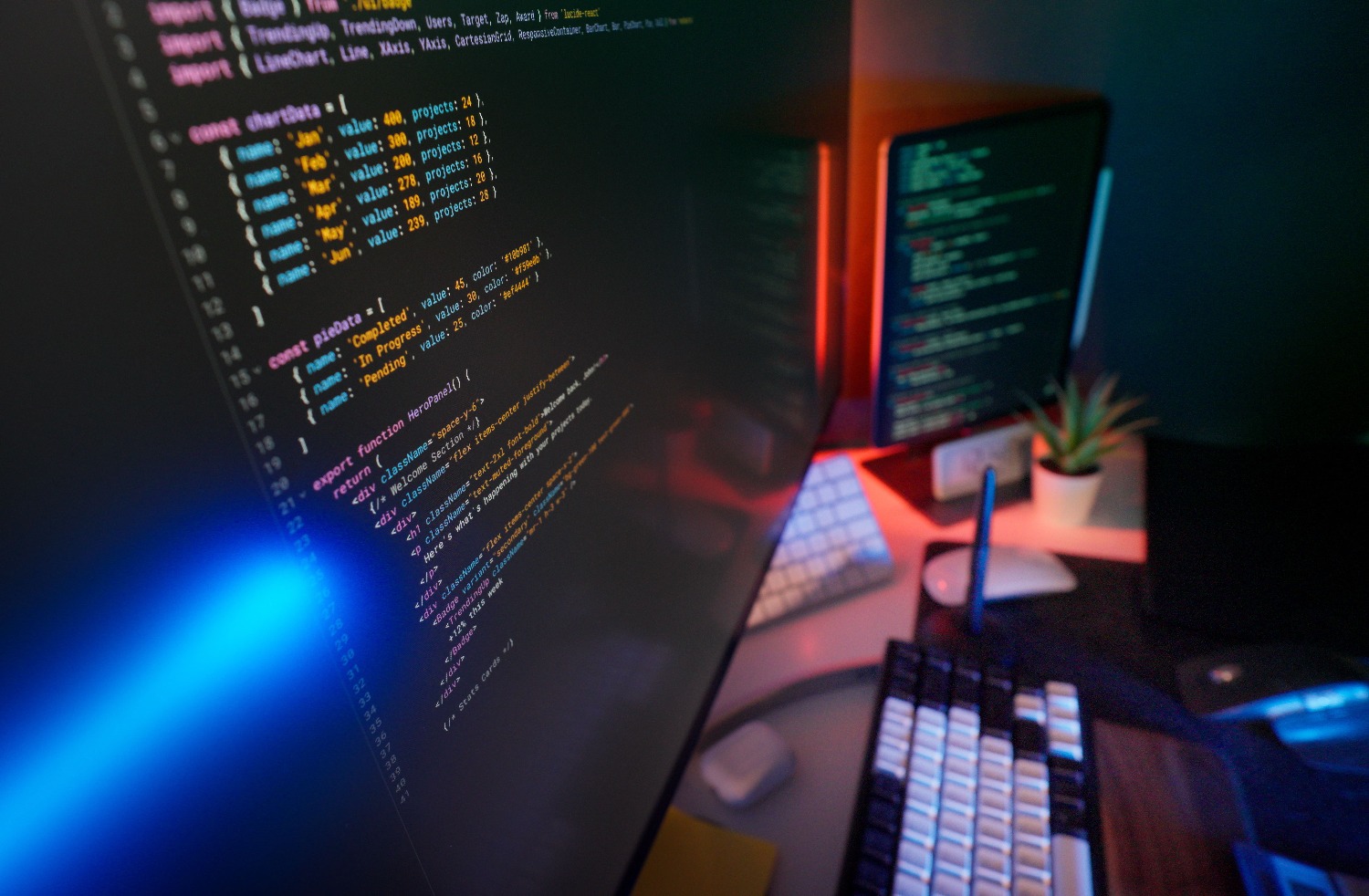
In the realm of software development, as with Cursor, customization reaches a higher technical level. Here, we're not just talking about colors, but about adapting the work environment through the use of plugins, Skills, and MCPs (Model Context Protocols). These tools are managed from a centralized panel where rules, commands, and hooks can be configured specifically for the user or team.
To facilitate collaboration, there are pre- designed canvases , which are configuration templates that an entire team can reuse. For example, it's possible to integrate complex data visualizations or connect the environment with issue management systems like Atlassian. Furthermore, the ability to import repositories from GitLab or Azure DevOps allows custom extensions to be quickly distributed to all members of a project.
Support and ease of installation
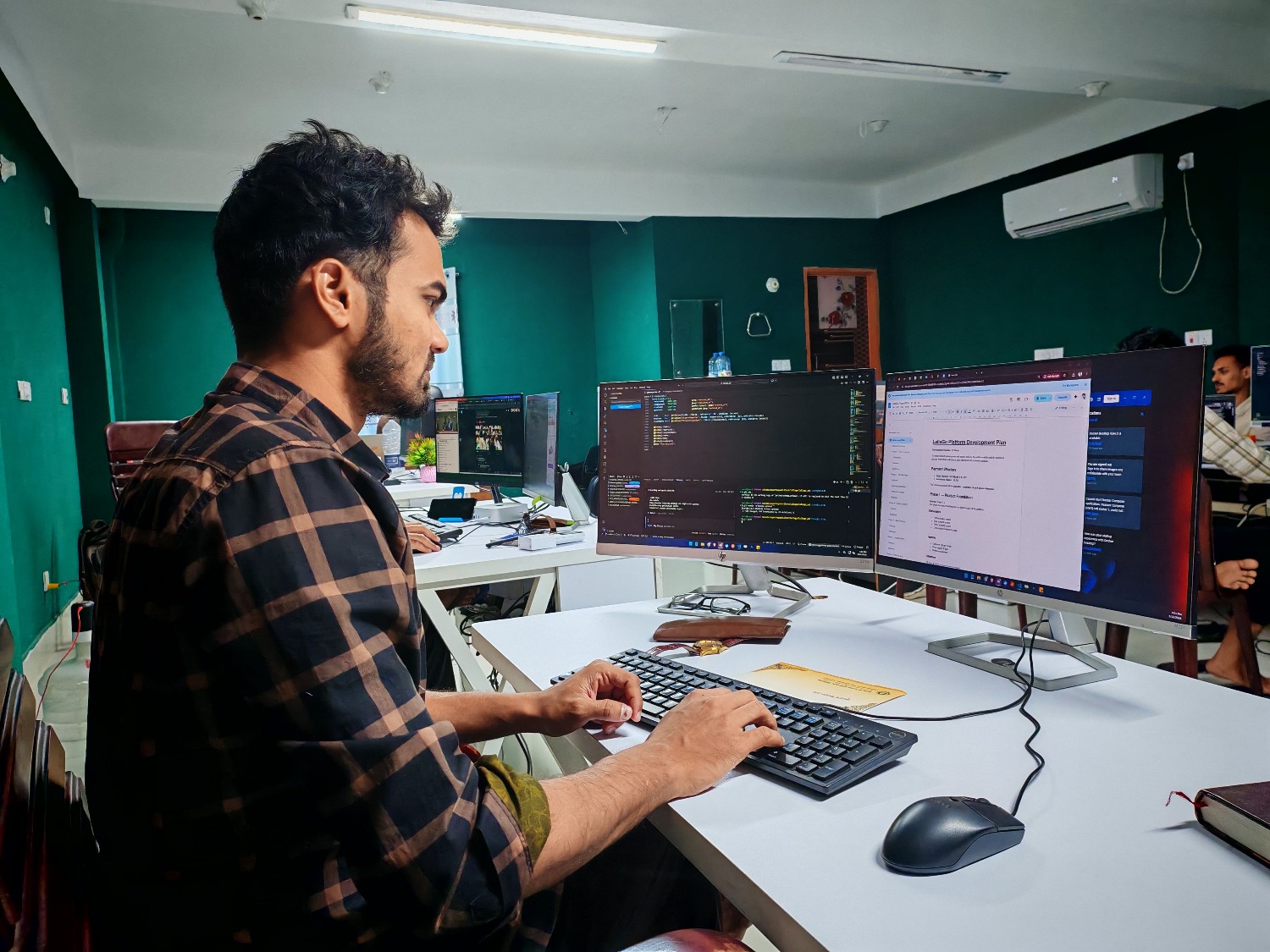
Regardless of the tool you choose, whether it's a Microsoft Store app for Windows or a browser plugin, the trend is toward simplicity. Most of these enhancements install almost instantly. However, when it comes to more complex website deployments, having 24/7 customer support is key to resolving configuration questions or quickly fixing technical issues.
Combining a customized aesthetic with functional tools and specialized plugins transforms any dull interface into an efficient digital ecosystem . By adjusting everything from pointer size to integrating code repositories or lead generation widgets, we make technology adapt to us, not the other way around.
FAQ
Is it necessary to know how to program to add widgets to a website?
No programming knowledge is required, as simple embed codes are used that are pasted into custom HTML blocks.
How can I change the mouse cursor in the browser?
This can be done by installing extensions from the official Google Chrome catalog, which allows you to choose predefined designs or upload your own images.
Can the size of the custom pointer be adjusted?
Yes, it is possible to modify the cursor dimensions so that it correctly adapts to the resolution and size of any monitor.
What are MCPs and what are they used for in cursor customization?
These are context protocols that, together with plugins and Skills, allow you to adapt the development environment to the specific workflows of a user or team.
Where can I find free cursors for Windows?
There are free download and installation options available through the Microsoft Store to customize the operating system's screen.
How do plugin canvases work in team environments?
They function as shared configuration templates that team members can open and reuse to standardize their tools.
